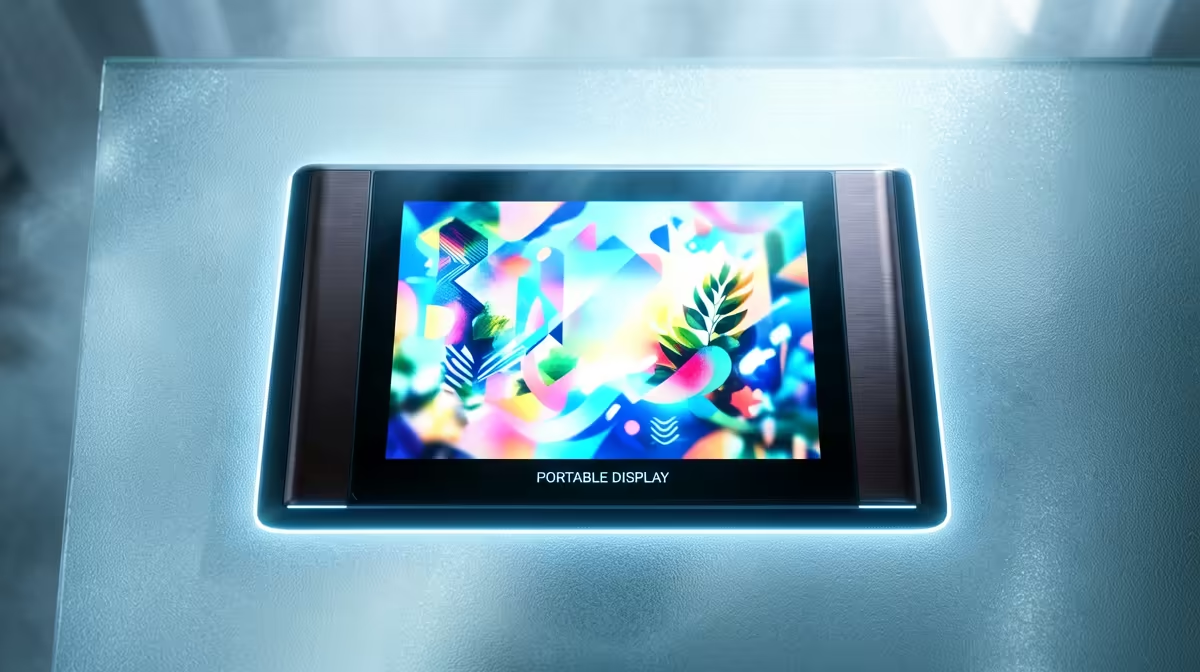
A colourist or photo editor working away from the studio carries one non-negotiable worry: can I trust the colours on this second screen? The best portable monitor for a creative who needs accurate colour answers that with a factory-calibrated OLED panel covering 100% of DCI-P3. That combination gives you true colour anywhere, plus the infinite contrast OLED brings, which is the part that quietly separates a usable grading screen from a pretty toy.
Quick Answer
For a creative who needs colour truth on the move, the right portable monitor is a factory-calibrated OLED that covers 100% DCI-P3 and delivers OLED's near-infinite contrast. That contrast reveals shadow detail an IPS panel buries under backlight glow, so what you grade on the road matches what you approve in the studio. Expect to prioritise calibration and gamut over raw brightness or refresh rate.
Why OLED Beats IPS for Colour Work
The instinct is to grab the brightest, cheapest portable panel, but for colour-critical work that is the wrong filter. The two things that matter are how wide a gamut the panel reproduces and how truthfully it does so out of the box.
Contrast and Shadow Detail
OLED lights each pixel individually and switches it fully off for black, which produces effectively infinite contrast. IPS panels rely on a backlight that bleeds through even the darkest pixels, lifting blacks into grey and adding a faint glow. In normal use you barely notice. In colour grading you notice constantly, because that glow masks shadow detail. A grade that looks balanced on an IPS screen can reveal crushed or murky shadows the moment it plays back on a proper display. OLED shows you those shadows honestly while you work, so you fix them once.
Gamut: Why 100% DCI-P3 Is the Target
DCI-P3 is the colour space that matters for modern video and a lot of photography work, noticeably wider than the older sRGB space. A panel that covers 100% of DCI-P3 can actually display the full range of saturated reds, greens, and blues your footage contains. A panel that only covers, say, 70% of P3 cannot show those colours at all; it clips them, and you grade blind to tones the final output will reveal. Full P3 coverage is the floor for trusting what you see.
Factory Calibration Is the Feature You Are Paying For
Wide gamut on its own is not enough. A panel can be capable of P3 colours yet still render them inaccurately if it has not been calibrated. Factory calibration means the manufacturer has measured and corrected the panel before it ships, so out of the box it reproduces colour to a known standard rather than whatever the assembly line happened to produce. For a working creative this is the headline feature, because it removes the guesswork and the need to calibrate every new screen yourself before you can trust it. Look for panels that state factory calibration and ideally ship with a calibration report.
Top-tier portable OLED panels from established brands now achieve Delta E values below 2, which is the threshold where colour error becomes essentially invisible to the human eye during grading. Some models push Delta E below 1.5, which is considered reference-grade. Combined with a hardware calibration report included in the box, those numbers mean you can open the panel, plug in, and begin grading without waiting for a warm-up period or a software profile download.
What the Numbers Actually Mean in Practice
For most video work the pipeline runs in DCI-P3 or Rec.2020. A portable panel at 100% DCI-P3 handles P3 natively and covers roughly 77% of Rec.2020, so it cannot be your only reference for HDR-graded content destined for a wide-gamut master, but it gives you a confident second opinion on anything targeting streaming or broadcast delivery. If your work reaches into Adobe RGB territory for large-format print, look for panels that also quote 95% or higher Adobe RGB coverage alongside the P3 figure. Some current portable OLED models cover Adobe RGB at around 97% to 98%, which puts them within touching distance of desktop reference panels.
Resolution matters here too. A 14-inch OLED at 1920 x 1200 gives you a 16:10 panel that runs natively at a pixel density sharp enough to see fine noise and sharpening artefacts without zooming in. A 4K panel at the same size offers even more pixel density, though the practical benefit for video grading is modest compared to the jump from IPS to OLED.
Connectivity and the Practical Stuff
A portable monitor for creative work should handle both video and power through its USB-C port where possible, so you plug into a laptop and go without carrying extra cables. Confirm your laptop's USB-C port carries DisplayPort Alt Mode before relying on this -- laptops with a Thunderbolt port are always safe, while a plain USB-C data port is not. Build matters too: a slim, protected panel that slips into a laptop bag is the whole point of going portable, so weight and a decent cover are worth weighing against screen size.
Brightness and refresh rate are secondary here. You are not buying this for fast gaming; you are buying it to see colour correctly. A modest, accurate panel beats a bright, inaccurate one every time for this job.
Who Should Buy One, and Who Shouldn't
This is for colourists, video editors, photographers, and designers who need a reliable second reference away from a calibrated studio display. If you only need extra screen space for spreadsheets and email, a colour-accurate OLED is overkill and your money is better spent on a larger, cheaper panel. The premium here exists specifically to serve colour-critical work. You can browse colour-capable options in the portable monitor selection at Evetech, and those who want to compare what a calibrated desktop panel looks like alongside a portable one will find the top-selling monitors helpful for understanding the full range SA creatives are using.
Frequently Asked Questions
Why is OLED better than IPS for colour grading?
OLED produces near-infinite contrast by switching each pixel fully off for black, while IPS backlight bleed lifts blacks to grey and hides shadow detail. That glow can make a grade look fine on IPS yet fall apart on a better display, so OLED shows you the truth as you work.
What does 100% DCI-P3 coverage mean for me?
It means the panel can display the full range of saturated colours in modern video and photo work. A panel covering less of P3 clips those tones, so you grade blind to colours the final output will reveal.
Why does factory calibration matter so much?
Factory calibration means the screen has been measured and corrected before it ships, so it reproduces colour to a known standard out of the box. Without it, a wide-gamut panel can still show colour inaccurately and you would have to calibrate it yourself.
What Delta E should I aim for?
Below 2 is considered good enough that colour error is invisible in normal grading work. Below 1.5 is reference-grade. Some current portable OLED panels ship with verified Delta E figures in that range alongside a printed calibration report.
Do I need high brightness or refresh rate?
Not for colour work. Accuracy, gamut, and contrast are what matter; brightness and refresh rate are secondary. A modest, accurate panel beats a bright, inaccurate one for grading and editing.
Can I connect a portable monitor with one cable?
Often yes, if both your laptop's USB-C port carries DisplayPort Alt Mode and the monitor accepts video over USB-C. Thunderbolt ports are a reliable green light. A plain USB-C data port will power the monitor but will not send a picture.