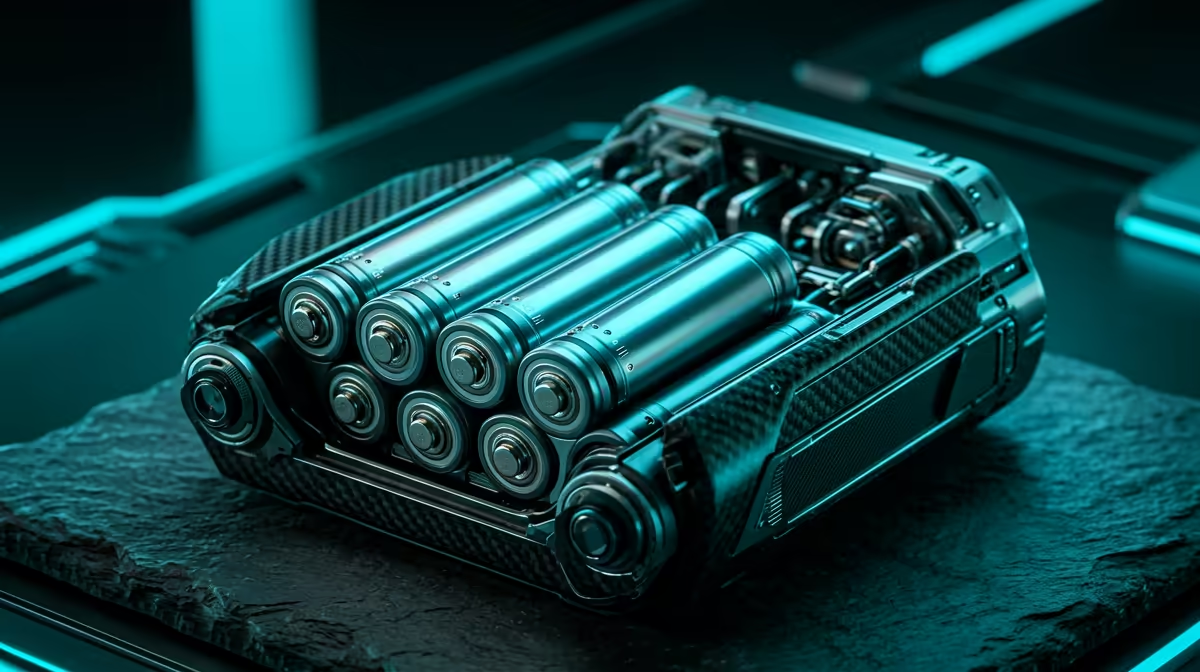
A robot kit that stalls halfway through a session is almost never a coding problem. It is a power problem. Motors, servos, and sensors pull current in surges that disposable alkaline AAs simply cannot hold up under, and the voltage sags the moment two wheels try to climb a carpet edge. Choosing the right rechargeable batteries for robot kits is what turns a frustrating afternoon of resets into a build that runs lesson after lesson. The chemistry, the pack format, and the matched charger all matter more than the brand on the cell.
Quick Answer
For most micro:bit and Arduino robots, a set of NiMH rechargeable AA cells with a smart charger is the right call, because they deliver the steady current motors need and slot straight into the kit's existing AA holder. For higher-draw or compact builds, an onboard lithium pack with a matched charger and protection circuit is better. Never mix chemistries on one charger.
Why Alkaline AAs Fail In Robots
An alkaline AA looks fine on a multimeter at rest, but it has high internal resistance. When two or three motors spin up at once, the demand spikes and the cell's voltage collapses, so the microcontroller browns out and resets, or the motors stutter. You also burn through disposables fast in a motorised build, which gets expensive and wasteful in a classroom or at home with a curious kid.
Rechargeable cells, by contrast, are built for repeated high-current delivery and recover their charge for the next session. Over a term of regular use they pay for themselves many times over.
NiMH AA Packs: The Default Choice
Nickel-metal hydride AAs are the sensible starting point for kits designed around a standard AA battery holder.
Why They Suit Robot Kits
NiMH cells have low internal resistance, so they hold their voltage under the surge of motors starting. A good set sustains the current a two or four-motor chassis pulls without sagging. They are also forgiving: a balanced smart charger tops them up safely and you reuse the same cells for years.
What To Look For
Choose cells with a higher milliamp-hour rating for longer runtime, and pick low-self-discharge NiMH if the kit sits unused between lessons, because they hold charge for months rather than going flat in a drawer. Pair them with a smart charger that detects when each cell is full and stops, rather than a cheap timer charger that cooks the cells.
Onboard Lithium: When You Need More
Some robot kits, especially compact or higher-performance ones, are designed around an onboard lithium cell rather than an AA holder.
The Advantages
Lithium cells deliver higher sustained current at a steadier voltage and pack more energy into less space and weight, which matters on a small chassis where every gram affects how the robot drives. A single lithium cell also avoids the bulk of a four or six-AA holder.
The Non-Negotiable Rule
Lithium cells must be charged with a charger built for that exact chemistry, and the pack should include a protection circuit that guards against overcharge and over-discharge. Putting a lithium cell on a NiMH charger, or the reverse, risks overheating and ruins the cell, so never improvise here. If the kit shipped with a specific charger, use it.
Matching The Charger To The Cell
The most common mistake is treating the charger as an afterthought. A smart NiMH charger monitors each cell and ends the charge at the right point, which protects capacity and lifespan. A lithium charger manages a constant-current then constant-voltage cycle that is completely different. Buy the charger as part of the battery decision, not separately, and confirm it matches the chemistry you are running.
You can browse robot kits, smart-build gear, and the power accessories around them through the smart home and appliances range at Evetech, and chargers, cables, and spare cells live in the accessories best sellers.
Practical Tips For SA Builders
Keep two sets of cells in rotation so one charges while the other runs, which means no downtime mid-lesson. Label sets and keep matched cells together rather than mixing old and new, since a weak cell drags the whole pack down. Charge in a cool, ventilated spot rather than a hot car or a sunny windowsill, and store NiMH packs partially charged if they will sit for weeks. These small habits roughly double how long a set lasts.
LiPo Versus Li-ion: Knowing the Difference
Within the lithium family, two cell formats appear in robot kits and it is worth knowing which is which before you buy.
A lithium polymer (LiPo) cell is flat and pouch-shaped, common in RC cars, drones and compact robots because the shape can be customised to fit a specific chassis. LiPo cells can deliver very high burst current, which suits fast motors, but they are the most sensitive to overcharge, over-discharge and puncture. They require a dedicated LiPo charger with a balancing function and should be stored in a fireproof bag.
A lithium-ion (Li-ion) cell is the cylindrical format found in power tools and many round-cell robot packs. They are slightly more tolerant of imperfect charging but still need a matched charger. The protection circuit built into better packs guards against the conditions that damage either type, which is why buying a pack with integrated protection matters.
For school STEM clubs and home learners, a ready-made Li-ion or LiPo pack designed for the specific kit removes these variables entirely. The manufacturer has matched voltage, capacity, connector and protection circuit. Stick to that matched pack rather than substituting a generic cell of the same voltage, because the discharge rating and protection spec can differ significantly.
Who Needs What
A school or parent running standard micro:bit and Arduino chassis is best served by low-self-discharge NiMH AAs and a quality smart charger. A maker building a small, fast, or sensor-heavy robot should move to a matched onboard lithium pack with proper protection. In both cases, buy the charger and cells as a set.
Frequently Asked Questions
Can I use normal alkaline AAs in a robot kit?
You can, but they perform poorly because their high internal resistance causes voltage sag under motor load, leading to resets and stutters. You also replace them constantly. Rechargeable NiMH cells are cheaper over time and far more reliable.
How many AA cells do robot kits usually need?
Most micro:bit and Arduino chassis use four to six AA cells in series to reach the voltage the motors and board need. Always fill the holder with matched cells of the same type and charge level rather than mixing.
Is lithium better than NiMH for robots?
Lithium offers more current and energy in less space, which suits compact or high-performance builds, but it demands a dedicated charger and a protection circuit. For standard AA-holder kits, NiMH is simpler, safer to charge, and perfectly capable.
Why does my robot reset when the motors start?
That is classic voltage sag from cells that cannot deliver the surge current motors draw at startup. Switching to low-resistance NiMH or a proper lithium pack keeps the voltage steady and stops the resets.
Can one charger handle both NiMH and lithium?
Only if it is specifically designed and labelled for both chemistries with separate modes. Otherwise no. Charging one chemistry on the wrong charger risks damage, so match the charger to the cell every time.
Sort the power before the next build session and the resets disappear. Explore robot kits, batteries, and chargers in the smart home and appliances range at Evetech, and pick up a spare set so one is always charged and ready.