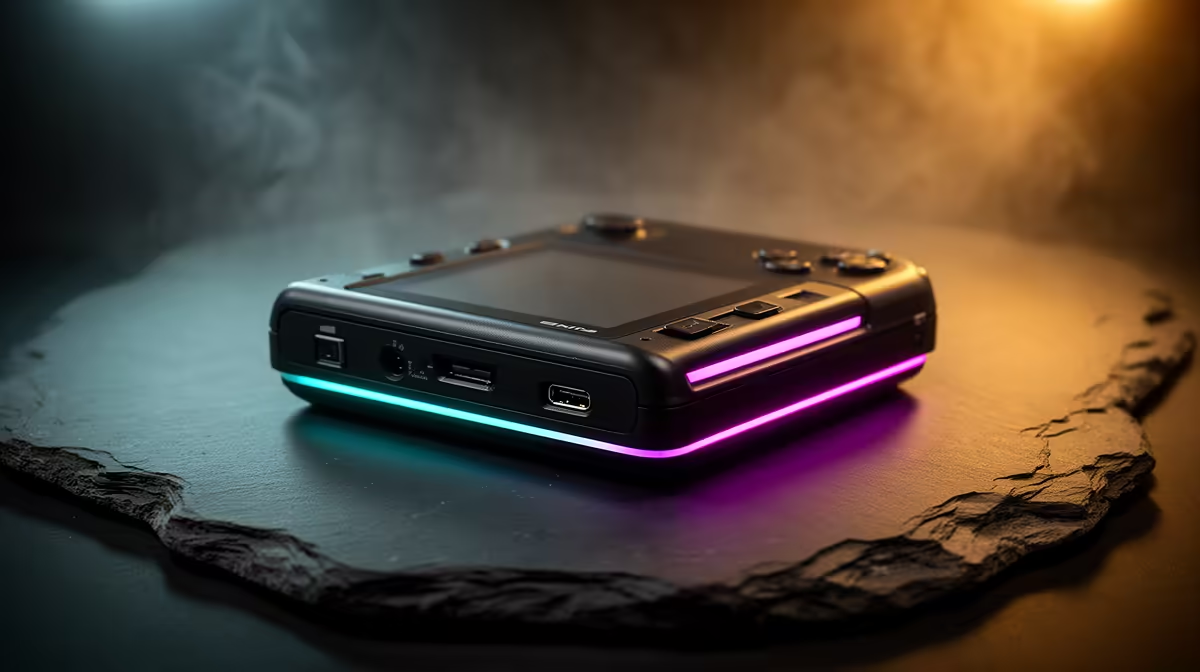
A budget retro handheld does not need a flagship price to play the games most people actually want to replay. The sweet spot for a tight budget is a small Linux-based device running mature, community-polished firmware that nails everything from 8-bit classics through to the bulk of the PlayStation 1 library. Spend carefully here and you get a pocketable console that plays decades of gaming history for a fraction of what a new handheld costs.
Quick Answer
For the lowest sensible spend, look at compact Linux handhelds like the Miyoo Mini Plus, which runs on a Cortex-A7 chip and the much-loved OnionOS, or the Anbernic RG35XX family built on the Allwinner H700. Both handle Game Boy through SNES and Mega Drive flawlessly and run the large majority of PS1 games at full speed. They keep landed costs low for SA buyers while still feeling like proper devices, not toys.
What Budget Buys You in a Retro Handheld
The reason these devices are cheap is that they target emulation up to the PS1 era rather than chasing demanding 3D systems. That is exactly the right call for most buyers. The libraries people return to most, platformers, RPGs, fighting games, the early PlayStation catalogue, all sit inside what an inexpensive Allwinner or comparable chip can drive comfortably.
What separates a good budget unit from a frustrating one is the firmware and the screen. A sharp IPS panel makes pixel art genuinely pleasant rather than washed out, and polished custom firmware turns a cheap board into something that feels considered. This is why two devices with similar chips can feel worlds apart. You can see the current shelf in the handheld gaming console range at Evetech.
The Devices Worth Your Money
The Pocketable Pick: Miyoo Mini Plus
The Miyoo Mini Plus is the one to beat on pure pocketability. It is genuinely shirt-pocket small in a way larger handhelds are not, with a sharp 3.5-inch IPS screen at 640 by 480. Its real strength is OnionOS, one of the most refined community firmware experiences in the entire scene, which makes setup and daily use smooth. PS1 runs at full speed across the overwhelming majority of the library, so for retro RPGs and 2D classics on the move, it is hard to fault at the price. Battery life is a genuine advantage too: the 3,000mAh cell lasts four to five hours of active play, which is a full day of commute gaming on a single charge.
The Comfortable All-Rounder: Anbernic RG35XX Family
Anbernic's H700-powered RG35XX line is the workhorse choice. The horizontal RG35XX H lays the controls out in a landscape grip that suits longer sessions, while the RG35XX SP clamshell folds shut to protect the screen, making it the one you toss into a bag without a case. Many of these ship with dual microSD slots, Wi-Fi, and laminated IPS screens as standard. The custom firmware muOS has become a favourite for this family, adding the same polish that OnionOS brings to the Miyoo. A notable hardware win: several RG35XX variants include an HDMI output, letting you mirror the display to a TV for couch play without any extra streaming setup.
The Bigger Screen: RG40XX H
If a 3.5-inch screen feels cramped, the RG40XX H steps up to a 4-inch panel in the same comfortable horizontal layout. The wider grip eases long sessions and the larger display does more justice to SNES and Mega Drive pixel art. It costs a little more than the smaller models but stays firmly in budget territory.
How to Choose Between Them
Pick on form factor and use, because the emulation capability is broadly similar across these units. If maximum portability matters, the Miyoo Mini Plus wins. If you want a comfortable landscape grip for couch sessions, the RG35XX H or the larger RG40XX H suit better. If you want screen protection for bag life, the clamshell RG35XX SP is the practical answer.
Set realistic expectations on what budget covers. These devices are built for up to PS1-era gaming. Demanding systems like Nintendo DS work in places but are not their strong suit, and anything heavier belongs on a pricier handheld. For someone whose nostalgia lives in the 8-bit to PS1 window, that limit costs nothing in practice.
Firmware Makes the Difference
Both of these device families shine brightest with community firmware rather than the factory default. OnionOS on the Miyoo Mini Plus gives you a clean menu, per-game save states, RetroArch integration, and a straightforward scraper for box art. muOS on the Anbernic H700 family boots in around five seconds and keeps things direct, with minimal menus between you and the game. Either is a meaningful upgrade over the stock software that ships in the box. You do not need to flash anything to play, but if you plan to keep the device, spending an evening on firmware pays dividends every time you pick it up.
Get the Accessories Right
A microSD card is the one thing you will need from day one, since that is where your game library lives, and a faster card means quicker load times. A simple case and a screen protector extend the life of an inexpensive device considerably. If you would rather see what is moving fastest across portable gaming hardware, the best-selling PC and gaming gear at Evetech is a quick way to spot popular pairings.
Frequently Asked Questions
Can a budget retro handheld run PS1 games?
Yes. Devices like the Miyoo Mini Plus and the Anbernic RG35XX family run the large majority of the PS1 library at full speed. PS1 is the realistic ceiling for these budget chips, and for most buyers that covers the games they care about.
Miyoo Mini Plus or Anbernic RG35XX?
Choose the Miyoo Mini Plus for maximum pocketability and the polished OnionOS firmware, plus the longer battery life. Choose an RG35XX for a more comfortable landscape grip, dual microSD slots, optional HDMI output, and a larger device that suits longer sessions. Emulation capability is similar.
Do these handhelds run on Linux?
Yes. Both lines run Linux-based operating systems, and the community firmware options, OnionOS for the Miyoo and muOS for the Anbernic family, are a big part of why they feel so refined for the money.
What about Nintendo DS or harder systems?
DS is hit and miss on these budget devices and demanding 3D systems are out of reach. If those matter to you, a higher-tier handheld is the right call. For 8-bit through PS1, the budget units are excellent.
What do I need to buy alongside the handheld?
A microSD card for your game library is essential, and a faster card improves load times. A case and screen protector are worthwhile to protect an inexpensive device for the long haul.
A pocketful of gaming history does not need to cost a fortune. Compare in-Rand options across the handheld gaming console range at Evetech and pick the form factor that fits how you play.