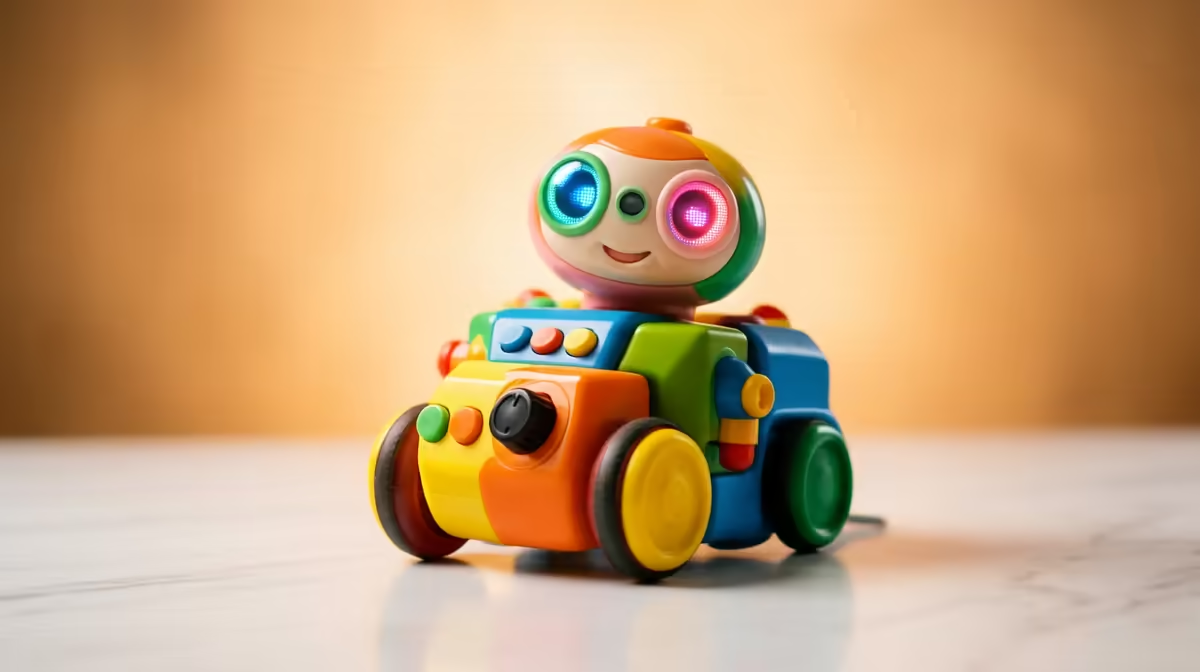
A four-year-old does not need a tablet to start thinking like a programmer. The strongest screen-free coding toys for ages four to seven are physical floor robots driven by buttons or tiles, where a child presses a sequence of commands and then watches the robot carry them out across the carpet. That cause-and-effect loop, plan it, run it, see what happens, is the real foundation of coding, and it lands far better at this age without a screen in the way.
Quick Answer
For ages four to seven, button-driven floor robots like Bee-Bot, and tile-driven robots like Cubetto, teach command sequencing with zero screen time. A child lays out a sequence of directions, presses go, and the robot executes it step by step. No app, no tablet, no reading required, which is exactly why these suit pre- and early-primary kids.
Why Screen-Free Works Best at This Age
Children between four and seven learn through their hands. They grasp a concept when they can touch it, move it and watch it play out in front of them, which is precisely how a physical coding robot teaches sequencing. The child becomes the programmer, the robot is the computer, and the carpet is the screen.
This matters more than it sounds. Abstract instructions on a tablet ask a young child to hold an idea in their head and trust an invisible result. A floor robot makes the whole logic visible. Press forward, forward, turn, and the robot literally travels that path, so a mistake is obvious and self-correcting. There is also the screen-time question that most South African parents are weighing up for this age band, and a coding toy that needs no device sidesteps it entirely.
What Counts as a True Coding Toy Here
Not every flashing robot teaches coding. The ones that do share three traits worth checking before you buy.
Sequencing, not just remote control
A genuine coding toy asks the child to plan a series of steps first, then run them, rather than steering live with a remote. That planning-then-executing gap is where the thinking happens. Look for toys where commands are entered ahead of time and run in order.
Physical, countable steps
The best early robots move in clear, repeatable units. A robot that travels a fixed distance per "forward" press lets a child count squares on a mat and predict where it will stop, turning movement into early maths and spatial reasoning.
No reading required
At four and five, many children are pre-readers. Toys that use pictorial buttons or coloured tiles, rather than written words, keep the focus on logic instead of literacy.
The Main Types to Choose From
Button-driven floor robots
These are the classic entry point. The child presses directional buttons on the robot's back, builds a stored sequence, then hits go to watch it run. They are robust, simple, and forgiving of small hands, which makes them ideal for a first coding toy at four or five.
Tile or block programming robots
A step up in tactility, these use physical pieces a child arranges on a board to build a program away from the robot itself. Laying out forward, turn and function pieces introduces the idea that a program is something you compose and can change, and some teach the concept of a reusable function early. They work beautifully for children who are not yet reading.
Caterpillar-style segment robots
Connectable segments, each carrying one action, click together to form a sequence that the robot runs head to tail. Rearranging the order is intuitive and tactile, and the open-ended nature rewards experimentation, which suits the younger end of this band.
Matching the Toy to Your Child
A cautious four-year-old often does best with the simplest button robot, where success comes fast and frustration stays low. A confident six- or seven-year-old can handle a tile-programmed robot with functions, which carries more challenge and a longer runway before they outgrow it. If siblings will share, a robot with floor mats and challenge cards stretches further across ages and keeps the play fresh.
Most of these robots sit in a reasonable price band for a quality educational toy, and a good one lasts for years of play. For parents building out a wider learning or smart-home setup at home, the smart home and appliances category at Evetech sits alongside the kind of connected gear families add over time. When you are filling in the smaller extras, spare batteries and the like, the accessories best sellers cover the consumables these toys quietly need.
Screen-Free Coding and the SA School Context
South African primary schools have been rolling out Coding and Robotics as a formal subject across grades R to 9, phased in since 2023. At the foundation phase level, the curriculum calls for hands-on activities where learners use tangible tools to explore sequencing and computational thinking before moving to screen-based platforms. A physical coding robot bought for home use aligns directly with that school work, giving children a head start and reinforcing classroom concepts through play.
Parents equipping a learning corner at home often find that a floor robot doubles as a shared toy. Unlike a coding app that monopolises a device, a floor robot can involve siblings, a parent, or a group of friends in the same room. The programming is visible, the execution is physical, and the result is immediately obvious, which makes it one of the few genuinely collaborative tech toys at this age. If you are building out a home learning setup alongside the coding robot, the smart home and appliances category at Evetech covers the wider connected gear that families typically add over time.
Frequently Asked Questions
What age should a child start with a coding toy?
Around four is a sensible floor for a simple button robot, since by then most children can press a sequence of buttons and grasp basic cause and effect. Younger toddlers tend to enjoy the movement without absorbing the sequencing idea yet.
Do screen-free coding toys really teach programming?
Yes, the core concepts transfer directly. Sequencing, planning, debugging a wrong path and breaking a goal into steps are the same skills used in block-based and text coding later. The robot just makes those skills visible and physical first.
Button robot or tile programming, which is better to start?
For a first toy at four or five, a button robot is usually the gentler start because the child programs directly on the device. Tile-based robots suit children ready to think of a program as something they build separately, often closer to six or seven.
How long before my child outgrows one of these?
A simple button robot typically holds interest for a couple of years, especially with mats and challenge cards to add difficulty. Tile-programmed robots with functions tend to last longer because they scale to more complex sequences.
Are these toys worth it over a free coding app?
For the four-to-seven band, the physical version generally teaches better and avoids screen time, which many parents prefer at this age. Apps come into their own a bit later, once a child reads fluently and is ready for on-screen block coding.
A screen-free floor robot turns coding into a game your child can see and touch, which is exactly how the youngest learners absorb it. Browse Evetech's smart home and educational tech range to start building a learning setup that grows with your child.