

Back-to-School Parent Guide: GPUs in SA
Back-to-School Parent Guide: GPUs. Everything you need to know with SA pricing, step-by-step instructions & expert recommendations.
Read more🚀 Discover the best streaming equipment that helps you say goodbye to lag. Optimize performance and enjoy smooth live streams! 🎥
You’re live. The clutch play is happening, your chat is popping off… and then it happens. Dropped frames. Your stream stutters, the audio desyncs, and the moment is lost. Ja, we’ve all been there. It’s enough to make you want to rage-quit your own broadcast. But what if the problem isn’t just your internet connection? Finding the best streaming equipment to eliminate lag is about building a PC that can game and broadcast flawlessly. 🚀
When you stream directly from your gaming PC, you're asking it to do two incredibly demanding jobs at once: run a high-fidelity game and encode a high-definition video feed in real-time. This immense pressure on your CPU and GPU is often the real culprit behind a choppy broadcast. Think of it like trying to run a marathon while live-commentating… something has to give. The secret to a smooth, professional stream is using dedicated hardware to share the load.
Building a lag-free streaming setup starts with a few key components designed to work in harmony. This isn't just about raw power; it's about smart allocation of resources.
A dedicated capture card is arguably the single most important piece of equipment for a smooth stream on a single-PC setup. It acts like a specialised co-processor, taking the heavy lifting of video encoding away from your CPU and GPU. This frees them up to focus on what they do best: delivering maximum FPS in your game. The result? Your game runs better, and your stream looks cleaner. You can find some incredible quality capture cards under R6000 that will instantly improve your broadcast quality.
In OBS Studio, navigate to Settings > Output. Try switching your Encoder from the default x264 (CPU-based) to NVENC (NVIDIA) or AMF (AMD) if you have a compatible graphics card. This simple tweak uses your GPU's dedicated encoding chip and can dramatically reduce CPU load and eliminate stuttering.
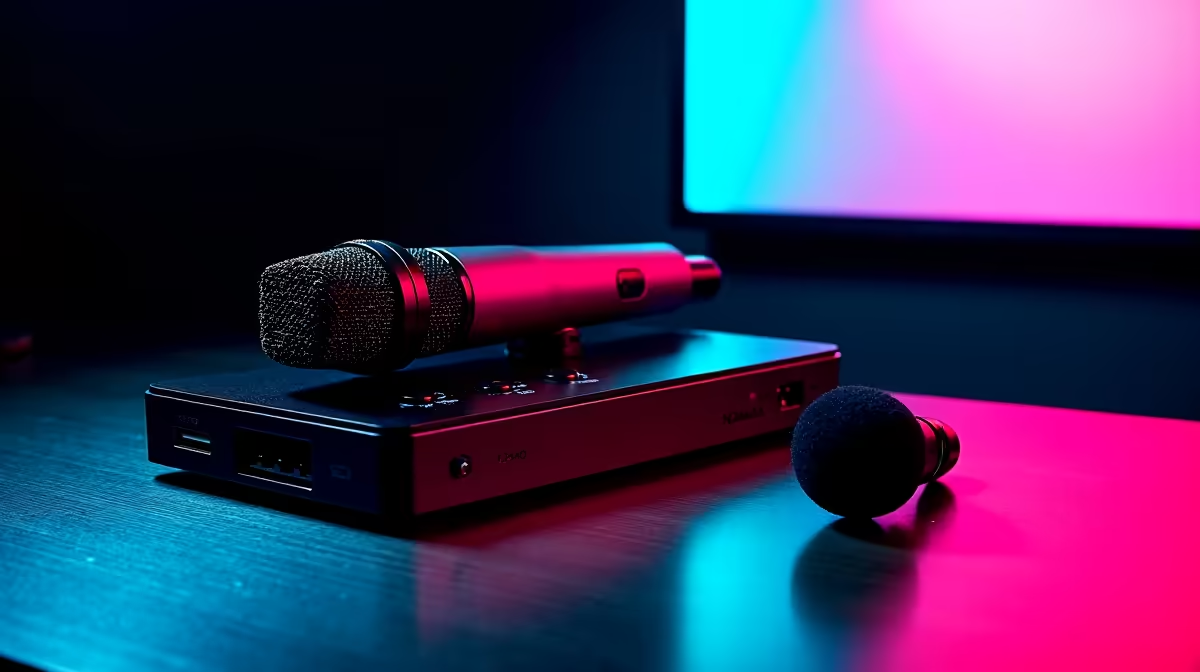
Your audio is just as important as your video. A high-quality USB microphone or an XLR setup with an audio interface processes your voice with its own hardware, delivering crisp sound without taxing your system. Investing in gear from trusted brands like Corsair ensures your audience hears every word without the digital noise and processing lag that onboard audio can introduce.
Once your core components are sorted, a few extras can push your stream's stability and quality over the top.
Good lighting does more than just make you look better on camera. A well-lit scene is easier for your webcam's sensor to process, which in turn creates a cleaner image with less digital noise. A cleaner source image means your capture card or encoder has an easier job, requiring less bitrate for a high-quality picture. Adding some dynamic, professional lighting solutions can therefore indirectly contribute to a smoother, more efficient stream. It’s a small change with a surprisingly big impact on your quest for the best streaming equipment to eliminate lag.
Ready to Build Your Lag-Free Stream? Stop letting dropped frames ruin your best moments. Explore our curated selection of streaming essentials at Evetech for performance that leaves lag in the dust.
Opt for high-performance capture cards and reliable internet routers to eliminate lag. 🌐
Upgrade your gear and ensure proper software settings for optimal streaming performance. ⚙️
Lag often stems from poor internet, outdated hardware, or incorrect streaming software setups. 🧩
Yes! A quality capture card enhances video quality and reduces streaming latency. 📹
Higher internet speeds ensure smoother uploads, reducing lag during live broadcasts. 🚀
Absolutely! Use optimized software to enhance streaming efficiency and minimize lag. 💻
Consider webcams, microphones, and lighting for a complete streaming setup. 🎤💡
Back-to-School Parent Guide: GPUs. Everything you need to know with SA pricing, step-by-step instructions & expert recommendations.
Read more
Pre-Buy Checklist: 10 Things to Verify Before. Comprehensive checklist covering every spec and feature you should verify before buying in SA.
Read more
Fortnite Max Settings on RTX 4080. Tested & verified settings for best FPS and visual quality on SA hardware budgets.
Read more
RTX 4070 Ti Super Throttling Under Load. Everything you need to know with SA pricing, step-by-step instructions & expert recommendations.
Read more
Easter GPU Buying Guide. Hand-picked gift ideas at every budget tier. SA pricing & Evetech availability included.
Read more
Valorant Max Settings on RTX 4080. Tested & verified settings for best FPS and visual quality on SA hardware budgets.
Read more
Snapdragon X2 NPU Explained: How 80 TOPS Changes. Plain-English explanation of what it means, why it matters & how it affects your buying decisions in SA.

HBM? High Bandwidth Memory Used in GPUs and AI. Plain-English explanation of what it means, why it matters & how it affects your buying decisions in SA.

How much should you spend on sim racing accessories in South Africa for a realistic setup? We break down budgets by quality tiers, so you buy smart gear and avoid overspending 🎮💸

G-Sync and FreeSync? Variable Refresh Rate. Plain-English explanation of what it means, why it matters & how it affects your buying decisions in SA.

AMD Laptop: Value. SA-focused analysis with local pricing data, real-world insights & actionable buying advice.

How MacBook Neo Handles 30+ Chrome Tabs with Only. SA-focused analysis with local pricing data, real-world insights & actionable buying advice.

Why Apple Put 8GB RAM in MacBook Neo: The A18 Pro. SA-focused analysis with local pricing data, real-world insights & actionable buying advice.

Upgrade your work laptop with a New Motherboard. Step-by-step instructions with SA-specific tips, common pitfalls to avoid & expert recommendations.

Maintain wired headset — Checklist: • inspect cables • clean earpads • store properly 🔧🎧 Practical steps to preserve sound quality and avoid premature replacements.

Fix crackling headset fast: step-by-step checks for cables, connectors, drivers, and settings to remove static or distorted audio on wired headsets 🎧⚙️

Stereo vs mono headsets: learn which delivers clearer calls, better spatial music, or simpler mono voice performance — pick the right headset for meetings, music, or gaming 🎧💬

- Compare gaming headset vs studio headphones; - Assess comfort, mic and sound; - Recommend best daily picks. Gaming headset vs studio headphones: learn which suits work, music and casual gaming. 🎧⚖️