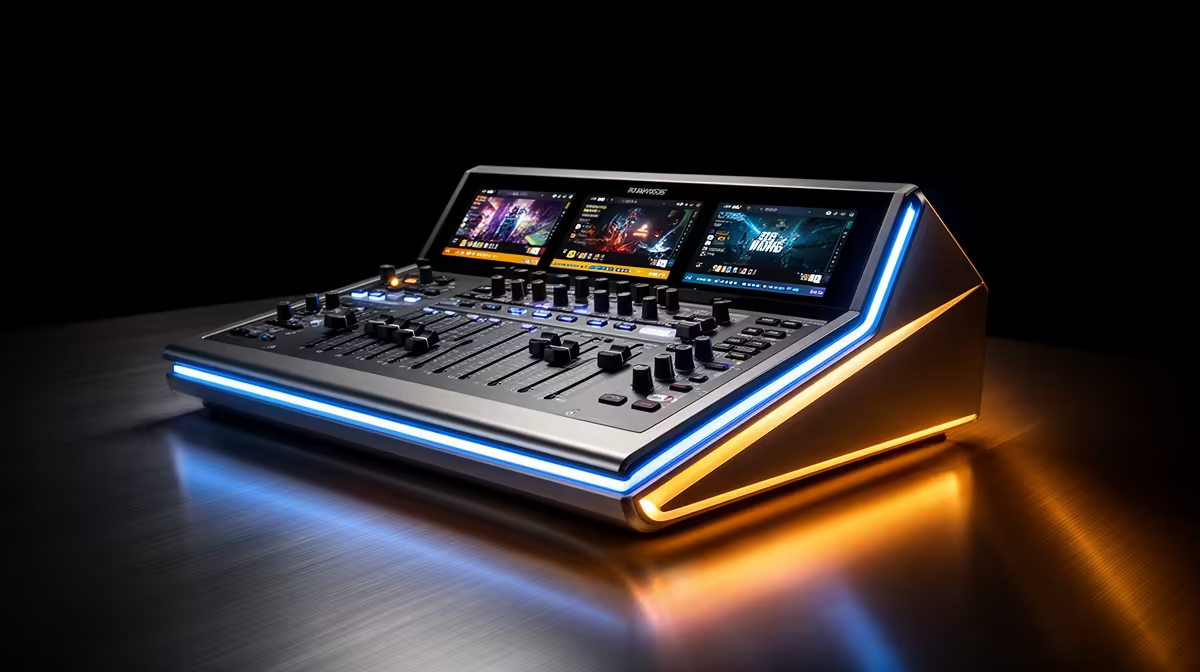
A level meter that lives on the hardware rather than a software window is one of those features you do not notice until the day your PC freezes mid-broadcast and you are flying blind. The 2-inch HD LCD built into a growing number of USB mixers puts gain readings, signal levels, and active settings on a physical display that operates independently of any connected computer. Finding one that delivers genuine value on an audio mixer with a built-in LCD display in SA means the screen should arrive alongside useful preamps and proper inputs, not as the headline feature that justifies cutting corners everywhere else.
Quick Answer
Target USB mixers with a 2-inch LCD under R4,500 in SA. At that price, the display should sit on top of dual XLR inputs, clean preamps, and USB output, not replace quality in those areas. The LCD adds hardware metering and settings visibility. If the screen pushes the price above R5,500 without adding features, a software meter does the same job free.
📺 What a 2-Inch LCD Shows at This Price Point
A 2-inch LCD on a budget-conscious USB mixer typically displays four categories of information: channel signal levels shown as bar graphs or numerical dB values, gain trim settings for each input, mute status per channel, and the currently active sound mode. A 5cm diagonal panel is small but sufficient for all four when the UI is designed for it.
The level display is the most practically useful element. A bar graph that updates in real time tells you at a glance whether a vocal channel is peaking safely around -12dB or clipping red at the top of the range. Without that display you either rely on a software meter, which requires a computer screen nearby, or you read physical LED indicators, which are less precise and require interpreting a row of coloured lights rather than reading a value.
Gain visibility is the second useful function. Knowing that channel one is trimmed to 48dB and channel two to 52dB lets you return to those settings after a mic swap without guessing. A mixer without the display requires either memorising the knob positions or marking them with tape, which is a workable solution but a less elegant one.
⚡ When the LCD Earns Its Price
The clearest argument for the screen is independence from software. A streaming session typically involves a PC running a broadcast application, a game, possibly a chat client, and a browser. Keeping a software audio meter open in that environment means dedicating monitor space to it and relying on it staying responsive. When the PC bogs down, the software meter is one of the first things to lag.
The mixer's LCD runs from internal firmware, not the host computer. Level readings remain accurate and current even when the PC is maxed out or when the broadcast software is in full-screen mode with no taskbar visible. For a streamer who runs multi-monitor setups or who works from a single laptop in a compact SA home studio, that independence removes one more reliance on the computer stack.
The screen also saves time during setup. Checking mute states, gain settings, and active modes without switching application windows, or without opening phone companion apps that some budget mixers rely on, is a genuine workflow improvement at the start of every session.
Pro Tip ⚡
When comparing LCD mixers at similar prices, check what the display actually shows at a glance. Some units only display a single active parameter and require button presses to navigate to others. A useful screen shows live levels, current gain, and mute state simultaneously on a single layout without any navigation. That distinction is worth testing in a product demo before committing.
💰 The Value Boundary: When to Skip the Screen
A 2-inch LCD stops being a value addition when the manufacturer uses it to justify a price that requires cutting the underlying preamp quality or reducing input capability. If a screen-equipped unit at R5,000 delivers EIN of -115dBu while a competing screenless unit at R4,000 delivers -128dBu, the screen has been bought at the cost of the one component that most affects audio quality.
The test is straightforward: compare the noise specifications of screen and no-screen options in the same price band. If the screen-equipped unit matches the preamp quality and adds the display at roughly R500 to R800 over an equivalent screenless model, that is a reasonable premium. If the preamp specs differ noticeably, the screen is obscuring a quality reduction rather than adding to one.
OBS Studio and most DAWs include metering panels that are highly configurable and free. A laptop screen running a floating meter window is a genuine functional substitute for the hardware LCD in any setup where the computer is visible during the session. The hardware screen earns its price specifically when the computer screen is not readily visible, or when software reliability is a concern.
🎯 Evaluating Value in the SA Market
In the local market, the sweet spot for an LCD-equipped mixer sits around R3,800 to R4,500. At that price, a quality unit should offer dual XLR combo inputs, per-channel or shared phantom power, USB stereo output, onboard sound modes, and a 2-inch display showing live levels and gain settings.
Above R5,500, the screen should be accompanied by genuinely better preamps, multitrack USB recording, per-channel phantom switching, or a higher-resolution display showing more parameters. If none of those extras appear, the premium is primarily for the brand name or the physical finish rather than performance.
Below R3,500, screen-equipped units either sacrifice preamp quality or offer a display that shows only one or two parameters rather than a full dashboard. At that point, a quality screenless unit in the same price band is likely the better purchase.
Frequently Asked Questions
What price marks good value for a USB mixer with a 2-inch LCD in SA?
Under R4,500 is the target. At that price, the LCD should appear alongside dual XLR inputs, USB output, and preamps with EIN near -128dBu. If the screen is the headline feature at that price and other specifications are weak, a screenless alternative at the same price with better preamps is the more useful purchase.
Is a built-in screen worth paying a premium over software metering?
A modest one. R500 to R800 over an equivalent screenless model is justifiable for the hardware independence and session setup convenience. If the premium exceeds R1,000 without accompanying improvements in preamp quality or channel count, OBS meters provide the same information for free and the premium is difficult to justify on function alone.
What should a 2-inch LCD display at minimum to be practically useful?
Live signal levels per channel, current gain trim values, mute state for each channel, and the active sound mode should all be visible simultaneously or with minimal navigation. A display that only shows one parameter at a time, requiring button presses to navigate between readings, loses most of the efficiency advantage over software meters.
Do value LCD mixers compromise on preamp quality to include the screen?
Some do. The display adds component and firmware cost, and a budget manufacturer may recoup that cost by using a cheaper gain stage. Checking the EIN specification against competing screenless units in the same price band is the reliable way to identify whether the screen has come at the cost of audio quality.
Why choose a hardware LCD over an OBS meter panel?
A hardware display operates independently of the host computer, remaining readable when software meters lag during CPU-heavy sessions, when OBS is in full-screen mode, or when the computer is occupied. In a compact home studio where screen space is limited or where PC reliability during long streams is a concern, hardware metering eliminates one point of software dependency.
Ready to monitor levels without keeping a software window open during your stream?
Browse the USB audio mixer range at Evetech for South African streamers and find a model with a built-in LCD display that keeps your gain and levels readable at a glance.