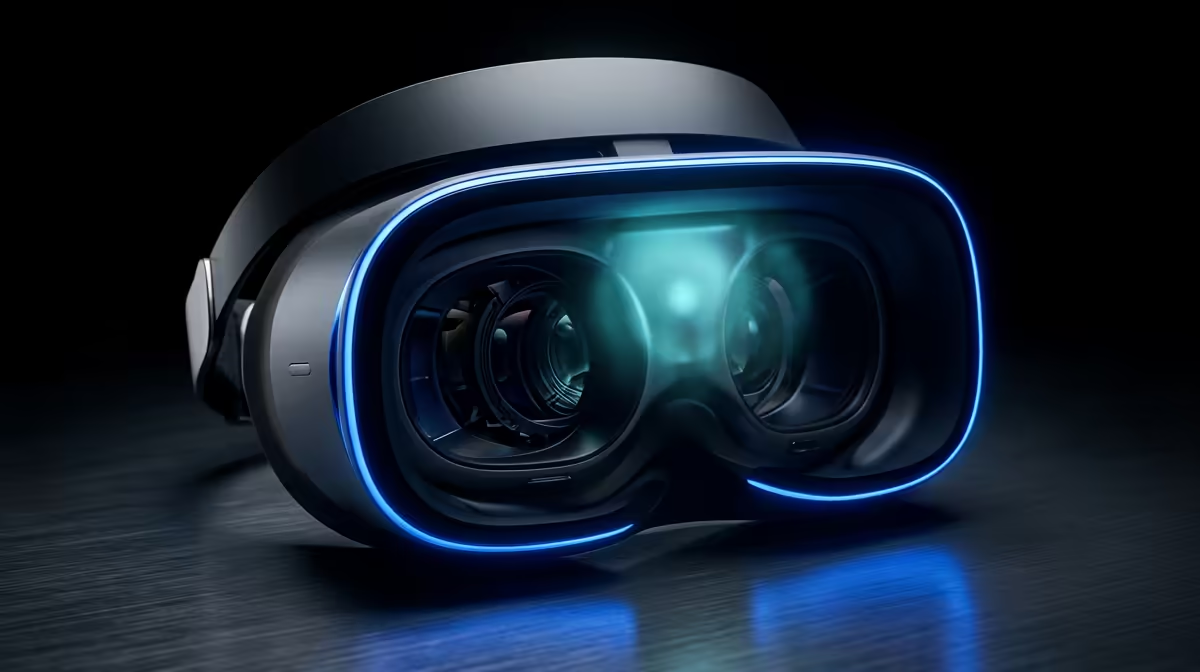
PC-VR rewards a good headset and a strong graphics card in equal measure, and the headset that gets the most out of a South African gaming rig right now is the Meta Quest 3. The best VR headset for PC-VR here is one that doubles as a standalone unit and a tethered SteamVR display, scaling its picture up to whatever your RTX card can push. That dual nature is exactly why it suits SA buyers who want one device, not two.
Quick Answer
The Quest 3 is the top PC-VR pick for South Africa, driving the full SteamVR library over a Link cable or Air Link at up to 2064x2208 per eye. Image quality scales with your GPU: an RTX-class card in a VR-ready desktop is what unlocks that resolution. One headset gives you both standalone games and tethered PC-VR.
Why the Quest 3 Leads for PC-VR
The Quest 3 pairs a high per-eye resolution with sharp pancake lenses, so the picture stays crisp edge to edge. Crucially, it connects to a PC two ways: a wired Link cable for the most stable, lowest-latency feed, or Air Link over Wi-Fi for cable-free play. Either route opens the entire SteamVR catalogue, from sim racing to room-scale shooters that the standalone store does not carry.
Because it works standalone too, you are not locked to the desk. The same headset plays its own library untethered, then plugs into the rig when you want the heavyweight PC titles. For most South African buyers that flexibility beats a PC-only headset that does nothing without a cable.
The pancake lenses deserve a moment of their own. Older VR optics used bulky Fresnel lenses that smeared detail toward the edges and created a noticeable "sweet spot" you had to keep your eyes inside. Pancake optics fold the light path into a much thinner, lighter package and keep clarity right across the view. The practical upshot is that text stays readable, cockpit gauges in a flight sim stay sharp at the periphery, and longer sessions feel less fatiguing because the headset sits lighter on your face.
The GPU Does the Heavy Lifting
A PC-VR headset only shows what the graphics card can render. VR draws two high-resolution views every frame and demands a high, steady frame rate to stay comfortable, so the GPU is doing far more work than it would for a single flat screen.
What Card You Need
An RTX-class GPU is the realistic entry point for smooth PC-VR at the Quest 3's native resolution. Mid-range RTX cards handle most SteamVR titles well at sensible supersampling, while higher-tier cards let you push resolution and detail further before frames start to drop. The headset will run on less, but you will be turning the picture down to do it, which defeats the point of its sharp panels.
CPU, RAM, and the Rest
VR also leans on the CPU to keep tracking and physics fed, so a current multi-core processor and 16GB of RAM, ideally 32GB, round out a balanced build. A fast SSD cuts the loading and texture-streaming hitches that feel worse in a headset than on a monitor.
Why Frame Stability Matters More in VR
On a monitor, an occasional dropped frame is a minor annoyance. In a headset it is the difference between comfort and queasiness, because your inner ear expects the view to track your head movement exactly. A rig that holds a steady frame rate is far more important for VR than one that posts a high average with frequent dips. This is the real argument for not skimping on the GPU: a card that mostly keeps up but stutters under load makes for a worse VR experience than a slightly lower-resolution setting that stays rock solid. Aim for headroom over peak numbers.
SA Realities: Space, Power, and Setup
Two practical points shape PC-VR in South African homes. The first is play space. Room-scale titles want a clear area of a couple of metres square, so plan where you will actually play before you buy; seated and standing experiences need far less, which suits a flat or a smaller room. The second is the rig itself. A desktop tower gives you the cooling and GPU power to drive VR comfortably for long sessions, and it is easier and cheaper to upgrade the graphics card later as titles get more demanding. A tidy cable run for the Link cable, or a dedicated 5GHz channel for Air Link, makes the day-to-day setup painless rather than a chore you avoid.
Wired Link or Air Link?
A wired Link connection gives the most consistent latency and image quality and is the safe choice for fast, competitive titles. Air Link frees you from the cable and works well on a strong 5GHz or Wi-Fi 6 network, with the trade-off of slightly more compression and sensitivity to interference. Many SA players keep the cable for serious sessions and Air Link for casual ones.
Standalone Plus SteamVR in One Device
The Quest 3's real value for South African buyers is that it covers two use cases at once. Untethered, it plays its own polished standalone library anywhere in the house. Tethered, it becomes a full SteamVR display backed by your desktop's GPU. If you are building or upgrading toward that, browsing the VR and AR hardware alongside the rest of the PC components at Evetech helps you line the headset up with a card that can actually feed it.
Frequently Asked Questions
Do I need a special graphics card for PC-VR?
You need a reasonably current RTX-class GPU to drive the Quest 3 at its native resolution smoothly. VR renders two high-resolution images per frame at a high refresh rate, so the GPU is the part that decides how good and how stable the experience feels.
Is Air Link as good as a wired connection?
On a strong 5GHz or Wi-Fi 6 network it is very good and frees you from the cable. A wired Link still wins on consistency and image quality, so competitive players tend to keep the cable for demanding titles.
Can the Quest 3 play SteamVR games?
Yes. Over a Link cable or Air Link it accesses the full SteamVR library running on your PC, well beyond what the standalone store offers. That is the core reason it works so well as a PC-VR headset.
What resolution does the Quest 3 run at?
Its panels deliver up to 2064x2208 pixels per eye, and how much of that detail you actually see depends on your GPU and supersampling settings. A stronger card lets you run closer to native for a sharper picture.
Is a desktop better than a laptop for PC-VR?
Generally yes. Desktops offer more GPU power per Rand and better sustained cooling for long VR sessions, though a high-end gaming laptop with a strong RTX GPU can also drive the Quest 3 well.
Want PC-VR that scales with your rig? Take a look at the headset accessories and add-ons at Evetech and pair the Quest 3 with a desktop and GPU built to drive SteamVR properly.