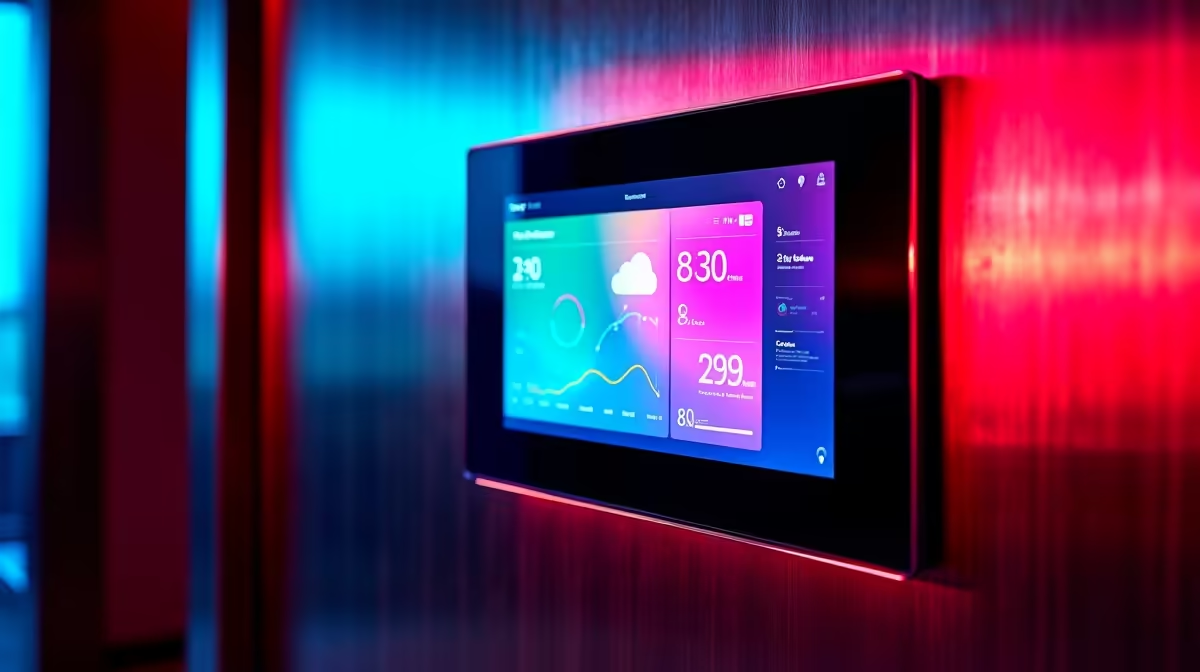
A wall-mounted touch panel that shows your lights, climate, cameras, and security at a glance is the centrepiece every Home Assistant setup eventually wants, and you do not need a pricey purpose-built panel to get it. The best wall tablets for a Lovelace dashboard are ordinary Android tablets running the companion app or a kiosk browser, locked to a single screen and wired to permanent power. The trick is choosing the right size, panel, and software combination so it disappears into the wall and just works.
Quick Answer
The best wall tablet for a Home Assistant Lovelace dashboard is an Android tablet running the companion app or Fully Kiosk Browser in kiosk mode, fed permanent USB-C power as an always-on panel. An 8-inch 1280 x 800 tablet fits standard wall brackets and comfortably shows lights, climate, and security cards. Budget Android tablets from around R2,500 work well; the key features are reliable power and a screen that wakes on approach.
What Makes a Good Wall Tablet
The requirements for a wall panel differ from a tablet you carry around, so the spec sheet you care about changes. Three things matter most.
First, power. A wall tablet is on permanently, so it needs a constant power feed, almost always over USB-C. That means planning a cable run to the mount, since the battery is no longer doing the work. Some enthusiasts even bypass the battery entirely to avoid swelling from being perpetually charged.
Second, size and resolution. An 8-inch tablet at 1280 x 800 hits the sweet spot: large enough to read and tap cards comfortably, small enough to sit neatly in a wall bracket without dominating the room. Larger 10 or 11-inch panels suit a busy main dashboard with many cards.
Third, the screen waking on approach. A panel that is dark until you tap it is annoying; one that lights up as you walk toward it feels genuinely smart. That depends on motion detection, which the software layer provides.
The Software That Turns a Tablet Into a Panel
Hardware is only half of it. To lock a tablet to your dashboard and nothing else, you run it in kiosk mode, and there are two common routes.
The Home Assistant companion app
The official companion app is the simplest path. Install it, log in, point it at your dashboard, and Android's built-in screen-pinning locks it to that view. It is free, integrates tightly, and reports the tablet's own sensors back to Home Assistant. For a straightforward panel this is enough.
Fully Kiosk Browser
For a more polished, locked-down install, Fully Kiosk Browser is the community reference. It loads your Lovelace dashboard URL in full screen, hides the status and navigation bars, and prevents anyone exiting to other apps. Its real value is the extras: motion detection wakes the display when someone approaches, and a one-time Pro licence unlocks integration so Home Assistant automations can control the tablet's brightness and wake state directly. Most major dashboard tutorials assume this combination of stock Android plus Fully Kiosk Browser, which makes it the well-trodden path.
Choosing Your Tablet and Mounting It
For the tablet itself, a budget or mid-range Android model is ideal, since the dashboard barely taxes the hardware. Look for an 8-inch panel for a compact single-room display or a 10 to 11-inch for a main hub. An IPS screen with decent viewing angles matters, because a wall panel is read off-axis as you pass. If the tablet has an ambient light sensor, you can bind it to adaptive brightness so the panel dims at night and brightens by day. The range of suitable models sits in the smart home and tablets section, grouped with the rest of a connected-home setup.
Mounting is the finishing touch. A flush in-wall bracket or a surface mount holds the tablet at eye level near a doorway or in a hallway, with the USB-C cable hidden in the wall or trunked neatly. Plan the power point before you drill. The brackets, cables, and trunking for a clean install are in the accessories best sellers, which saves a second trip once the tablet arrives.
Putting It All Together
A practical build is an 8-inch Android tablet on permanent USB-C power, running Fully Kiosk Browser pointed at a dashboard you have laid out for that screen size, with motion detection set to wake it as you approach. Keep the dashboard for a wall panel simple: the lights you toggle most, the climate control, a security card, and a camera feed, all reachable in one tap. A cluttered panel is slower to use than a phone, which defeats the point. Done well, it becomes the control surface the whole household reaches for without thinking.
Frequently Asked Questions
Do I need a special tablet, or will any Android one work?
Almost any Android tablet works, since a Lovelace dashboard barely taxes the hardware. Prioritise a reliable USB-C power feed, an IPS screen for off-angle viewing, and ideally an ambient light sensor, rather than raw performance. Budget models are perfectly capable.
Should I use the companion app or Fully Kiosk Browser?
The companion app with screen pinning is the simplest free route and integrates tightly. Fully Kiosk Browser is the more polished, locked-down option, adding motion-wake and, with its Pro licence, automation control over the tablet's brightness and screen state.
How do I power a wall tablet permanently?
Run a USB-C cable to the mount from a nearby power point, since the tablet is always on and cannot rely on its battery. Plan that cable run before mounting, and consider hiding it in the wall or in trunking for a tidy finish.
What size tablet is best for a wall dashboard?
An 8-inch panel at 1280 x 800 suits most single-room dashboards and fits standard brackets neatly. Step up to 10 or 11 inches for a busy main hub with many cards, where the extra screen space earns its place.
Can the screen wake automatically when I walk up?
Yes, with software like Fully Kiosk Browser that uses the tablet's front camera for motion detection to wake the display as someone approaches. That on-approach wake is what makes a wall panel feel responsive rather than a dark slab you have to tap first.
Planning a Home Assistant wall panel? Browse the tablets and smart home gear at Evetech to pick an Android tablet for your Lovelace dashboard, plus the mounts and cables for a clean always-on install.