Quick Answer
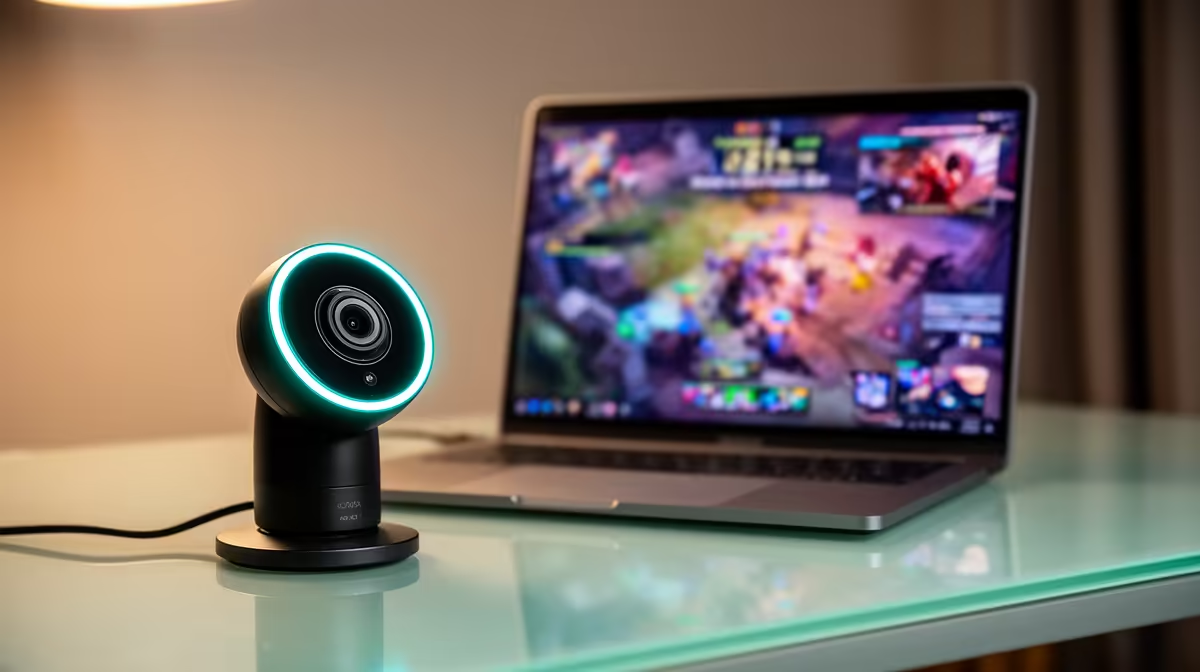
Soweto remote workers need a 1080p webcam for professional video calls — the Logitech C920 at R1,200–R1,600 is the most reliable starting point. For buyers who also stream or record content as a side income, the Razer Kiyo Pro (1080p/60fps, wide aperture f/2.0, R2,500–R3,500) handles low-light better and delivers smoother recordings. Both ship from Evetech to Soweto via courier.
Why Laptop Webcams Are Not Enough
Most laptop built-in cameras run at 720p or basic 1080p without autofocus, dual-mic, or HDR. In a Soweto living room with mixed natural and artificial light, they produce grainy, poorly exposed video. A dedicated webcam like the Logitech C920 uses a Carl Zeiss lens with autofocus, captures 1080p at 30fps, and includes two built-in microphones for call backup audio. The improvement over a laptop camera is immediately visible to meeting participants, which matters for Soweto professionals working for Joburg CBD, Sandton, or international remote employers.
Budget Planning for a Complete Video Call Setup
A full professional video call kit at three tiers:
- R1,500–R2,000: Logitech C920 (R1,200–R1,600) — covers video and basic audio for daily calls.
- R2,500–R4,500: Logitech C920 + HyperX SoloCast microphone (R900–R1,200) — separated audio and video, each excellent at its task.
- R4,000–R6,000: Razer Kiyo Pro (R2,500–R3,500) + Elgato ring light (R500–R800) + SoloCast — broadcast-quality home setup for daily client-facing calls.
Soweto Home Connectivity and Setup
Soweto's Rain 5G and Eskom-grid-connected Openserve fibre coverage provides stable internet for video calls. The webcam's quality is the limiting factor, not the connection — a 720p webcam on a 200Mbps fibre line still looks worse than a 1080p webcam on a 20Mbps connection, because Teams and Zoom encode at a fraction of available bandwidth regardless.
FAQ
What is the minimum webcam spec for professional video calls from Soweto?
1080p at 30fps with autofocus is the minimum for looking professional on Teams and Zoom. The Logitech C920 at R1,200–R1,600 meets this threshold reliably. 720p webcams are noticeable to meeting participants on modern 24-inch+ monitor setups.
Does the Razer Kiyo Pro work better than the Logitech C920 in dark rooms?
Yes — the Kiyo Pro's f/2.0 aperture collects significantly more light than the C920's f/2.0 aperture. In practice, the Kiyo Pro captures usable video in a room lit only by a monitor, while the C920 produces grainier results under the same conditions. For Soweto buyers working in rooms with limited natural light, the Kiyo Pro justifies its R1,000–R2,000 premium.
Can a webcam be used for streaming on Twitch or YouTube alongside remote work?
Yes — the Logitech C920 and Razer Kiyo Pro both work with OBS, Streamlabs, and XSplit. The C920 is the most common streaming webcam globally. The Kiyo Pro's 60fps mode adds smoother motion capture for active streams. Most Soweto streamers use the C920 as an accessible starting point.
Lighting Fix
A R100 warm LED desk lamp placed at eye level to one side of your monitor transforms call video quality more than any webcam upgrade. Before spending on a higher-tier webcam, add better lighting and reassess.