


Using GitHub Copilot: Complete Beginner's Guide for SA Developers
Using GitHub Copilot: Complete Beginner's Guide for SA Developers. Everything you need to know with SA-specific pricing and recommendations.
Read moreBias Lighting Setup and Configuration: Complete Tutorial. Comprehensive coverage with SA insights, Rand pricing, and practical recommendations.
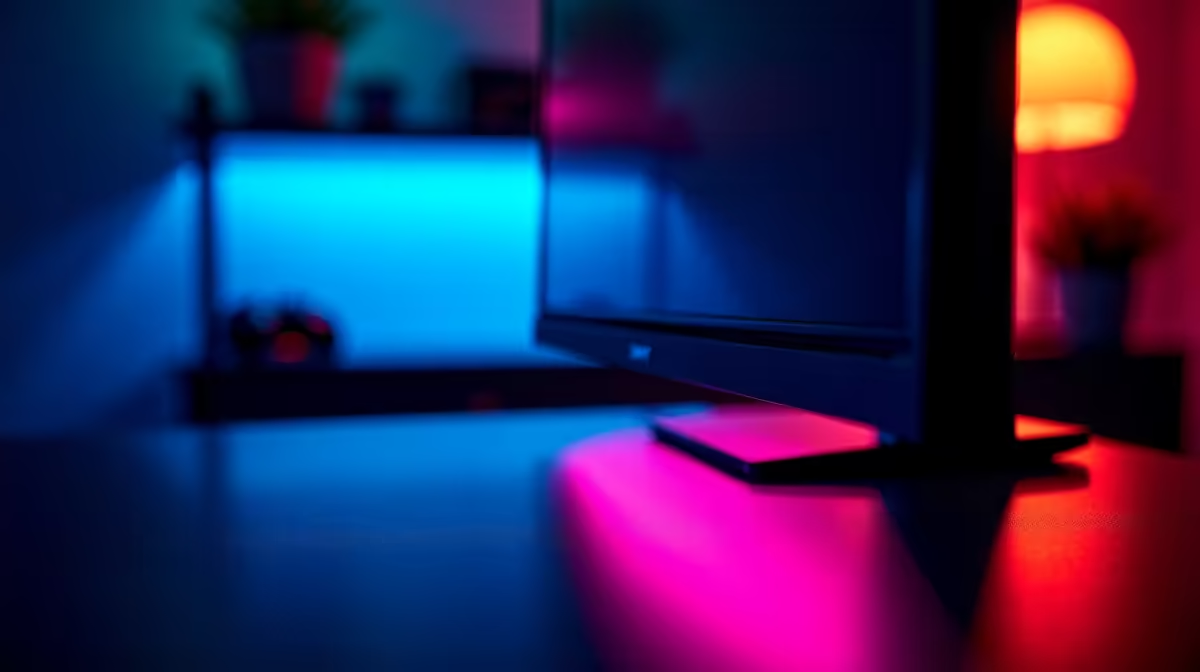
Bias lighting reduces eye strain and boosts perceived contrast by placing a soft, neutral 6500K light behind your monitor. Set it up with a USB LED strip, route the cable along the top and sides of the panel, and dial brightness to roughly 10-15 percent of your room ambient.
Your eyes constantly adjust between a bright screen and a dark wall, which causes the fatigue and headaches familiar to any varsity student grinding past midnight on assignments. A soft light behind the panel narrows that contrast gap, so your pupils stop oscillating every time you glance away. The bonus is sharper perceived black levels on IPS and OLED monitors, which is why colour graders and esports pros run bias lights as standard kit on every workstation.
Stick with 6500K daylight white or a tunable RGBWW strip if you want flexibility for movies and gaming. Avoid cheap 4000K warm strips, they tint your screen yellow and ruin colour accuracy for any creative work. A 2-metre USB-powered Govee or Corsair iCUE strip costs around R350-R900 at Evetech, plugs into a spare USB-A port on your case or monitor, and draws under 5W so it won't strain your PSU even on a budget build.
Wipe the back of your monitor with isopropyl alcohol, measure the perimeter, and cut the strip on the marked solder pads only. Start the run at the bottom-centre to hide the cable behind your stand, then peel and stick along the edges leaving a 30mm gap from the panel border. Power it from a USB hub on a UPS so loadshedding doesn't reset your scenes mid-stream. Set brightness so the wall glows softly without spilling onto the bezel itself, since that ruins the effect.
No, the heat output is negligible and the adhesive is panel-safe. Just keep the strip on the back chassis, never directly on the bezel itself or near the vents.
Static 6500K is best for serious work and cinema viewing. Dynamic ambient sync is fine for casual gaming but can be distracting during competitive matches.
Not really. A simple USB strip with an inline remote does the job for under R400 and works fine for hostel desks where Wi-Fi is unreliable.
Ready to Find Your Perfect Match? Kit out your battlestation with bias lighting and a fresh PC from Evetech. Browse gaming PCs
Bias Lighting Setup and Configuration: C available at Evetech.co.za with local warranty.
Bias Lighting Setup and Configuration: C - check Evetech for latest stock.
Depends on use case. Bias Lighting Setup and Config good value at current Rand pricing.
Using GitHub Copilot: Complete Beginner's Guide for SA Developers. Everything you need to know with SA-specific pricing and recommendations.
Read more
Back-to-School Headset Buying Guide for SA 2026. Everything you need to know with SA-specific pricing and recommendations.
Read more
Mesh Front Panel Setup and Configuration: Complete Tutorial. Comprehensive coverage with SA insights, Rand pricing, and practical recommendations.
Read more
Black Screen: Troubleshooting Guide #1. Everything you need to know with SA-specific pricing and recommendations.
Read more
The Complete 2026 Guide to Storage in South Africa. Everything you need to know with SA-specific pricing and recommendations.
Read more
1000W PSU Not Working After Load Shedding: Recovery Guide. Everything you need to know with SA-specific pricing and recommendations.
Read more
AMD RX 9050 XT: Rumoured Specs, Price & Release. SA-focused analysis with local pricing data, real-world insights & actionable buying advice.

Can RTX 4080 Super Run AI Workloads for SA Developers Detailed answer with SA data, expert analysis & practical recommendations for local buyers.

Can RTX 4090 Run AI Workloads for SA Developers Detailed answer with SA data, expert analysis & practical recommendations for local buyers.

Top Settings for Intel Arc B580 at Ultrawide 1440p picks evaluated on performance, value & SA availability with current Rand pricing from Evetech.

RTX 4060 CS2 Low Settings at 1080p: FPS Results. Real-world benchmark data, FPS numbers & performance analysis. What SA gamers can actually expect.

Visual Artifacts: Possible GPU Issue Issue #1. Diagnosis steps, proven fixes & when to seek professional help. SA-specific support info included.

Can the RTX 4090 Handle 1440p 144Hz Gaming. Performance testing verdict with real data & practical recommendations for SA buyers.

Top ASUS GPU Under R15000 picks evaluated on performance, value & SA availability with current Rand pricing from Evetech.

GTA 6 Max Settings on RTX 5070. Tested & verified settings for best FPS and visual quality on SA hardware budgets.

Cyberpunk 2077 Max Settings on RTX 5080. Tested & verified settings for best FPS and visual quality on SA hardware budgets.

Starfield Max Settings on RTX 5070 Ti. Tested & verified settings for best FPS and visual quality on SA hardware budgets.

Top RTX 5090 Under R5000 picks evaluated on performance, value & SA availability with current Rand pricing from Evetech.