


Complete Gaming Setup Guide for the SA Esports Athlete in SA 2026
Complete Gaming Setup Guide for the Esports. Clear setup instructions with SA-specific considerations, troubleshooting tips & recommended components.
Read more- Diagnose causes; - Step-by-step Windows, Mac, Android fixes; - Prevent repeat disconnects. Bluetooth keyboard not connecting? Follow quick, proven fixes to reconnect devices, update drivers, and restore typing fast. 🔧⌨️
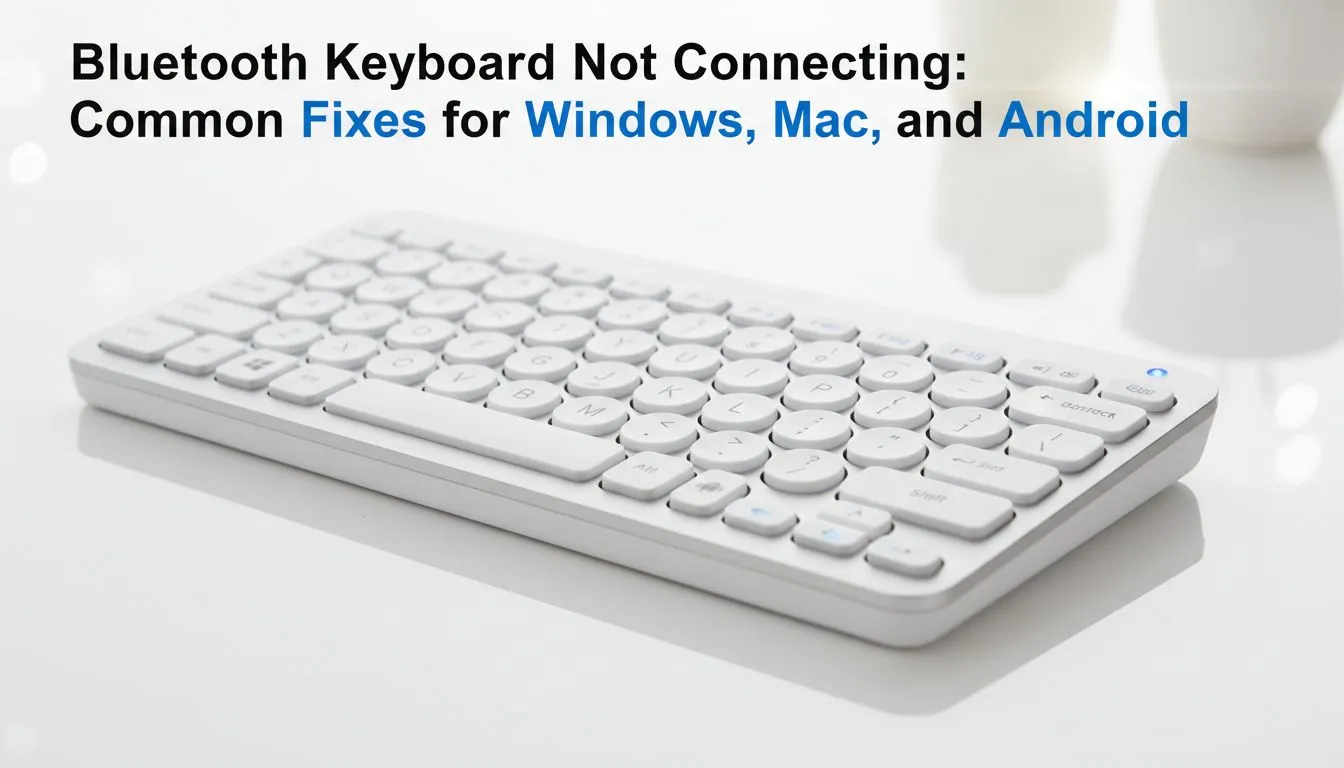
You are mid-game or deep into a work project when your keys suddenly stop responding. A Bluetooth keyboard not connecting is more than a minor glitch... it is a total productivity killer. Whether you are using Windows, Mac, or Android, the fix is usually quite simple. We have rounded up the best troubleshooting steps to get your South African setup back online without the clutter of cables. 🔧
If your Windows PC refuses to acknowledge your peripheral, start with the basics. Ensure Bluetooth is toggled "On" in your Action Centre. Sometimes, Windows updates can mess with drivers. Go to your Device Manager and check for any yellow warning icons under the Bluetooth section. If your device is listed but not working... try removing it.
Select 'Remove device' and then put your keyboard back into pairing mode. If you find your current hardware is simply too old to maintain a stable link, you might want to browse the best gaming keyboard deals currently available. Newer models often feature Bluetooth 5.0 or 5.1 for much better stability. ⚡
On Windows, go to Device Manager and find your Bluetooth adapter. Right-click 'Properties' and then 'Power Management'. Uncheck 'Allow the computer to turn off this device to save power'. This prevents your keyboard from falling asleep during long reading sessions or movie marathons.
Mac users often face "Bluetooth Not Available" errors. A quick fix is to reset the Bluetooth module. Hold Shift + Option while clicking the Bluetooth icon in the menu bar and select 'Reset the Bluetooth module'. On Android, the process is different. You should go to Settings, then Apps, and clear the cache for 'Bluetooth Share'.
Interference is another common culprit in busy South African households. Other 2.4GHz devices... like your microwave or even some routers... can disrupt the signal. If you are struggling with a patchy connection, switching to reliable wireless keyboards with dedicated 2.4GHz dongles can often solve the problem. 🚀
Sometimes, the internal radio in your keyboard simply gives up. If you have replaced the batteries and tried every software reset without luck... it might be time for a replacement. For those who prioritize a lag-free experience, especially for competitive gaming, many professionals still swear by wired keyboards to eliminate connectivity anxiety entirely.
If you are on a budget but need a reliable deck, you can find the cheapest gaming keyboard in South Africa at Evetech. These entry-level options provide great tactile feedback without breaking the bank. For a complete desk overhaul, a high-quality keyboard mouse combo ensures both peripherals use a single receiver, saving your precious USB ports. ✨
Ready to Find Your Perfect Match? Connection issues shouldn't hold you back from greatness. Whether you need the freedom of wireless or the rock-solid reliability of a wired deck, we have the best tech in South Africa. Explore our massive range of keyboard specials and find the perfect machine to conquer your world.
Common causes: Bluetooth off, pairing mode disabled, outdated drivers, or interference. Toggle Bluetooth, re-pair, and update drivers to fix.
Enable Bluetooth in System Settings, put keyboard in pairing mode, select it under Devices and enter code if prompted.
Ensure the keyboard is discoverable, toggle phone Bluetooth, restart both devices, check permissions, and keep devices close.
Charge or replace batteries, move closer, remove interference, update firmware/drivers, and re-pair the keyboard.
Most use generic HID drivers, but some require vendor drivers. Check Device Manager and run a Bluetooth driver update for Windows.
Reset the keyboard, clear saved devices on the host, restart Bluetooth, then put the keyboard into discovery mode and try again.
Yes — reduce distance, disable power saving for Bluetooth, close background apps, and update keyboard firmware and Android.
Keep firmware and OS updated, replace batteries, avoid USB 3.0 interference, and re-pair after resetting devices.
Complete Gaming Setup Guide for the Esports. Clear setup instructions with SA-specific considerations, troubleshooting tips & recommended components.
Read more
AIO Liquid 360mm Installation Guide for Your PC. Clear setup instructions with SA-specific considerations, troubleshooting tips & recommended components.
Read more
MacBook Display Colour Looks Wrong? Calibration. Everything you need to know with SA pricing, step-by-step instructions & expert recommendations.
Read more
Printer Terminology Guide. Everything you need to know with SA pricing, step-by-step instructions & expert recommendations.
Read more
Git on Mac: Complete Setup Guide for Beginners. Clear setup instructions with SA-specific considerations, troubleshooting tips & recommended components.
Read more
Ryzen 9 9900X Thermal Paste Dry: Reapplication. Everything you need to know with SA pricing, step-by-step instructions & expert recommendations.
Read more
AMD RX 9050 XT: Rumoured Specs, Price & Release. SA-focused analysis with local pricing data, real-world insights & actionable buying advice.

Can RTX 4080 Super Run AI Workloads for SA Developers Detailed answer with SA data, expert analysis & practical recommendations for local buyers.

Can RTX 4090 Run AI Workloads for SA Developers Detailed answer with SA data, expert analysis & practical recommendations for local buyers.

Top Settings for Intel Arc B580 at Ultrawide 1440p picks evaluated on performance, value & SA availability with current Rand pricing from Evetech.

RTX 4060 CS2 Low Settings at 1080p: FPS Results. Real-world benchmark data, FPS numbers & performance analysis. What SA gamers can actually expect.

Visual Artifacts: Possible GPU Issue Issue #1. Diagnosis steps, proven fixes & when to seek professional help. SA-specific support info included.

Can the RTX 4090 Handle 1440p 144Hz Gaming. Performance testing verdict with real data & practical recommendations for SA buyers.

Top ASUS GPU Under R15000 picks evaluated on performance, value & SA availability with current Rand pricing from Evetech.

GTA 6 Max Settings on RTX 5070. Tested & verified settings for best FPS and visual quality on SA hardware budgets.

Cyberpunk 2077 Max Settings on RTX 5080. Tested & verified settings for best FPS and visual quality on SA hardware budgets.

Starfield Max Settings on RTX 5070 Ti. Tested & verified settings for best FPS and visual quality on SA hardware budgets.

Top RTX 5090 Under R5000 picks evaluated on performance, value & SA availability with current Rand pricing from Evetech.