


Using GitHub Copilot: Complete Beginner's Guide for SA Developers
Using GitHub Copilot: Complete Beginner's Guide for SA Developers. Everything you need to know with SA-specific pricing and recommendations.
Read moreBluetooth vs 2.4GHz gaming headsets - Compare latency, range, battery life and audio quality to pick the best wireless fit for your playstyle. Quick buying tips and performance notes 🎧⚡
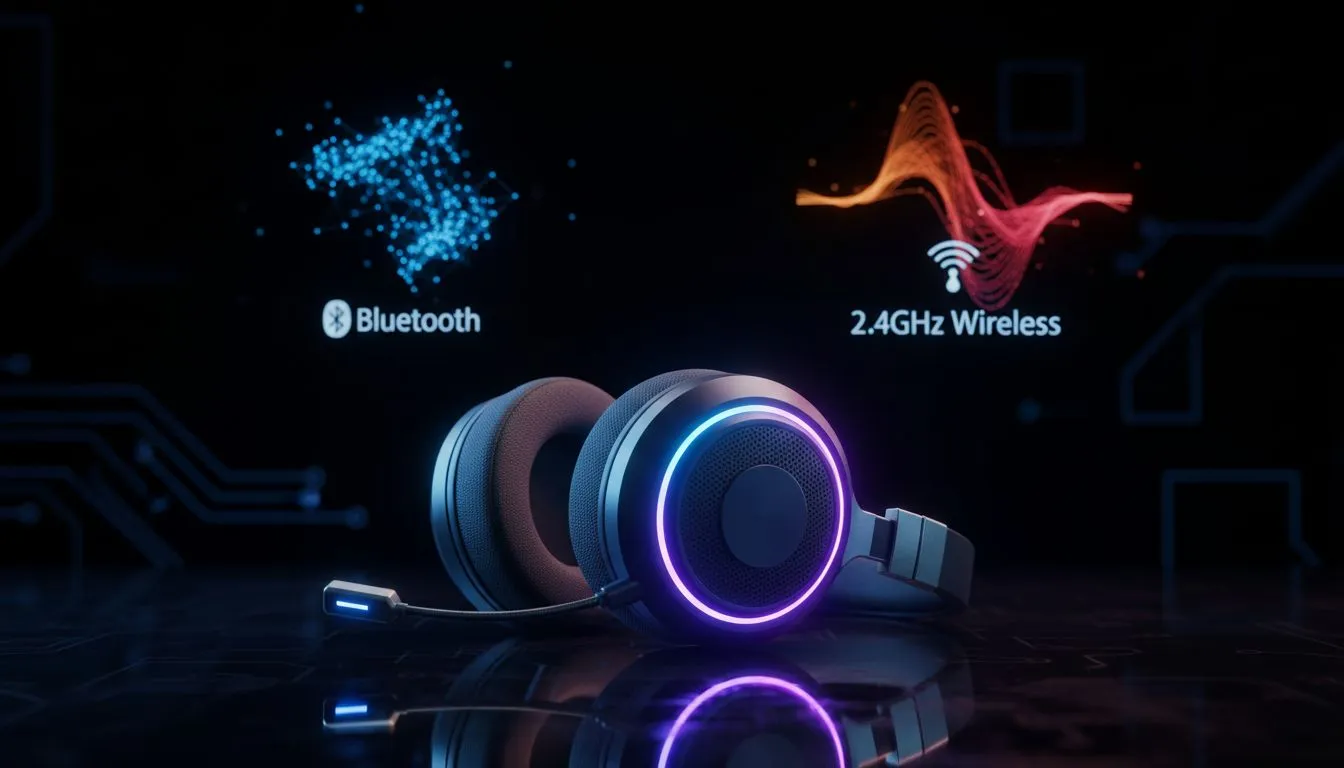
Tired of audio lag during a clutch moment in Valorant? Or maybe you are sick of cables tangling while you grab a snack? Choosing between Bluetooth vs 2.4GHz gaming headsets is the first step to upgrading your South African battle station. Whether you are on a budget or looking for premium sound, understanding these wireless standards is vital for any serious gamer in Mzansi.
When it comes to competitive gaming, latency is the ultimate enemy. The 2.4GHz wireless standard is designed specifically to eliminate the delay between an action on screen and the sound in your ears. It achieves this by using a dedicated USB dongle that creates a direct, high-bandwidth pipe for your audio data. This ensures your audio stays perfectly synced... even during the most chaotic team fights.
If you are looking for peak performance, exploring Razer's high-performance wireless range is a great starting point. These devices often utilise proprietary tech to push latency lower than what standard Bluetooth could ever dream of. For local gamers playing on high-refresh monitors, that millisecond difference is often what separates a win from a trip back to the lobby.
Bluetooth is the king of convenience. It does not require a dongle, making it perfect for gaming on the go or switching between your PC and your smartphone. While it typically has higher latency than 2.4GHz, it is more than capable for casual titles, RPGs, or watching YouTube. It is also significantly more power-efficient... meaning your battery will last much longer during those marathon sessions.
Most modern setups benefit from having options. You can find a massive selection of gaming headsets that cater to different budgets and connectivity needs. If you spend your morning commuting on the Gautrain and your evening raiding in World of Warcraft, Bluetooth provides the flexibility you need without carrying extra cables or adapters.
If you are experiencing interference on your 2.4GHz connection, try plugging your USB dongle into a USB 2.0 port instead of a USB 3.0 port. USB 3.0 ports can sometimes create radio frequency noise that disrupts wireless peripherals... giving you a cleaner signal for those intense gaming sessions.
Why settle for one when you can have both? Many premium headsets now offer dual-connectivity. This allows you to stay connected to your PC via 2.4GHz for lag-free gaming while simultaneously pairing with your phone via Bluetooth. If a call comes through mid-game, you can answer it without ever taking your headset off.
A standout example of this hybrid tech is the Razer Barracuda X Chroma. It is a versatile powerhouse that handles everything from competitive shooters to mobile music with ease. In the South African market, where value for money is essential, investing in a headset that works across all your devices is a smart move 🚀.
Ready to Find Your Perfect Match? The Bluetooth vs 2.4GHz gaming headsets debate depends on your lifestyle, but for maximum performance and versatility in South Africa, a hybrid setup is hard to beat. Explore our massive range of headset specials and find the perfect gear to conquer your world.
2.4GHz typically wins for low latency and stable wireless performance, while Bluetooth offers device compatibility and convenience for casual play.
Bluetooth can have higher latency, especially on older codecs; modern aptX Low Latency reduces bluetooth gaming headset lag but 2.4GHz is usually faster.
Yes. 2.4GHz headsets prioritize low latency and consistent connections, making them the best wireless headsets for competitive gaming.
Most 2.4GHz headsets use a USB dongle for PC and many consoles; check compatibility and pairing instructions before buying.
Bluetooth headsets often have longer battery life due to efficient codecs, but specific wireless headset battery life comparison varies by model.
Audio can be comparable; 2.4GHz favors lower latency while Bluetooth depends on codecs like aptX or AAC for higher fidelity.
For streaming, balance audio quality and mic clarity; consider how to choose wireless gaming headset tips: low latency, mic specs, and multi-device support.
Using GitHub Copilot: Complete Beginner's Guide for SA Developers. Everything you need to know with SA-specific pricing and recommendations.
Read more
Back-to-School Headset Buying Guide for SA 2026. Everything you need to know with SA-specific pricing and recommendations.
Read more
Mesh Front Panel Setup and Configuration: Complete Tutorial. Comprehensive coverage with SA insights, Rand pricing, and practical recommendations.
Read more
Black Screen: Troubleshooting Guide #1. Everything you need to know with SA-specific pricing and recommendations.
Read more
The Complete 2026 Guide to Storage in South Africa. Everything you need to know with SA-specific pricing and recommendations.
Read more
1000W PSU Not Working After Load Shedding: Recovery Guide. Everything you need to know with SA-specific pricing and recommendations.
Read more
AMD RX 9050 XT: Rumoured Specs, Price & Release. SA-focused analysis with local pricing data, real-world insights & actionable buying advice.

Can RTX 4080 Super Run AI Workloads for SA Developers Detailed answer with SA data, expert analysis & practical recommendations for local buyers.

Can RTX 4090 Run AI Workloads for SA Developers Detailed answer with SA data, expert analysis & practical recommendations for local buyers.

Top Settings for Intel Arc B580 at Ultrawide 1440p picks evaluated on performance, value & SA availability with current Rand pricing from Evetech.

RTX 4060 CS2 Low Settings at 1080p: FPS Results. Real-world benchmark data, FPS numbers & performance analysis. What SA gamers can actually expect.

Visual Artifacts: Possible GPU Issue Issue #1. Diagnosis steps, proven fixes & when to seek professional help. SA-specific support info included.

Can the RTX 4090 Handle 1440p 144Hz Gaming. Performance testing verdict with real data & practical recommendations for SA buyers.

Top ASUS GPU Under R15000 picks evaluated on performance, value & SA availability with current Rand pricing from Evetech.

GTA 6 Max Settings on RTX 5070. Tested & verified settings for best FPS and visual quality on SA hardware budgets.

Cyberpunk 2077 Max Settings on RTX 5080. Tested & verified settings for best FPS and visual quality on SA hardware budgets.

Starfield Max Settings on RTX 5070 Ti. Tested & verified settings for best FPS and visual quality on SA hardware budgets.

Top RTX 5090 Under R5000 picks evaluated on performance, value & SA availability with current Rand pricing from Evetech.