Understanding the Content Creator’s Budget Challenge ⚡
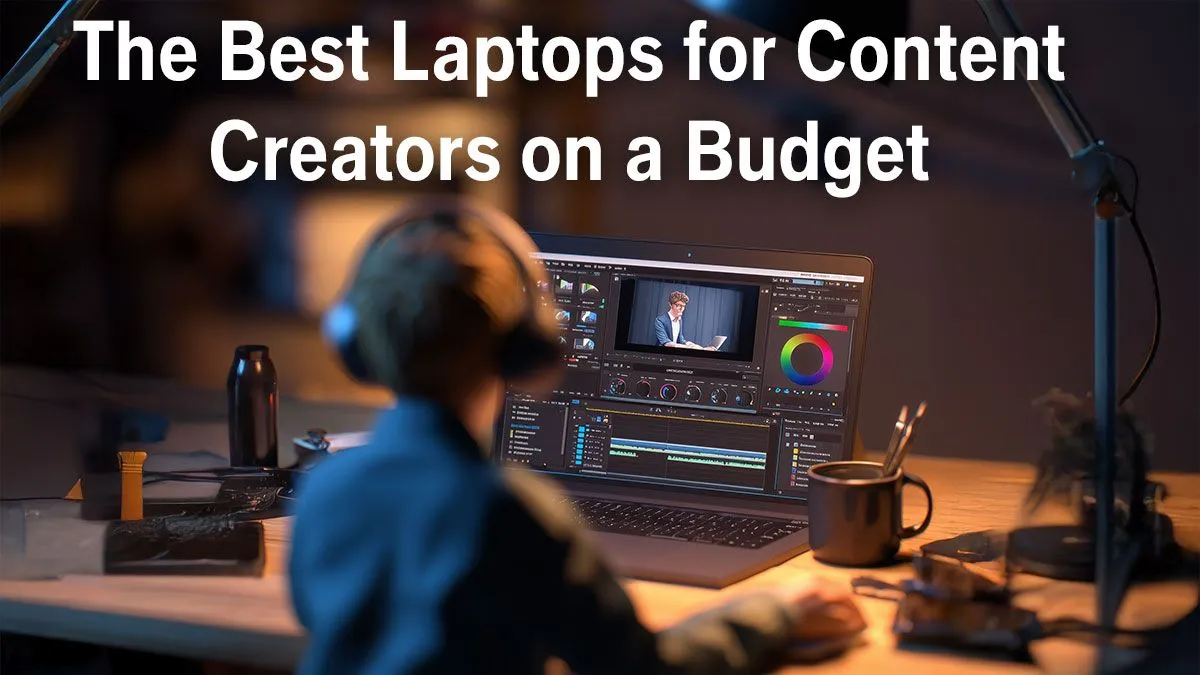
Meet Thandi, a South African freelance content creator juggling video edits, graphic design, and client meetings. Like many creatives, she faced a tough challenge: finding a budget-friendly laptop that could handle heavy workloads without breaking the bank. Her current machine lagged, causing frustrating delays that hurt productivity and deadlines.
For Thandi, the sweet spot was a laptop balancing power and affordability. She wanted a device that could run Adobe Creative Suite smoothly, render videos faster, and still fit within her tight ZAR15,000 budget.
Solution: Tailored Laptop Choices for Creators
After exploring options, Thandi discovered specialised deals perfect for her needs. She zeroed in on brands offering power-packed specs at sharp prices. Notably:
Implementation: How Thandi Made the Switch 🔧
Step 1: She benchmarked her old laptop against contenders to understand performance gaps.
Step 2: Prioritised laptops with at least 8GB RAM, SSD storage, and a discrete GPU or strong integrated graphics.
Step 3: Opted for a Ryzen 5 laptop with GTX graphics from the Ryzen laptop deals and GeForce RTX selections.
Step 4: Upgraded software settings and storage to optimise speed and responsiveness.
Pro tweak they used
Adjusting power settings for maximum performance boosted render speed by 15%, without draining battery life too fast.
Results: Clear Gains in Productivity and Performance 🚀
| Metric |
Before |
After |
| Launch time (Adobe Suite) |
45 seconds |
12 seconds |
| Video render time |
30 minutes (10 min clip) |
12 minutes |
| Multitasking lag |
Frequent |
Nearly none |
| Overall satisfaction |
Low due to slowdowns |
High — fits workflow perfectly |
Thandi’s productivity jumped by over 40% thanks to faster software launches and smoother multitasking. Plus, her laptop’s cool design and reliability helped her present confidence to clients.
“Switching to the right laptop was the upgrade I needed. It made my work faster and stress-free.” – Thandi M.