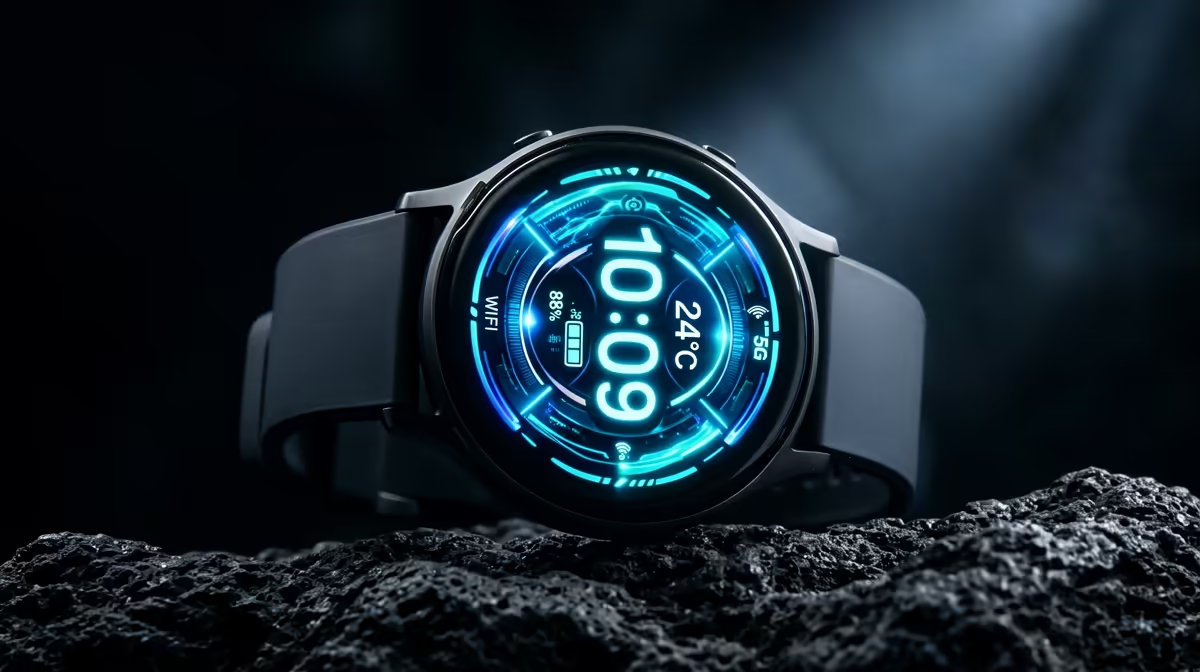
A budget smartwatch is not a childs first computer. It can provide simple reminders, activity prompts or approved communication, but it cannot replace school platforms, typing, file management and adult-supervised web access on a supported computer.
Separate wearable and learning needs
Ask the school which applications, documents and devices are required. Then define one family purpose for the watch, measure wrist fit and review connected-wearable rules. Check charging responsibility, phone dependence and companion-app privacy.
The Kospet Tank ORB at R450 and Tank T4C at R950 are verified smartwatch references. Their listings do not establish child suitability, school acceptance or value as a computer. The ASUS ExpertBook P1503 at R9,858 is a separate laptop reference, not a primary-school recommendation. Confirm current dimensions, phone support, notifications, app policy, battery information and warranties.
Use a family-managed account, minimum data sharing and clear rules for school. Teach the child what the watch cannot do in an emergency. Keep essential contacts and assignments accessible elsewhere.
Buy the wearable only for a documented family purpose. Choose the first computer from school software, keyboard, support, account controls and backup requirements.
For a child, a supervised family device with a larger screen and repairable controls may be safer, clearer and more useful than wrist-worn hardware.
School rules should decide where the wearable stays during lessons.
Choosing a young learners devices? > Compare Evetech laptops and smartwatches after separating their roles.