Quick Answer
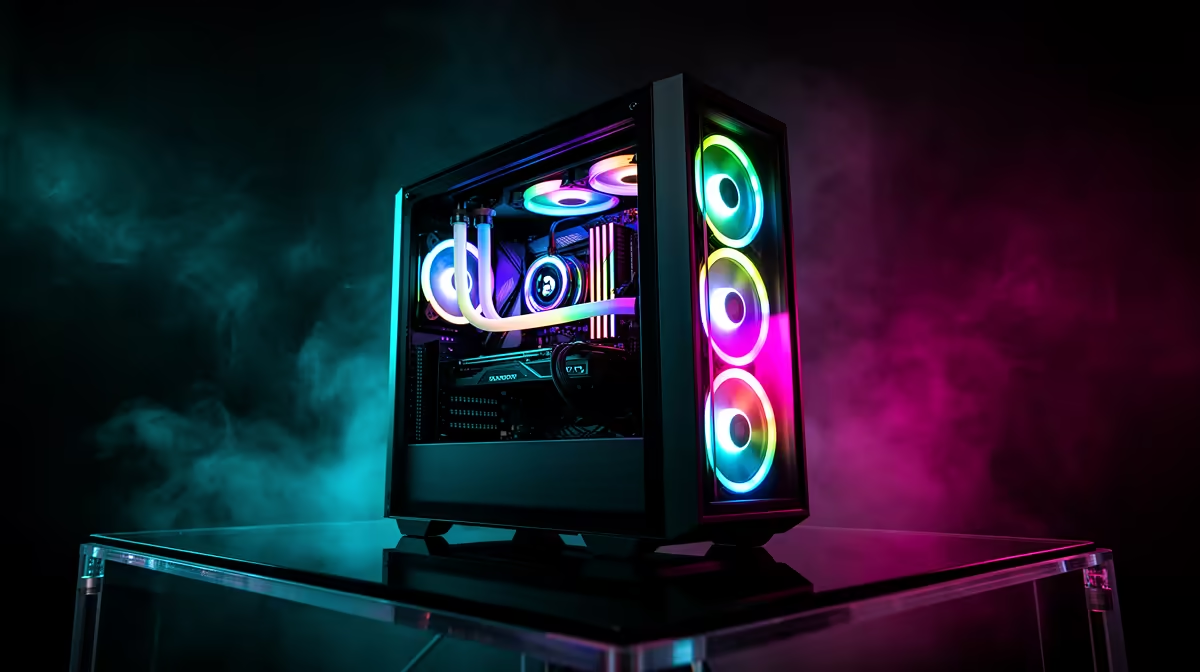
A premium RGB gaming PC for a South African desk space requires coordinated lighting across GPU, motherboard, RAM, and case fans using a common ARGB standard, a case with a tempered glass side panel, and components that balance visual impact with thermal headroom for SA ambient temperatures. Budget between R25,000 and R60,000 depending on GPU tier.
Planning the RGB Ecosystem Before You Buy 🎮
The first mistake in any RGB build is purchasing components from different lighting ecosystems without checking compatibility. Most current components use the standard 3-pin ARGB header at 5V, but proprietary software from different brands does not always communicate across brands without a third-party hub. The most straightforward approach is to pick one motherboard brand's software ecosystem and select case fans, cooler, and RAM certified to work within it. Palit's ARGB Sync Evo on the GameRock GPU uses standard ARGB signalling, integrating with most major motherboard software hubs. A GPU is often the visual centrepiece of a desk build, and a card with a full-shroud Chameleon Panel creates far more visual impact than scattered fan LEDs alone.
Case Selection for SA Desk Aesthetics 🖥️
South African gaming setups range from compact student desk rigs in Pretoria to full tower showpiece builds in dedicated home gaming rooms. For desk spaces with limited depth, a mid-tower with a high-glass front panel and top exhaust fits most standard desks. Cases with mesh front panels combined with tempered glass sides give the best trade-off between airflow, which matters in SA summer, and visibility of the RGB interior. Popular SA desk setups currently favour white or black cases with matching component colour schemes rather than the mismatched rainbow look of budget builds.
Component Coordination and Cable Management 🔧
The underappreciated element of a premium-looking RGB build is cable management. Modular PSUs let you run only the cables you need, and custom sleeved cables in white or black accent colours are available locally for under R800. For a desk space where the PC is visible, a vertical GPU mount using a PCIe riser rotates the card 90 degrees so the Chameleon Panel faces the tempered glass side rather than pointing downward into the case floor, dramatically increasing visible lighting surface area. Vertical mounts add around R400 to R800 to a build and are widely stocked at Evetech.
Set Static Colours for Long Sessions ⚡
Animated RGB effects look impressive in photos but can be distracting during competitive gaming sessions lasting several hours. Most motherboard lighting software lets you set a static colour or very slow breathing effect that reduces visual distraction while keeping the build looking premium. Warm amber or deep blue static colours are popular among SA streamers for on-camera warmth.
FAQ
Can I synchronise Palit GameRock ARGB with ASUS Aura Sync?
Yes. Palit GameRock's ARGB Sync Evo uses the standard 5V 3-pin ARGB spec, directly compatible with ASUS Aura Sync, MSI Mystic Light, and Gigabyte RGB Fusion header control.
What RGB components give the most visual impact?
The GPU shroud, RAM sticks, and CPU cooler are the three most visible components through a side glass panel. A GPU with a full lit panel face, tall RGB RAM, and a large tower cooler with lit fans creates layered visual depth.
Is RGB hardware more expensive to maintain in South Africa?
No. RGB features are passive lighting additions to standard components and do not affect repairability or parts availability. Warranty paths for RGB-equipped components are identical to non-RGB versions.
Building a premium RGB gaming PC for your SA desk setup?
Evetech stocks the full range of ARGB-compatible GPUs, cases, RAM, and coolers to complete a coordinated build with local warranty support.