Quick Answer
A showcase gaming PC for SA esports, streaming, and work-from-home use needs a Ryzen 7 9700X or Core i7-14700K, 32GB DDR5, an RTX 5070 or RX 9070 for GPU encode, a tempered glass mATX or mid-tower case with ARGB fans, and a 1TB to 2TB NVMe SSD. Total build cost sits between R20,000 and R32,000 depending on peripherals.
Component Priorities for Multi-Use SA Builds 🎮
A triple-use build for esports, streaming, and work-from-home pulls in different performance directions simultaneously. Esports gaming favours high single-core CPU frequency for 144fps to 240fps at 1080p. Streaming with NVENC or HEVC hardware encode on RTX 5000-series cards offloads encoding to the GPU entirely, freeing CPU threads for gaming frames. Work-from-home tasks on platforms like Microsoft Teams, Zoom, or Google Meet need fast single-core and adequate RAM above all.
Case Selection for a Streaming Background Build ✨
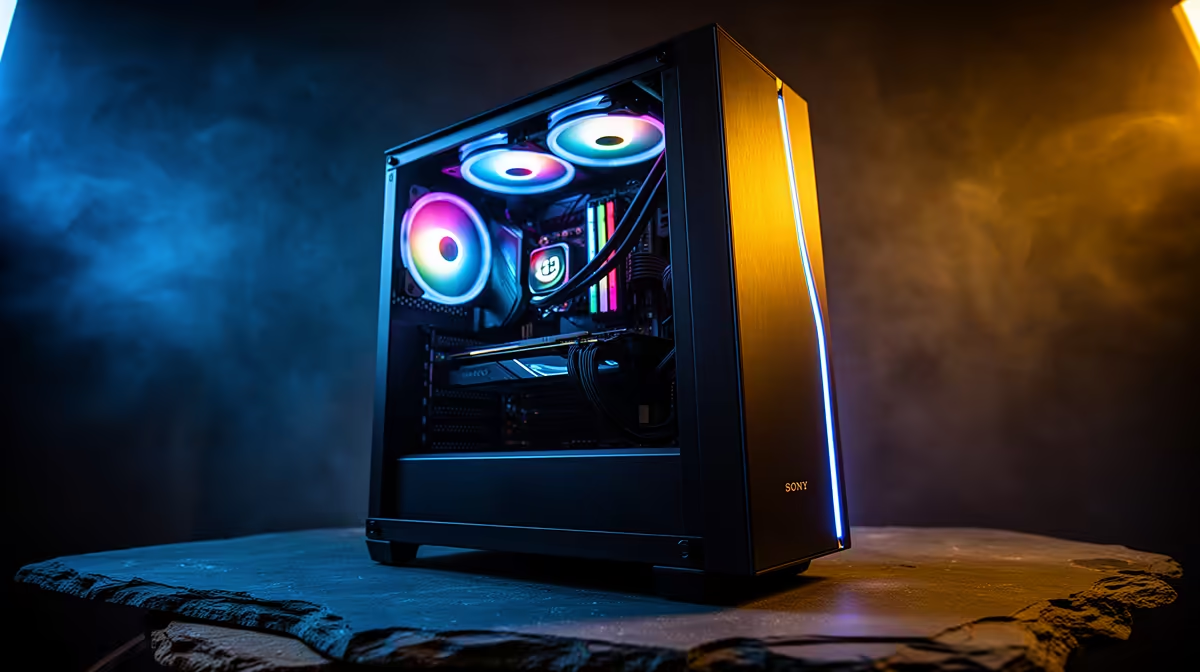
For SA streamers and esports players who show their setup on camera or at LAN events, the case is a visual statement. A mid-tower with a large tempered glass panel, ARGB fans, and a lit CPU cooler creates a broadcast-ready background visible in cameras and stream overlays. Cases in the R1,800 to R2,500 range with panoramic glass, three ARGB fans, and a white or matte-black finish are ideal for this purpose. White cases photograph well under warm-toned room lighting, which is common in South African homes using LED bulbs. Ensure the case has a front USB-C port for quick controller or headset connectivity without reaching to the rear I/O panel during live sessions.
Connectivity and Networking for SA Work-from-Home 🌐
South African fibre coverage from Vumatel, Openserve, and Frogfoot reaches most major metro residential areas in 2026, with 100Mbps to 1Gbps home plans widely available. A gaming PC doubling as a work machine should use a wired Ethernet connection directly to the router rather than Wi-Fi, eliminating the 5ms to 15ms of added latency that Wi-Fi introduces. If the chosen mATX or mid-tower case is positioned away from the router, a powerline adapter or MoCA adapter provides wired-equivalent stability over existing home cabling. For video calls, a dedicated USB webcam at 1080p60 or 4K30 plus a desktop microphone delivers professional-grade audio-visual quality that built-in monitor cameras cannot match.
Match GPU Encoder to Your Streaming Platform ⚡
NVIDIA NVENC on RTX 5000-series cards produces H.264 and AV1 streams accepted by all SA-accessible platforms including YouTube and Kick. AV1 encoding at equivalent quality to H.264 uses 30 to 50 percent less bitrate, reducing upload bandwidth requirements and stream quality issues on South African residential connections during peak hours.
FAQ
What resolution and frame rate should SA esports streamers target?
For competitive esports titles like Valorant, CS2, and Apex Legends, target 1080p at 240fps for the local game session and stream at 1080p60 via hardware encode. The GPU encoder handles the stream independently of the game render pipeline, so streaming at 60fps costs less than 1 percent of gaming frame rate with NVENC.
Is 32GB RAM necessary for streaming and work-from-home simultaneously?
Yes. Streaming software like OBS Studio consumes 1GB to 3GB of RAM during a live session. Simultaneously running a browser with work applications, a game at full detail, and an audio monitoring tool can push RAM usage above 24GB on a busy work-gaming day.
What internet speed does SA fibre need to stream at 1080p60 reliably?
AV1 streaming at 1080p60 requires 4Mbps to 8Mbps upload bandwidth consistently. Most SA fibre plans above 50Mbps symmetric provide adequate upload headroom.
Building your SA esports and streaming setup?
Browse Evetech's gaming PCs, components, and peripherals to spec a complete showcase build that performs and looks the part on camera.