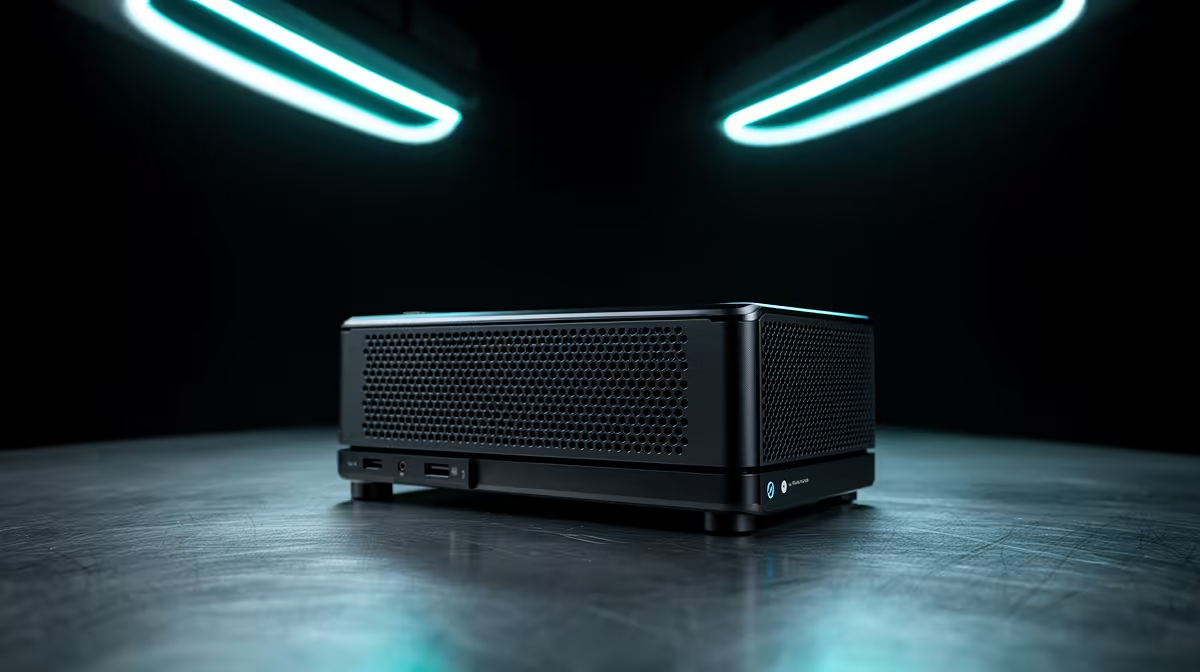
Valve's official Steam Machine has been promised, delayed, and promised again, and plenty of couch gamers are tired of waiting. The good news is you do not have to. SteamOS 3.0 installs unofficially on the right combination of AMD hardware, which means a compact AMD desktop or mini PC can act as a working console substitute in your lounge today, on a TV, with a controller, no Windows in sight.
Quick Answer
SteamOS 3.0 runs unofficially on any machine pairing an AMD CPU with an AMD GPU and an NVMe drive. Build a small AMD desktop or mini PC around that combination and you get a real console-style couch experience now, with the polished Steam Big Picture interface, instead of waiting on delayed official hardware.
Why AMD is the magic ingredient
SteamOS is built around AMD silicon. The Steam Deck uses an AMD chip, and Valve's graphics drivers and power management are tuned for AMD's open-source Linux support. That is why the unofficial install recipe is so specific: AMD CPU, AMD GPU, NVMe storage. Stray from that and you fight driver issues; stick to it and the install is smooth and the experience is close to a real console.
This is the single most important rule of the whole project. Build to the recipe and everything downstream gets easier.
Choosing the form factor
You have two sensible routes, and they suit different buyers.
The mini PC route
A pre-built AMD mini PC with integrated Radeon graphics is the simplest path. It is tiny, quiet, sips power, and tucks behind a TV. The trade-off is graphics performance: integrated graphics handle 1080p indie and esports titles comfortably but will not max out demanding AAA games. For a casual lounge setup focused on the huge Steam library of lighter games, it is ideal. Many current AMD mini PCs ship with RDNA 2 or RDNA 3 integrated graphics, which Proton and SteamOS are directly optimised around.
The small desktop route
A compact AMD desktop with a dedicated Radeon graphics card gives you real gaming muscle in a console-sized box. This is the route if you want to play current AAA titles on the TV at higher settings. It costs more and runs a little louder, but it is a genuine living-room gaming PC rather than a casual streamer. Pair a mid-range Ryzen CPU with an RX 7600 for a capable 1080p lounge rig, or step up to an RX 7700 XT if the TV runs at 1440p.
Whichever way you go, the handheld and gaming console category at Evetech is a useful place to see how compact gaming hardware compares before you commit to a form factor.
Specs that matter for a SteamOS box
A few priorities keep the build smooth:
- AMD CPU and AMD GPU, non-negotiable for clean SteamOS support. Nvidia cards are not supported at this time.
- NVMe storage, fast game loading and the recommended drive type for the install. Aim for at least 500GB; modern game libraries fill up quickly.
- Enough RAM, 16GB is the comfortable baseline for modern titles, with 32GB giving room for larger open-world games.
- A quiet cooler, this thing lives in your lounge, not a server room.
Get those right and the software side is mostly download-and-go.
The SteamOS 3.8 update: PC installs officially supported
A significant development as of June 2026 is that Valve has officially greenlit SteamOS 3.8 installs on standard AMD GPU-equipped PCs. Previously the territory of enthusiasts comfortable with beta software, the process is now straightforward enough that Valve is actively encouraging DIY builds. The installer is downloaded, flashed to a USB drive, and booted, after which SteamOS sets itself up and boots directly into Big Picture mode. The requirement is an AMD GPU -- Nvidia is still not supported -- but the barrier to entry has dropped meaningfully.
Living with a DIY Steam Machine
Day to day, a SteamOS box behaves like a console. It boots into Big Picture, you navigate with a controller, and games launch full-screen on the TV. Proton, Valve's compatibility layer, runs a large slice of the Windows Steam catalogue on Linux, though not every title works perfectly, so it is worth checking compatibility for the specific games you care about. For couch co-op, indies, esports, and a big chunk of AAA, it delivers the console feel without locking you to a single closed ecosystem.
Who should build this
This project suits the gamer who already leans toward PC gaming, wants a tidy lounge setup, and would rather build something now than wait on hardware that keeps slipping. If you want guaranteed plug-and-play simplicity with zero tinkering, waiting for the official Steam Machine may suit you better. But for anyone comfortable picking AMD parts, a DIY SteamOS console is available today. To see how complete systems are specced as a starting reference, the best-selling PCs list gives a clear baseline.
Frequently Asked Questions
Can I really run SteamOS without an official Steam Machine?
Yes. SteamOS 3.0 installs unofficially on hardware pairing an AMD CPU, an AMD GPU, and an NVMe drive. That combination gives you a console-style couch setup right now without waiting for Valve's official box.
Why does the hardware have to be AMD?
SteamOS is built and tuned around AMD silicon, the same family used in the Steam Deck. AMD's open-source Linux drivers make the install smooth, whereas Nvidia hardware is not currently supported by SteamOS.
Mini PC or small desktop, which should I build?
A mini PC with integrated graphics suits casual, indie, and esports gaming at 1080p in the smallest, quietest package. A compact desktop with a dedicated Radeon card is the choice for current AAA titles at higher settings on the TV.
Will all my Steam games work on SteamOS?
Many do, thanks to Valve's Proton compatibility layer, but not every Windows title runs perfectly. Check compatibility for the specific games you care about before building, especially anti-cheat-heavy multiplayer titles.
How much RAM and storage do I need?
Aim for 16GB of RAM as a comfortable baseline for modern games, and an NVMe drive both for fast loading and because it is the recommended storage type for the SteamOS install. Size the drive to your library -- 1TB is a sensible starting point.