Quick Answer
Built-in GPU holders are the better option for heavy flagship cards. They integrate with the case structure and provide rigid support without occupying PCIe space or requiring separate installation. Separate aftermarket GPU brackets are a practical fix for cases without built-in support and work well for cards up to approximately 2.5kg. Both methods prevent GPU sag effectively when fitted correctly.
Why GPU Sag Matters for Heavy Cards 📐
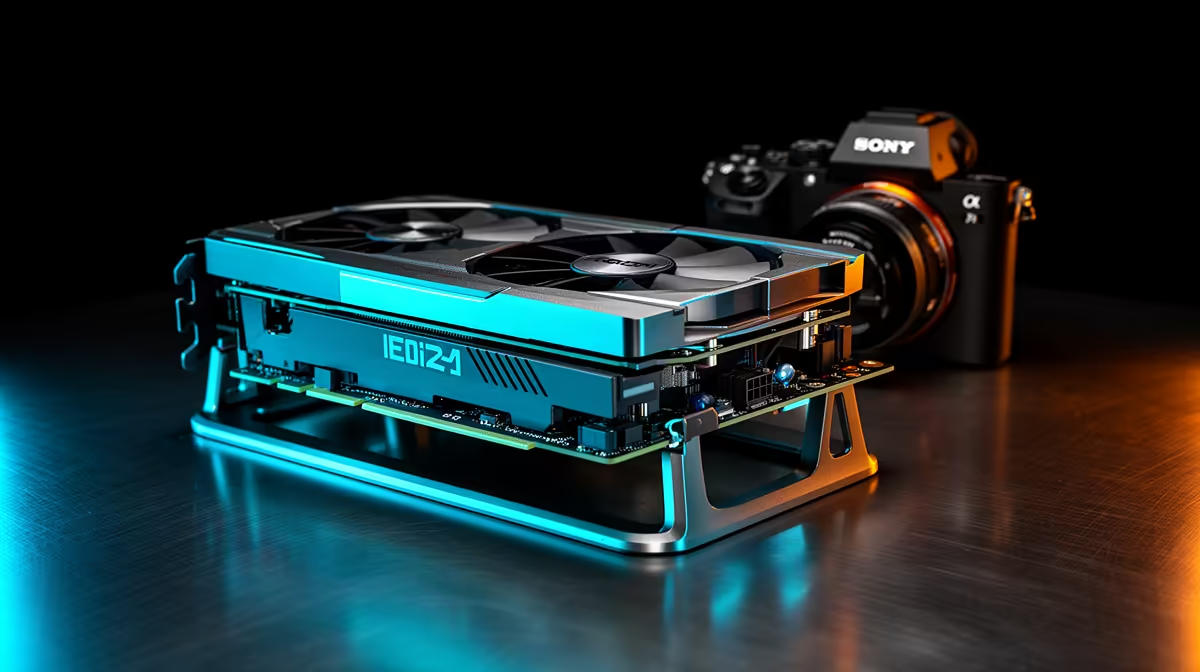
Modern triple-fan flagship GPUs like the RTX 5090 Founders Edition weigh between 1.8kg and 2.8kg. Suspended horizontally from a single PCIe x16 slot over months of operation, this mass pulls the rear of the card downward, stressing the slot retention mechanism. In severe cases, sag creates visible misalignment through the glass panel and, over a multi-year period, can cause intermittent GPU disconnects due to PCIe contact stress.
The visual impact is immediate: a sagging RTX 5090 triple-fan card looks unprofessional in a showcase build, particularly in white-themed systems with tempered glass. Preventing sag preserves both aesthetics and PCIe connector integrity simultaneously.
Built-In GPU Holders: Design and Advantages 🔧
Cases with built-in GPU holders typically use a vertical sliding bar or telescoping pillar attached to the case floor or a side frame. The holder slides until it contacts the underside of the GPU shroud, then locks with a thumbscrew. Because the holder connects directly to the case frame, it is structurally rigid and does not flex under the card's weight.
Built-in holders are included in cases from R2,200 upward and add no cost beyond the initial adjustment. They do not block any PCIe slots, require no drilling or modification, and remain useful through multiple GPU upgrades. For South African builders assembling high-end rigs in the R25,000 to R60,000 range, a case with a built-in GPU holder is a sensible quality-of-life investment.
Separate GPU Brackets: When They Make Sense 💡
Aftermarket GPU sag brackets mount to an unused PCIe slot and extend an arm under the card. Available at Evetech for R120 to R280, installation takes under five minutes. Some premium aftermarket brackets include ARGB lighting matching popular case ecosystems. For white builds, white powder-coated GPU brackets integrate cleanly with the overall aesthetic.
A bracket is not ideal for cards exceeding 2.5kg because the PCIe slot it mounts to is not designed to bear vertical load. For extremely heavy cards, a case with a structural built-in holder is the stronger solution.
GPU Holder Adjustment Tip ⚡
Adjust a built-in GPU holder so it just makes contact with the GPU shroud without pushing the card upward. Slight upward force from the holder can flex the PCIe x16 connector in the opposite direction, which is equally damaging over time. Slide the holder up until resistance begins, then back off by half a millimetre before locking.
FAQ
Do all RTX 5090 builds require a GPU holder or bracket?
Not all, but most horizontal PCIe builds with cards above 1.5kg benefit from sag prevention. Vertically mounted GPUs using a PCIe riser cable are immune to sag because gravity pulls the card against the bracket rather than away from the slot.
Are GPU sag brackets available at South African retailers?
Yes, Evetech stocks adjustable GPU support brackets in standard and ARGB variants at R120 to R280. Several premium full-tower cases available locally include built-in adjustable GPU support as a factory feature.
Can GPU sag actually damage the motherboard PCIe slot?
Over years of sustained pressure, yes. Sag concentrates force on the connector's lower contacts and reduces pressure on the upper contacts, degrading signal integrity and potentially causing texture corruption or random GPU disconnects during gaming.
Fitting a heavy triple-fan GPU in your next build?
Evetech stocks cases with built-in GPU holders and separate aftermarket sag brackets so your flagship card stays level from day one.