


Complete Gaming Setup Guide for the SA Esports Athlete in SA 2026
Complete Gaming Setup Guide for the Esports. Clear setup instructions with SA-specific considerations, troubleshooting tips & recommended components.
Read more- Assess playability - Compare key specs - Setup tips Business monitor for gaming: Discover whether business-grade displays handle modern games, what specs to watch, and quick setup tips for work-play balance 🎮💼
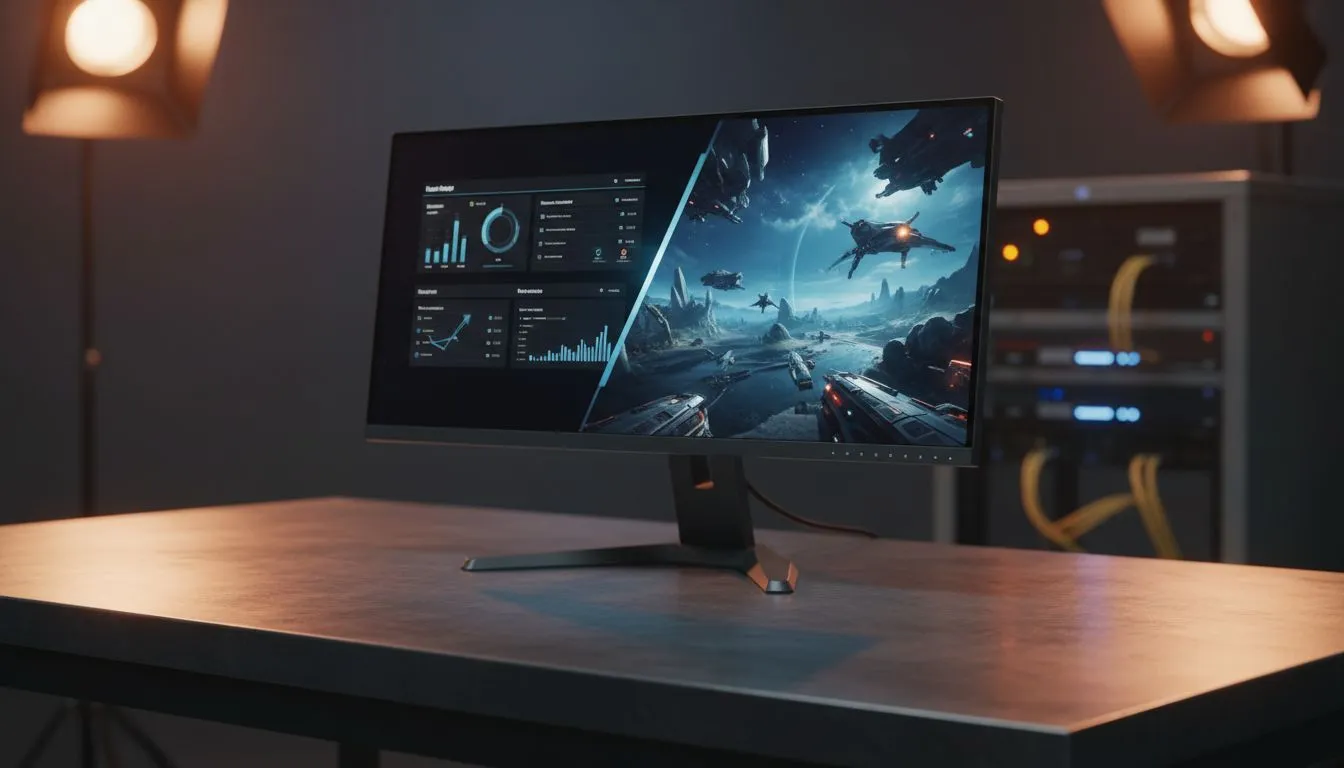
Ever wondered if that "boring" office screen can handle a chaotic firefight in Apex Legends? Many South Africans are setting up hybrid spaces and asking: is a business monitor for gaming actually viable? While these displays are built for spreadsheets and Zoom calls, you might be surprised by how well they perform in a virtual arena. Let’s dive into what makes a professional display tick... and where it might fall short.
If you are looking at a standard office display, you are likely seeing a 60Hz refresh rate. This is standard for emails and browsing. However, if you want to use a business monitor for gaming, you need to consider motion blur. Most modern pc monitors handle basic gaming quite well. You won't get the ultra-fast response times of a dedicated esports screen... but for single-player adventures, it is often more than enough.
Office work requires clarity and wide viewing angles. This is why IPS panel technology is so popular in professional settings. IPS screens offer vibrant colours that make open-world games look stunning. While a TN panel might be faster, the colour accuracy of an IPS screen is a massive win for creators who also enjoy gaming on the side. 🎨
One issue with office screens is screen tearing. This happens when your GPU sends more frames than the monitor can display. To fix this, look for Adaptive Sync technology in the settings. Even many budget-friendly office models now include AMD FreeSync support. If you are using a high-end graphics card, you might even find professional displays compatible with NVIDIA G-Sync. These features ensure your gameplay remains smooth without visual glitches. 🔧
Always use a DisplayPort cable instead of HDMI if your monitor supports it. DisplayPort often unlocks higher refresh rates and better sync compatibility that might be hidden in the menu. This is the easiest way to optimise your setup for zero ZAR cost.
Choosing the right shape depends on your desk depth and personal preference. Professional flat screens are great for multi-monitor setups. They keep lines straight for designers and architects. On the other hand, many users find that curved monitors provide a more immersive feel during late-night gaming sessions. The curve matches the natural arc of your eyes... making long workdays and gaming marathons much more comfortable. ✨
The answer is a resounding yes. While you might miss out on 240Hz speeds, a high-quality business monitor for gaming is a smart choice for the budget-conscious South African. You get professional colour reproduction and a clean aesthetic that fits any room. Just ensure you check for sync compatibility to keep those frames fluid. 🚀
Ready to Find Your Perfect Match? The debate between professional gear and gaming peripherals is complex, but for maximum power, choice, and value in South Africa, Evetech is hard to beat. Explore our massive range of pc monitors and find the perfect machine to conquer your world.
Yes — many business monitors can game. Check refresh rate, response time and adaptive sync to match the titles you play. See can you game on a business monitor.
Prioritize refresh rate (75Hz+), low response time, adaptive sync and good color. Business monitor refresh rate for gaming affects smoothness and input feel.
IPS business monitors deliver color and viewing angles. IPS business monitor gaming performance is solid if refresh and response specs meet your needs.
Many modern business monitors include adaptive sync or FreeSync; G-Sync is less common. Adaptive sync on business monitors reduces screen tearing.
Yes — business monitors often beat gaming models in ergonomics, ports and color accuracy. Is a business monitor good for gaming? They trade peak speed for productivity.
Yes, gaming on ultrawide business monitors works well for immersive titles, but confirm GPU support and aspect ratio compatibility first.
For value, pick a cheap business monitor for gaming with 75Hz, IPS panel and adaptive sync to balance price, color and smoothness.
Complete Gaming Setup Guide for the Esports. Clear setup instructions with SA-specific considerations, troubleshooting tips & recommended components.
Read more
AIO Liquid 360mm Installation Guide for Your PC. Clear setup instructions with SA-specific considerations, troubleshooting tips & recommended components.
Read more
MacBook Display Colour Looks Wrong? Calibration. Everything you need to know with SA pricing, step-by-step instructions & expert recommendations.
Read more
Printer Terminology Guide. Everything you need to know with SA pricing, step-by-step instructions & expert recommendations.
Read more
Git on Mac: Complete Setup Guide for Beginners. Clear setup instructions with SA-specific considerations, troubleshooting tips & recommended components.
Read more
Ryzen 9 9900X Thermal Paste Dry: Reapplication. Everything you need to know with SA pricing, step-by-step instructions & expert recommendations.
Read more
AMD RX 9050 XT: Rumoured Specs, Price & Release. SA-focused analysis with local pricing data, real-world insights & actionable buying advice.

Can RTX 4080 Super Run AI Workloads for SA Developers Detailed answer with SA data, expert analysis & practical recommendations for local buyers.

Can RTX 4090 Run AI Workloads for SA Developers Detailed answer with SA data, expert analysis & practical recommendations for local buyers.

Top Settings for Intel Arc B580 at Ultrawide 1440p picks evaluated on performance, value & SA availability with current Rand pricing from Evetech.

RTX 4060 CS2 Low Settings at 1080p: FPS Results. Real-world benchmark data, FPS numbers & performance analysis. What SA gamers can actually expect.

Visual Artifacts: Possible GPU Issue Issue #1. Diagnosis steps, proven fixes & when to seek professional help. SA-specific support info included.

Can the RTX 4090 Handle 1440p 144Hz Gaming. Performance testing verdict with real data & practical recommendations for SA buyers.

Top ASUS GPU Under R15000 picks evaluated on performance, value & SA availability with current Rand pricing from Evetech.

GTA 6 Max Settings on RTX 5070. Tested & verified settings for best FPS and visual quality on SA hardware budgets.

Cyberpunk 2077 Max Settings on RTX 5080. Tested & verified settings for best FPS and visual quality on SA hardware budgets.

Starfield Max Settings on RTX 5070 Ti. Tested & verified settings for best FPS and visual quality on SA hardware budgets.

Top RTX 5090 Under R5000 picks evaluated on performance, value & SA availability with current Rand pricing from Evetech.