


Using GitHub Copilot: Complete Beginner's Guide for SA Developers
Using GitHub Copilot: Complete Beginner's Guide for SA Developers. Everything you need to know with SA-specific pricing and recommendations.
Read moreCable Management Installation Guide for Your PC. Everything you need to know with SA-specific pricing and recommendations.
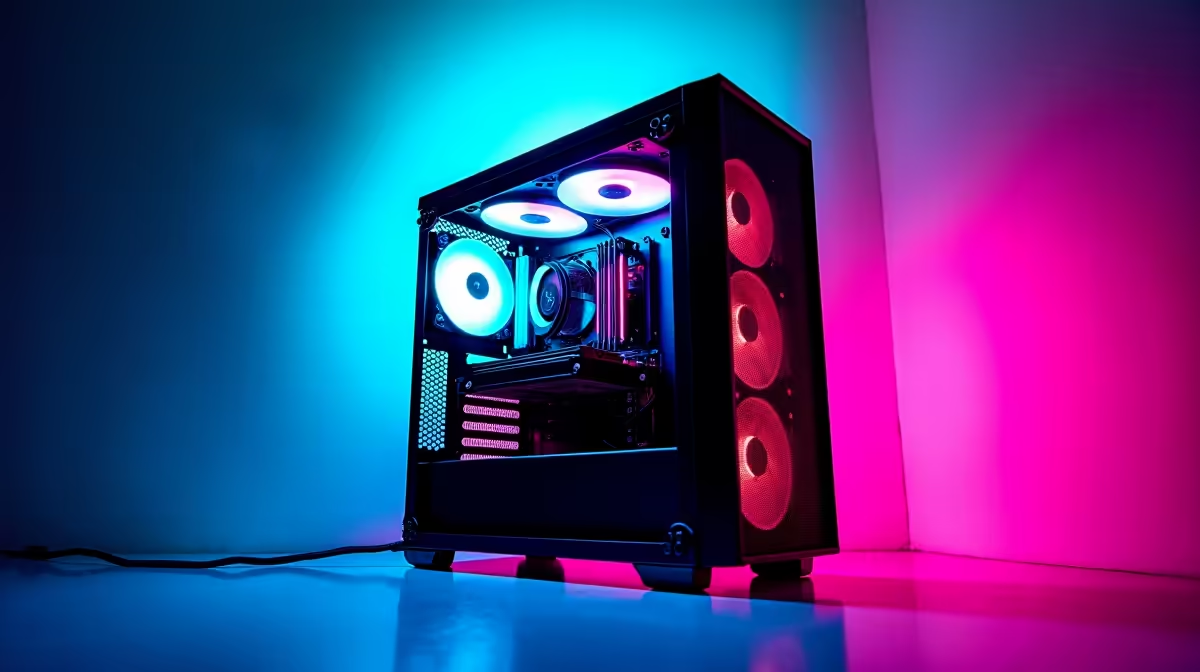
Good cable management isn't just about aesthetics - it improves airflow inside your case, makes future upgrades easier, and helps you troubleshoot problems without battling a jungle of tangled wires. Done right, it takes an hour and makes every future build session faster.
How do I manage cables in my PC build?: Route cables behind the motherboard tray through dedicated cutouts, use velcro ties or cable combs to bundle parallel runs, and connect components with the shortest viable cable to reduce excess length stuffed behind the tray.
Before routing a single cable, gather: velcro cable ties (reusable and non-abrasive, preferable to zip ties), a cable comb or two for sleeved cables, and a flashlight or headlamp. Some cases include integrated cable management clips and velcro straps - check what's already built into your case before buying extras.
Install your motherboard, PSU, and storage drives before routing cables. It's far easier to route cables around installed components than to install components after routing. If you're using a modular PSU, only attach the cables you need - this alone eliminates most of the cable clutter in budget builds that use non-modular units.
Identify your case's cable routing cutouts - the rubber-grommet holes beside the motherboard tray. These are your primary routing paths. Plan which cable goes through which cutout before threading anything.
24-pin ATX: Run this cable from the PSU, behind the motherboard tray, and up through the cutout nearest the 24-pin connector on the motherboard. This is the thickest cable in your build - route it first.
EPS CPU power (8-pin): Route this behind the tray, up through the top-left cutout, and along the top of the case behind the motherboard area. Keep it clear of the CPU cooler.
GPU power (8-pin or 16-pin): Run GPU power cables through the large cutout on the right side of the motherboard tray, beneath the GPU. For high-end GPUs with 16-pin connectors, use the manufacturer-supplied adapter cable and ensure it doesn't pull on the PCIe slot.
SATA and data cables: Bundle SATA power cables together and route them tidily to your storage devices. SATA data cables (for 2.5" SSDs or HDDs) are thin - bundle them with velcro along the bottom of the case.
Case cables (USB, audio, front panel): These small cables are the trickiest. Route them as a group behind the tray and bring them out through the nearest cutout to their motherboard headers. Keep front panel connectors (power button, reset, LEDs) bundled together for easy identification during troubleshooting.
After routing, go back through with velcro ties and bundle parallel runs. Three or four SATA cables running side by side look much cleaner tied together every 10–15 cm. Avoid over-tightening ties on cables - snug but not crushing.
Check clearance: with the back panel of your case, you need roughly 15–20 mm of depth for cable bundles behind the tray. If the panel is hard to close, redistribute cables so bundles don't pile up in one area.
Finally, do a boot test before closing the case fully. Confirm all connectors are fully seated - a cable management session that accidentally unseated a RAM stick or GPU connector is the most common post-build frustration.
Does cable management actually improve temperatures? Yes, particularly when cables are blocking direct airflow paths from intake fans to the CPU cooler or GPU. Tidy routing keeps air channels clear and can reduce temperatures by a few degrees in poorly managed cases.
Are modular PSUs worth it for cable management? Absolutely. Modular PSUs let you omit unused cables entirely, which eliminates the biggest source of excess cable bulk. Semi-modular units (with 24-pin and EPS fixed) are a good middle ground at a lower price.
What's the best cable tie type for PC builds? Velcro ties. They're reusable, gentle on cables, and can be repositioned without cutting. Zip ties are harder to remove cleanly and can damage cable sleeving if over-tightened.
Evetech stocks Graphics Card Deals and Evetech Best Sellers — shop online with fast delivery across South Africa.
Ready to Find Your Perfect Match? Shop at Evetech
Cable Management Installation Guide for available at Evetech.co.za with local warranty.
Cable Management Installation Guide for - check Evetech for latest stock.
Depends on use case. Cable Management Installation good value at current Rand pricing.
Using GitHub Copilot: Complete Beginner's Guide for SA Developers. Everything you need to know with SA-specific pricing and recommendations.
Read more
Back-to-School Headset Buying Guide for SA 2026. Everything you need to know with SA-specific pricing and recommendations.
Read more
Mesh Front Panel Setup and Configuration: Complete Tutorial. Comprehensive coverage with SA insights, Rand pricing, and practical recommendations.
Read more
Black Screen: Troubleshooting Guide #1. Everything you need to know with SA-specific pricing and recommendations.
Read more
The Complete 2026 Guide to Storage in South Africa. Everything you need to know with SA-specific pricing and recommendations.
Read more
1000W PSU Not Working After Load Shedding: Recovery Guide. Everything you need to know with SA-specific pricing and recommendations.
Read more
AMD RX 9050 XT: Rumoured Specs, Price & Release. SA-focused analysis with local pricing data, real-world insights & actionable buying advice.

Can RTX 4080 Super Run AI Workloads for SA Developers Detailed answer with SA data, expert analysis & practical recommendations for local buyers.

Can RTX 4090 Run AI Workloads for SA Developers Detailed answer with SA data, expert analysis & practical recommendations for local buyers.

Top Settings for Intel Arc B580 at Ultrawide 1440p picks evaluated on performance, value & SA availability with current Rand pricing from Evetech.

RTX 4060 CS2 Low Settings at 1080p: FPS Results. Real-world benchmark data, FPS numbers & performance analysis. What SA gamers can actually expect.

Visual Artifacts: Possible GPU Issue Issue #1. Diagnosis steps, proven fixes & when to seek professional help. SA-specific support info included.

Can the RTX 4090 Handle 1440p 144Hz Gaming. Performance testing verdict with real data & practical recommendations for SA buyers.

Top ASUS GPU Under R15000 picks evaluated on performance, value & SA availability with current Rand pricing from Evetech.

GTA 6 Max Settings on RTX 5070. Tested & verified settings for best FPS and visual quality on SA hardware budgets.

Cyberpunk 2077 Max Settings on RTX 5080. Tested & verified settings for best FPS and visual quality on SA hardware budgets.

Starfield Max Settings on RTX 5070 Ti. Tested & verified settings for best FPS and visual quality on SA hardware budgets.

Top RTX 5090 Under R5000 picks evaluated on performance, value & SA availability with current Rand pricing from Evetech.