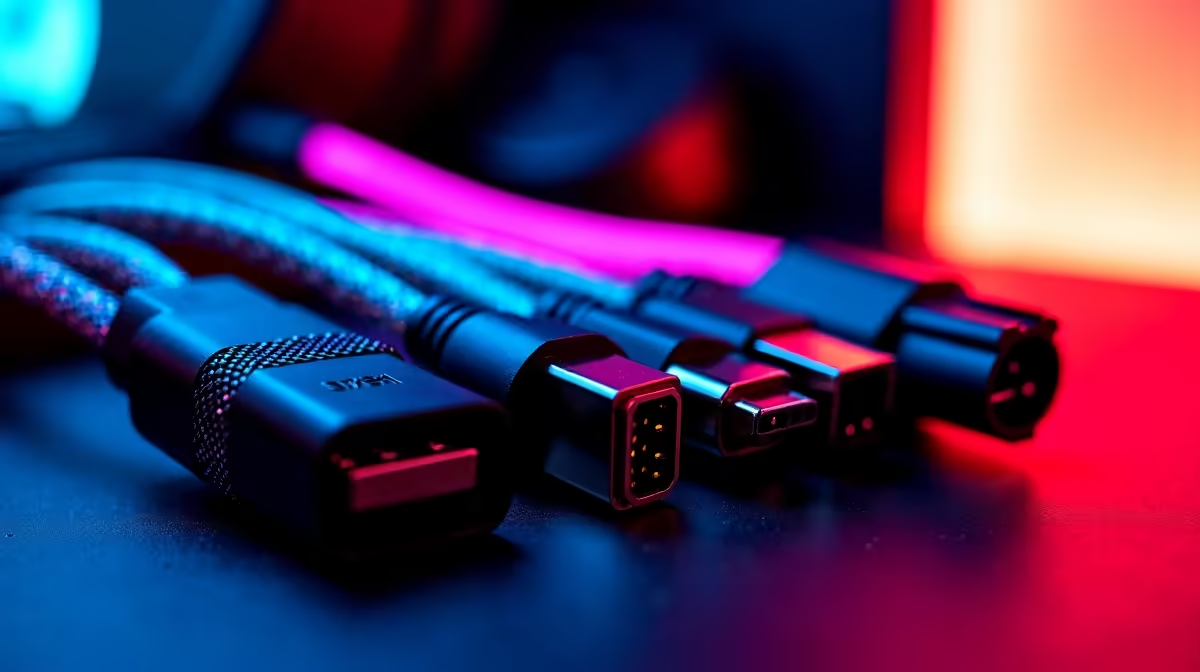
Just unboxed that shiny new 4K monitor, plugged it in… and the picture looks fuzzy? Or maybe your new SSD isn't hitting those advertised speeds? Before you blame your new gear, let's talk about the unsung hero of your setup: the humble cable. Getting your cable matching right is one of the easiest, cheapest ways to boost your tech setup's performance and aesthetics.
Let’s untangle this mess and get your rig running at 100%. 🚀
Why Your Cable Choice Actually Matters
It’s easy to think "a cable is just a cable," but that's a fast track to disappointment. The wrong wire can bottleneck your entire system. A cheap HDMI cable might not support the high refresh rate your gaming monitor boasts, and a low-spec USB-C cable could turn a 10-minute file transfer into a 30-minute coffee break.
Proper cable matching ensures every component, from your GPU to your external drives, communicates at its maximum potential. It’s not just about tidiness; it’s about unlocking the performance you paid for.
A Practical Guide to Matching Cables
Getting it right is simple when you know what to look for. Here are some essential cable matching tips for the most common connections in any South African tech enthusiast's battle station.
For Your Monitor: DisplayPort vs. HDMI
This is the big one for gamers. While both can carry 4K signals, the version is what counts.
- DisplayPort 1.4 is typically the top choice for high-refresh-rate gaming (144Hz and above) at 1440p or 4K.
- HDMI 2.1 is the new king, essential for 4K at 120Hz on consoles like the PS5 and Xbox Series X, and for the latest generation of graphics cards.
If your monitor and GPU support it, DisplayPort is often the more reliable PC gaming choice. Unsure what you need? Have a look at Evetech's range of display cables to find the perfect match for your screen.
For Your Peripherals: The USB Jungle 🌴
USB-A is the classic rectangle we all know. USB-C is the small, reversible oval. But again, the spec matters more than the shape.
- USB 3.2 Gen 2x2 (often on a USB-C connector) offers blazing-fast speeds up to 20Gbps, perfect for external NVMe SSDs.
- Thunderbolt 3/4 (uses the USB-C connector) is the ultimate all-in-one, supporting high-speed data, video output, and power delivery over a single cable.
For connecting multiple devices, a powered hub is a must. You can find quality HP adapters and hubs that help declutter your desk and expand your connectivity.
Pro Tip: Measure Twice, Buy Once
Cable length matters! A cable that's too long creates that dreaded "spaghetti" behind your desk, while one that's too short can strain the ports on your expensive hardware. Take a moment to measure the distance you need to cover for a clean, professional-looking setup.
Choosing Quality Cables That Won't Let You Down ⚡
A R50 cable protecting a R20,000 graphics card is a recipe for disaster. Cheaper cables often skimp on shielding, leading to signal interference (think screen flickering) and poor durability. The connectors might feel flimsy or break easily.
Investing a little more in a well-made cable pays off in reliability and peace of mind. Look for features like braided sheaths for durability and gold-plated connectors for better corrosion resistance. You can find plenty of reliable options from brands like Promate that balance quality and price perfectly. These small details are the foundation of a stable and high-performing tech setup.
Ready to Optimise Your Connections?
Stop letting the wrong wires throttle your performance and ruin your setup's clean look. Explore our massive selection of cables and adapters and give your rig the high-quality backbone it deserves. Shop our comprehensive cable solutions for a cleaner, faster rig today.