Tired of uninstalling your favourite games just to make room for the latest 150GB update? We have all been there. Modern titles demand massive, lightning-fast storage. But if you are putting together a new rig, you might be wondering... can 5x M.2 slots replace the need for extra storage cards in an ATX build? Let us dive into why this modern layout is dominating the market.
Why 5x M.2 Slots Are Dominating ATX Builds 🚀
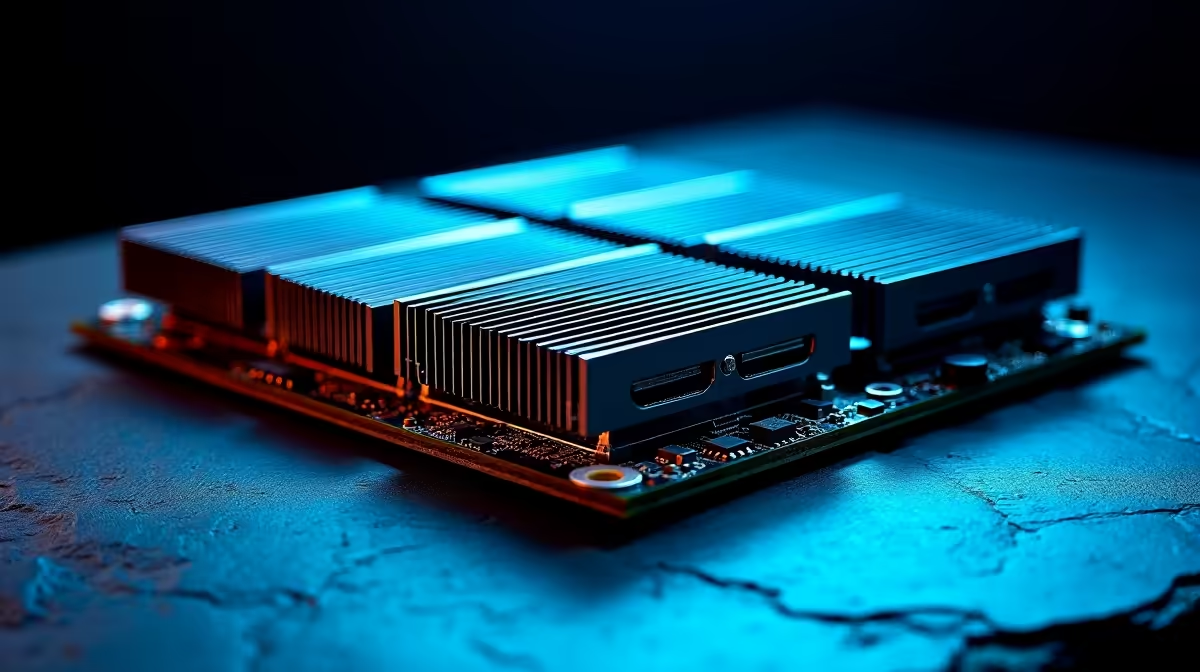
A few years ago, adding terabytes of fast storage meant buying clunky PCIe expansion cards. Today, high-end ATX motherboards are shipping with up to five dedicated NVMe M.2 slots right on the board. This massive shift means you can easily stack 10TB or more of ultra-fast storage without blocking your graphics card airflow.
Browse through the latest custom gaming PC deals. You will notice system builders are ditching traditional hard drives entirely. M.2 drives plug directly into the motherboard... keeping your build clean and completely cable-free. According to modern chipset specifications from both AMD and Intel, newer CPUs offer plenty of direct PCIe lanes. This supports multiple NVMe drives without bottlenecking your primary GPU.
The End of PCIe Expansion Cards?
So, can 5x M.2 slots replace the need for extra storage cards in an ATX build? For most gamers and content creators in South Africa, the answer is a resounding yes. Modern motherboards utilise PCIe Gen 4 and Gen 5 lanes to deliver read speeds up to 14,000 MB/s natively. You simply do not need an add-in card to achieve top-tier performance anymore.
Plus, freeing up those lower PCIe slots significantly improves overall system cooling. Are you currently upgrading your rig? Keeping an eye on our component specials can help you snag high-capacity NVMe drives for a fraction of the cost. This saves you precious ZAR for a better graphics card. Expansion cards also introduce potential points of failure and extra driver configurations. Sticking to the native slots on your ATX board ensures maximum compatibility and stability.
Motherboard Manual Pro Tip 🔧
Always check your motherboard manual before filling all five slots. Some ATX boards share PCIe lanes between the bottom M.2 slots and your SATA ports or secondary PCIe slots. Knowing your lane distribution ensures your graphics card always runs at full x16 speed.
Local Storage is King for SA Gamers ⚡
Let us face facts. Unpredictable internet speeds make downloading titles from scratch a massive headache. Having vast amounts of local storage is absolutely essential. Five M.2 slots give you the ultimate flexibility. You can keep your entire Steam library installed and ready to play at a moment's notice.
Do you prefer mobile gaming? Even if you frequently check out high-performance laptops, the desktop ATX standard remains the undisputed king of storage expansion. You get unmatched capacity without the clutter. Think about it... a clean interior means better airflow. This keeps your expensive components running cooler during those intense summer gaming sessions.
Ready to Build Your Ultimate Storage Rig?
Running out of space is a thing of the past. For maximum capacity, speed, and value in South Africa, a modern ATX build is impossible to beat. Explore our massive range of PC components and find the perfect motherboard to conquer your storage woes.