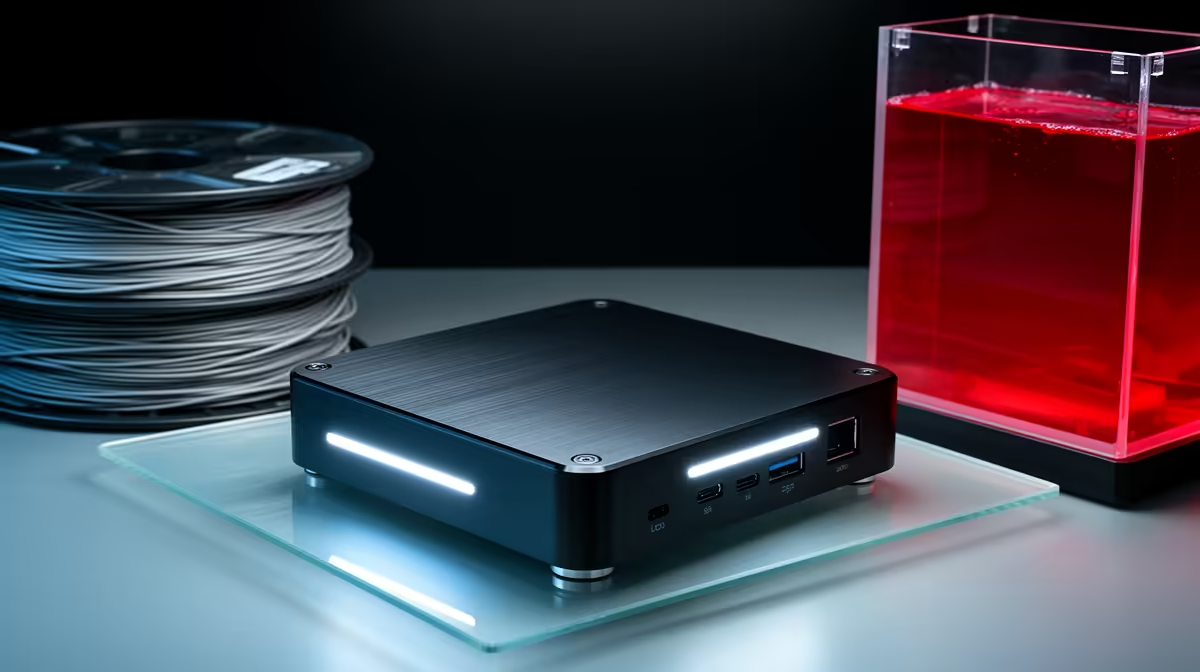
Leaving a full desktop running just to babysit a 3D printer feels wasteful, and tying up a laptop for an eight-hour print is worse. A mini PC as a dedicated 3D print server solves both problems for a fraction of the power and desk space. The job sounds demanding but is not: the machine talks to the printer over USB serial, serves a web interface, and shuffles G-code files. None of that needs muscle. A box with 4GB of RAM and a humble dual-core chip handles it comfortably, and it can sit on a shelf and run for months.
Quick Answer
Yes, a mini or small-form-factor PC makes an excellent dedicated 3D print server. OctoPrint or a similar host runs happily on a dual-core CPU with 4GB of RAM, drawing single-digit watts at idle. You only need to step up specs if you add a webcam for time-lapses or want the same box to slice models, not just send them.
Why Print-Server Duty Is So Light
Running a print server is fundamentally an input-output task, not a compute task. Once a model is sliced into G-code, the server's job is to stream those instructions to the printer's control board line by line over a serial connection, typically at 115200 or 250000 baud. That is a trickle of data. The server also hosts a web interface so you can monitor progress and start jobs from your phone, and it manages a small library of uploaded files.
Memory pressure is minimal because G-code files are plain text, usually a few megabytes each. The processor spends most of its time idle, waiting on the printer's mechanical movements. This is why hobbyists have run print servers on single-board computers for years. A mini PC offers the same low footprint with more reliable storage and a proper x86 environment, which sidesteps the SD-card corruption that plagues some board-based setups. If you are assembling a print farm or a first machine, the 3D printer lineup at Evetech pairs naturally with a quiet little server alongside it.
Picking the Right Mini PC
Processor and Memory
A dual-core processor clears the bar for pure serial hosting, but a modern quad-core gives you headroom for almost nothing extra in cost or power. Intel N-series chips and entry AMD APUs both suit the role. For RAM, 4GB runs OctoPrint and its web stack with room to spare. Move to 8GB only if you intend to slice on the same machine or run several printers from one server with plugins loaded.
Storage
A small SSD or eMMC drive beats an SD card for longevity, since the server writes logs and uploads constantly during operation. 64GB to 128GB is generous; G-code libraries are tiny compared to the media files most people hoard. The reliability gain matters because a print server that corrupts its boot drive mid-job ruins the print and the filament.
Ports and Connectivity
You need at least one USB port for the printer's serial link, and a second if you add a webcam. Wired Ethernet is ideal for a fixed installation because it never drops during a long print, though stable Wi-Fi is fine if the machine sits far from the router. A spare USB header also lets you connect storage or a backup printer later.
Webcam and Time-Lapse Considerations
The moment you add a camera, the maths changes. Encoding a live video stream and stitching time-lapse footage is the heaviest thing a print server will ever do. A 720p stream is light, but 1080p with on-the-fly encoding can saturate a weak dual-core chip and stutter the feed. If monitoring matters to you, lean toward a quad-core box with at least 8GB of RAM and a USB camera that handles its own MJPEG encoding, which offloads work from the CPU. Picking up a compatible camera and a powered USB hub from the 3D printing accessories range keeps the wiring tidy and the feed stable.
Power Draw and Always-On Reliability
The headline advantage of a dedicated mini PC is that it costs almost nothing to leave running. Many idle around 5W to 10W, so a server that is on around the clock barely registers on your electricity bill. That always-on availability is the whole point: you can queue a job from your phone, walk away, and check the progress remotely without waking a desktop or hunting for a free laptop.
Reliability comes from doing one thing. A box that only runs print-server software, with no browser tabs, no game updates, and no background sync, simply does not fall over. Set it up once, mount it near the printer, and it becomes invisible infrastructure. For a household or small workshop running prints regularly, that hands-off dependability is worth far more than the modest cost of the hardware.
Who Should Build One
A mini PC print server makes the most sense if you print often enough that walking to the machine to swap files has become a chore, or if your printer lives somewhere awkward like a garage or spare room. It also suits anyone running more than one printer, since a single server with the right plugins can manage several. If you print occasionally and your desktop already sits near the printer, you may not need a dedicated box at all. But for steady users, the combination of low power, remote control, and set-and-forget reliability is hard to beat.
Frequently Asked Questions
How much RAM does a 3D print server need?
4GB is enough for hosting and file management with a comfortable margin. Step up to 8GB only if you plan to slice models on the same machine or run a webcam with 1080p encoding, both of which add real memory and CPU demand.
Can a mini PC slice models as well as serve them?
It can, but slicing is far more demanding than serving. A dual-core box meant for hosting will slice slowly. If you want one machine to both slice and serve, choose a quad-core model with 8GB of RAM so slicing does not bog down the print stream.
Is wired Ethernet necessary for a print server?
Not strictly, but it is more reliable for long prints. A dropped Wi-Fi connection can interrupt a job or block remote monitoring. If the server sits far from the router, stable Wi-Fi works, but a wired link removes that risk entirely.
Will a mini PC use a lot of electricity running all day?
No. Most mini PCs idle in the single-digit-watt range, so leaving one on continuously adds very little to your power costs. That low draw is exactly what makes a dedicated server practical compared to running a full desktop.
Do I need a powerful CPU if I add a camera?
Yes, a camera raises the bar. Video encoding is the heaviest task a print server faces. For smooth 1080p monitoring and time-lapses, pick a quad-core machine and a camera that handles its own encoding to keep the processor free.
A small, quiet mini PC turns any 3D printer into a remotely managed machine you can monitor from your phone, all on a few watts of power. Browse mini PCs, printers, and the accessories to wire it all together at Evetech and build your dedicated print server this weekend.