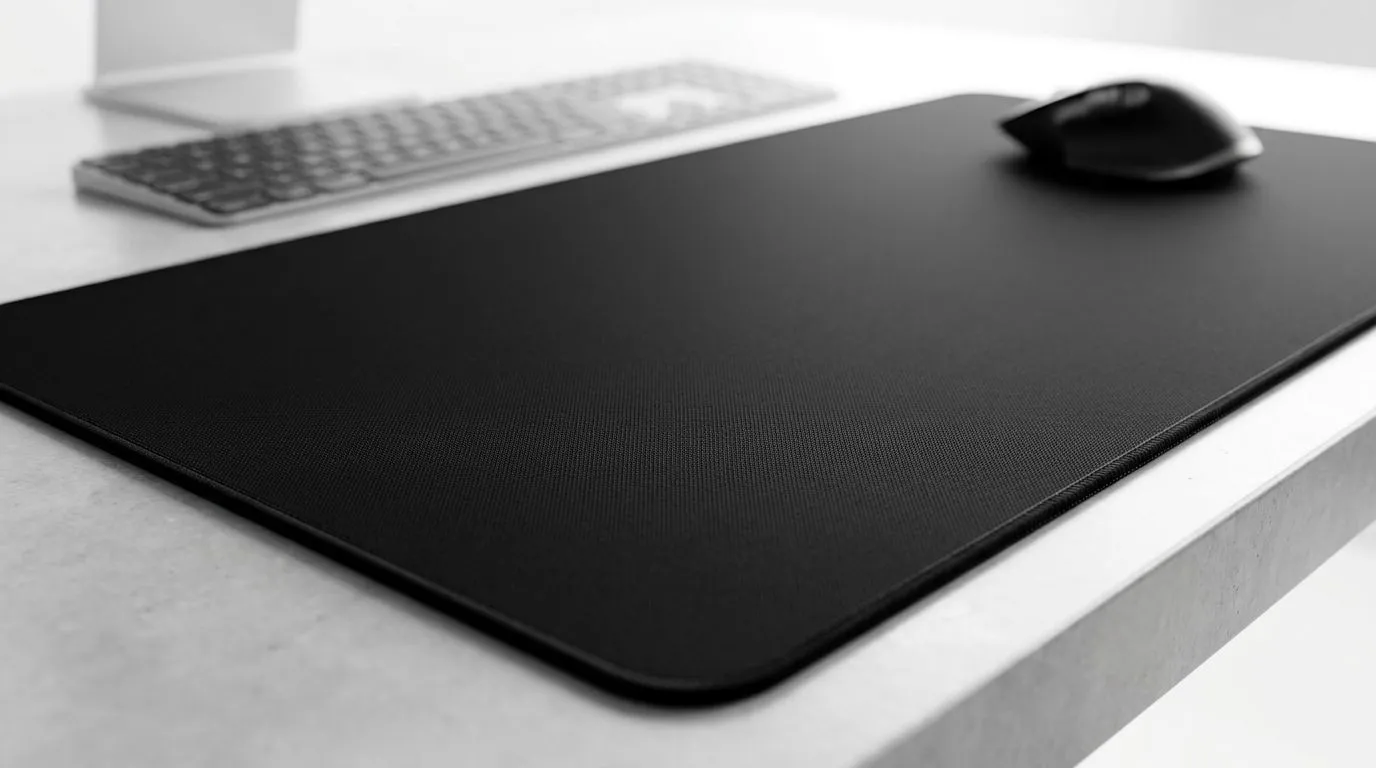
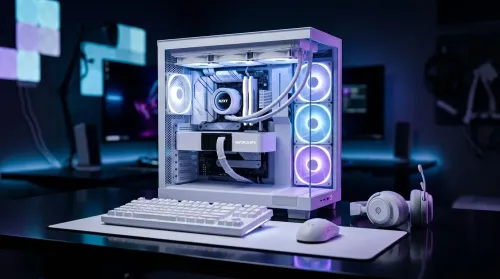
Ever spilled a cooler drink, tracked in dust, or noticed your mousepad looking a bit grim after a long Valorant session? If you’ve got a full-surface microfiber desk mousepad cover, the good news is simple: yes, you can wash it. The trick is doing it properly so you don’t wreck the glide, colour, or stitched edges. For South African gamers, that matters... because your setup deserves more than a half-clean wipe-down 🔧
Can You Wash a Full-Surface Microfiber Desk Mousepad Cover Without Ruining It?
In most cases, yes. Microfiber is designed to handle regular cleaning, and a desk-sized mousepad cover usually copes well with gentle washing. The surface may collect oil from your hands, dust from open windows, and the occasional braai-night snack crumb. That’s normal.
The key is to treat it like a fabric accessory, not a gym towel.
What usually works best
- Use lukewarm water
- Add a small amount of mild detergent
- Wash gently by hand if possible
- Avoid bleach or harsh stain removers
- Let it air dry flat
Machine washing can be fine for some pads, but only if the manufacturer allows it. If the label is missing, hand washing is the safer choice.
Can You Wash a Full-Surface Microfiber Desk Mousepad Cover in a Machine?
You can sometimes, but not every pad should go in with your laundry. The stitching, rubber base, and printed surface can be sensitive. High spin cycles may cause curling at the edges or shorten the life of the backing.
If you do use a machine:
Keep it gentle
- Use cold or lukewarm water
- Pick a delicate cycle
- Place the pad in a laundry bag if you have one
- Skip fabric softener
- Air dry only
That last part matters. Heat can damage the base material and change the surface feel.
Can You Wash a Full-Surface Microfiber Desk Mousepad Cover by Hand?
Yes, and this is the safest route for most people. It takes a few minutes, and you keep control over the pressure.
Simple hand-wash method
- Fill a basin with lukewarm water
- Add a small amount of mild detergent
- Gently rub the surface with your hands or a soft cloth
- Rinse thoroughly until the water runs clear
- Press out excess water with a clean towel
- Lay flat to air dry
Do not twist it hard. That can stretch the material or weaken the edges.
Mousepad Care Pro Tip ⚡
Wash your desk pad before grime builds up. Light cleaning every few weeks is easier than rescuing a stained surface later.
Can You Wash a Full-Surface Microfiber Desk Mousepad Cover After Spills?
Yes, and you should act fast. Coffee, cooldrink, and sugar-heavy drinks can leave sticky residue if they sit too long. Dab the spill first. Don’t rub aggressively. Rubbing can push the stain deeper into the fibres.
For oily marks, a tiny amount of mild dish soap can help. Just rinse well afterwards. If the stain remains, repeat the process rather than using stronger chemicals.
Can You Wash a Full-Surface Microfiber Desk Mousepad Cover and Keep It Gaming-Smooth?
You can, as long as you dry it properly. The surface feel matters for aim consistency. A damp pad can feel sluggish. A badly dried one can warp slightly and sit unevenly on the desk.
If your setup includes a proper gaming desk, a clean mousepad also helps the whole battlestation look sharper. That matters more than people admit. A tidy desk makes cable management, keyboard placement, and monitor alignment feel intentional. If you’re upgrading your space, check out Evetech’s range of gaming desks for a cleaner foundation.
For more complete setup ideas, you can also browse Arrozi gaming setups, especially if you want a coordinated look that feels purpose-built.
Can You Wash a Full-Surface Microfiber Desk Mousepad Cover and Match the Rest of Your Setup?
Absolutely. A clean desk pad pairs well with the rest of your gear. If you enjoy a darker, more polished setup, subtle lighting can make the area feel premium without being flashy. Evetech’s NZXT case lighting options are worth a look if you want that ambient glow around your rig.
And if your posture is part of the problem, not just the mess, it may be time to rethink your seat too. A solid chair can make long sessions easier on your back. See Evetech’s gaming chairs in South Africa for options that suit different budgets and setups.
Can You Wash a Full-Surface Microfiber Desk Mousepad Cover If It Smells Musty?
Yes. Musty smells usually come from moisture left in the fibres or from spilled drinks that were not fully cleaned. A proper wash usually fixes that. If the smell persists, let it air out in a dry, shaded area for longer. Direct sun can help with drying, but too much heat can be harsh on the material.
Can You Wash a Full-Surface Microfiber Desk Mousepad Cover More Often Than You Think?
Usually, yes. Regular maintenance is better than waiting for visible dirt. If you game daily, a quick clean every few weeks is sensible. If you snack at the desk, more often may be wise. The goal is to preserve glide and keep the pad looking fresh.
A simple wipe after each session helps too. It takes seconds, and it prevents buildup.
Can You Wash a Full-Surface Microfiber Desk Mousepad Cover? The Short Answer
Yes. Wash it gently, dry it flat, avoid harsh chemicals, and check the care instructions if they exist. That approach keeps the surface smooth and the setup looking sharp.
Ready to Find Your Perfect Match?
The Mac vs Windows debate is complex, but for maximum power, choice, and value in South Africa, Windows is hard to beat. Explore our massive range of laptop specials and find the perfect machine to conquer your world.