



How to Use a Nano SIM 4G Router for Reliable Home Internet
Master using a Nano SIM 4G router as your primary internet solution. Get stable speeds and seamless connectivity for gaming and streaming at home! 🌐🚀
Read moreUWQHD 3440x1440 vs standard QHD: does 21:9 really win for FPS, immersion, and multitasking? Compare resolution, performance impact, and value before you buy. 🎮🖥️
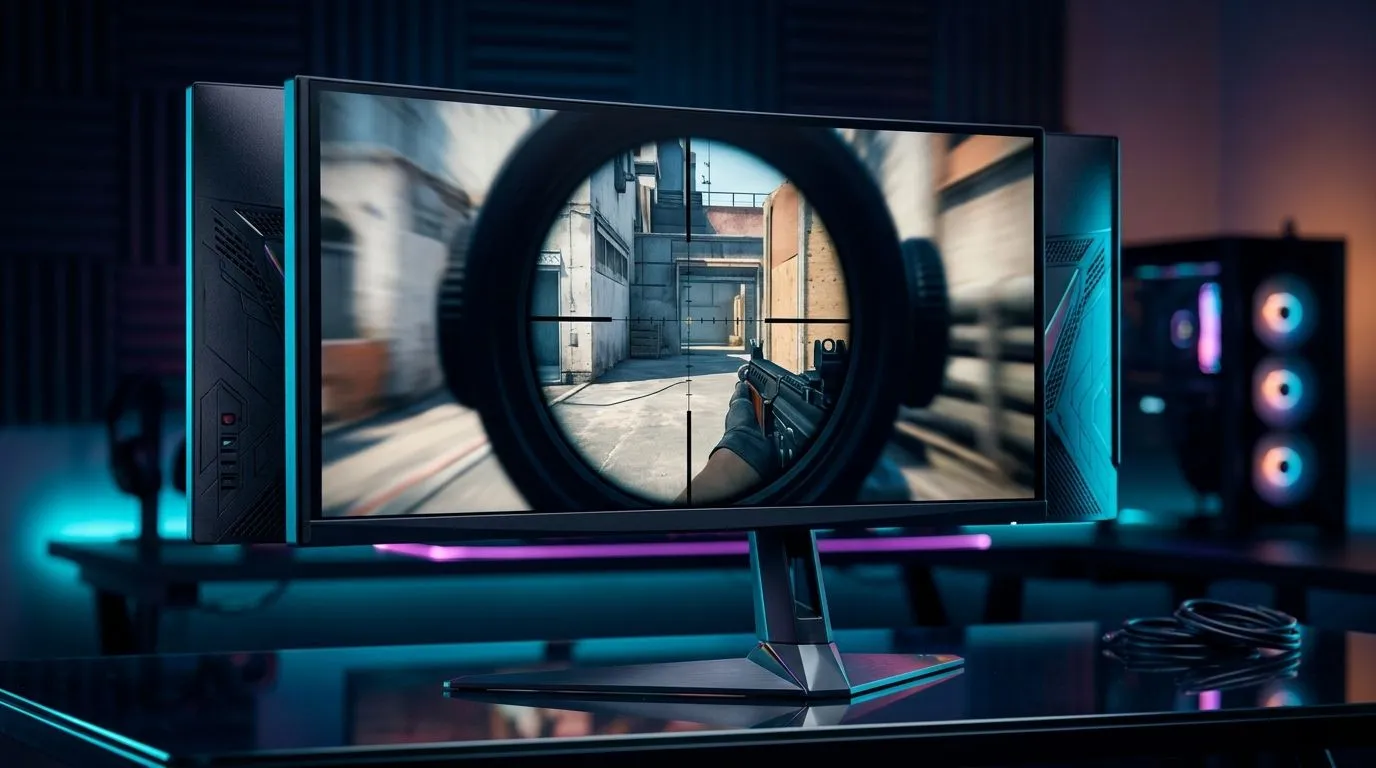
If you’ve been eyeing a new monitor and wondering whether ultrawide is worth the jump, you’re not alone. South African gamers love value, but they also want more immersion, more desk presence, and less buyer’s remorse. The choice between UWQHD 3440x1440 and standard QHD is not just about pixels… it’s about how you actually play, work, and live with the screen every day 🔥
Standard QHD is 2560x1440 at 16:9. UWQHD stretches that to 3440x1440 at 21:9. That means the same vertical height, but a lot more horizontal space. In practice, that extra width can make open-world games feel wider and racing sims feel more natural.
For competitive titles, though, there’s a trade-off. Some games support 21:9 beautifully. Others may show black bars, crop the image, or simply feel unfamiliar at first. If you mostly play esports titles and want a familiar format, QHD still makes excellent sense.
If you use your PC for more than gaming, ultrawide starts to shine. A timeline, chat window, browser tabs, and game launcher can all sit side by side with less overlap. That’s where the format earns its keep.
The 21:9 advantage is real, but only when your use case matches it. A wider display gives you more screen real estate, which can reduce alt-tabbing and make multitasking feel smoother. It can also improve immersion in supported games.
That said, the wider aspect ratio does not magically improve image sharpness on its own. Sharpness depends on pixel density, panel quality, and how far you sit from the screen. So the better question is not “Is ultrawide better?” It’s “Better for what?”
If your setup already feels cramped, the monitor decision often reveals another problem: the desk itself. A wide panel needs breathing room, and a stable surface matters more than people expect. A proper gaming desk can make the difference between a clean, comfortable setup and a cluttered one.
Ultrawide makes the most sense if you enjoy:
It is less ideal if you are:
If your room, chair, and desk are all part of the experience, the monitor becomes only one piece of the puzzle. A well-planned gaming setup can help you judge whether an ultrawide fits your space and your style.
Before chasing specs, think about the full setup. Ultra-wide screens need a bit more horizontal clearance, and the extra width can make cable management and lighting more important. Good ambience helps too, especially in darker rooms during load-shedding sessions ⚡
You may also want to consider ergonomics. A wider screen can invite more head movement if it sits too close. A supportive chair and the right desk height help keep your posture comfortable during long sessions. If your current seat has seen better days, a proper gaming chair is worth comparing before you commit to a bigger display.
The right monitor deserves the right surroundings. Subtle bias lighting, a tidy backdrop, and a clean desk can make the whole rig feel more expensive than it is. A bit of ambient glow behind the screen can also reduce eye strain in darker rooms ✨
If you like a polished look, NZXT case lighting can help your tower match the rest of the build without going overboard. It’s a small touch, but it completes the visual story.
{[TipBox title:"Ultrawide Setup Tip ⚡" , For a 3440x1440 monitor, leave extra desk depth if you can. Sitting too close makes the edges feel exaggerated, while a slightly deeper viewing distance keeps the image comfortable and easier to take in during long gaming sessions. }}
If you love immersion, multitasking, and a more cinematic feel, UWQHD 3440x1440 has a clear appeal. If you mainly want consistency, broad game support, and simpler value, standard QHD remains the safer buy.
There is no universal winner here. The best choice depends on your games, your room, and your habits. For many South African gamers, that’s exactly why the decision is interesting… it’s not just about resolution. It’s about how your whole setup works together.
Ready to Find Your Perfect Match? The Mac vs Windows debate is complex, but for maximum power, choice, and value in South Africa, Windows is hard to beat. Explore our massive range of laptop specials and find the perfect machine to conquer your world.
UWQHD 3440x1440 has more total pixels than 2560x1440, so it can look more detailed, but sharpness depends on panel type and scaling.
Often yes. The wider field of view helps with peripheral awareness and situational coverage, especially in supported titles and ultrawide-friendly games.
It can. UWQHD usually renders more pixels than standard QHD, so FPS may drop unless you adjust settings or use upscaling.
Usually. 21:9 gives more horizontal workspace for spreadsheets, code, and side-by-side documents, reducing the need for constant window switching.
Not all. Many modern games support ultrawide, but some titles use black bars or require settings changes, affecting the overall experience.
It depends on your target FPS and game. A mid-to-high tier GPU with upscaling support is commonly recommended for smoother UWQHD performance.
If you value maximum frames and consistent settings, standard QHD may be easier. If you want wider situational view, ultrawide can be worth testing.
Master using a Nano SIM 4G router as your primary internet solution. Get stable speeds and seamless connectivity for gaming and streaming at home! 🌐🚀
Read more
Confused by Cat4 vs Cat6 LTE routers? 🌐 We break down the technical differences to help you choose the right router for faster gaming and streaming. Get the speed you deserve today! 🚀
Read more
Learn how to setup a VPN server on your 4G LTE router to secure your remote access. Protect your data and browse safely from anywhere with our easy guide! 🌐🔐
Read more
Choosing the best 4G LTE router for South Africa ensures reliable internet when fibre is unavailable. Discover top connectivity tips for rural and urban areas. 🌐📶
Read more
Discover what is passive PoE and how it streamlines outdoor router installations. Eliminate messy cabling and simplify your network setup with this efficient power delivery method. ⚡🌐
Read more
Need to extend internet coverage to outbuildings or farms? 📡 An outdoor 4G router is the ultimate solution for stable, high-speed connectivity in remote locations. Discover how to boost your range and stay connected anywhere on your property. 🌐
Read more
Wondering if a TKL wireless mechanical keyboard is worth it for everyday productivity? We break down latency, battery life, comfort, and workflow gains for real work. ⚡⌨️

Maximise battery life on a fanless 15-inch laptop using efficiency core architecture. Cut idle drain, tune power profiles, and improve thermals for longer runtime. 🔋⚙️

Learn how to reduce desk clutter with a TKL wireless keyboard using fewer cables, smart placement, and tidy essentials. Get a faster, calmer workspace with better ergonomics. ✅🧼

RGB keyboard lighting too distracting? Learn how to manage backlight modes, set brightness, and reduce distraction for focus and productivity 😌🖱️

Are themed gaming keyboards worth the extra cost? Compare build quality, switch options, features, and resale value to find the best fit for your setup 🎮⌨️

Full-Size vs Tenkeyless mechanical keyboards for gaming: find out if a smaller layout truly improves aim, speed, and comfort. We break down layout, desk space, latency-feel, and keybinds 🎮⌨️

Dedicated media rollers vs function key shortcuts: learn which setup gives you better workflow control, faster media access, and fewer mistakes. 🖱️🎧

Best Mechanical Switch Type for Gaming: Clicky vs Linear vs Tactile. Find your feel, speed, and noise balance with practical guidance for FPS, MOBA, and productivity 😄🎮

Direct mouse answer: Mouse not keeping up with your work? Everything that matters about dual-mode 2.4GHz + BT 5.0: DPI behaviour, channel switching, battery curves and per-app button mapping. Covers when 2.4GHz USB wins (low-latency desk) and when BT 5.0 wins (laptop, d

Plain wireless mouse guide: Mouse not keeping up with your work? Everything that matters about wireless productivity mouse: DPI behaviour, channel switching, battery curves and per-app button mapping. Includes DPI tuning tips, channel switch shortcuts, and ZAR-aware fea

Real productivity numbers: Set up your wireless mouse in this order: everything that matters about wireless productivity mouse: DPI behaviour, channel switching, battery curves and per-app button mapping. Includes DPI tuning tips, channel switch shortcuts, and ZAR-aware

Pen not feeling like paper? Stylus lag and skipping usually trace to old drivers, dirty nibs, or display refresh mismatches, not the pen itself. Covers pressure curve tuning, tilt thresholds, nib swap timing, and SA pricing brackets.