So, you're ready to show Mzansi your skills on Twitch or YouTube, but your stream sounds... well, a bit dodgy. Choppy game audio, a crackling mic, and that dreaded delay can kill your vibe faster than an unexpected outage hits your router. The big question for South African creators is often about the audio setup: do you stick with your PC's onboard processing or invest in a dedicated capture card? Let's settle the capture card vs PC audio debate.
How Your PC Handles Audio Natively
Before you splash out on new gear, it's crucial to understand what your PC is already doing. When you stream, your computer is juggling a lot: running the game, capturing your webcam, encoding the video, and mixing multiple audio sources (your game, your mic, Discord, etc.). This entire process relies heavily on your CPU.
For many starting out, using software like OBS Studio to manage audio directly from the PC is perfectly fine. It’s a cost-effective way to get going. However, as you add more complex scenes and higher quality settings, you're putting more strain on your processor. If your PC is already working hard to run a demanding game, adding audio encoding to the mix can lead to stuttering, audio desync, and dropped frames. Even some of the best PCs under R20,000 can feel the pressure when pushed to their streaming limits.
What Does a Capture Card Bring to the Table? 🚀
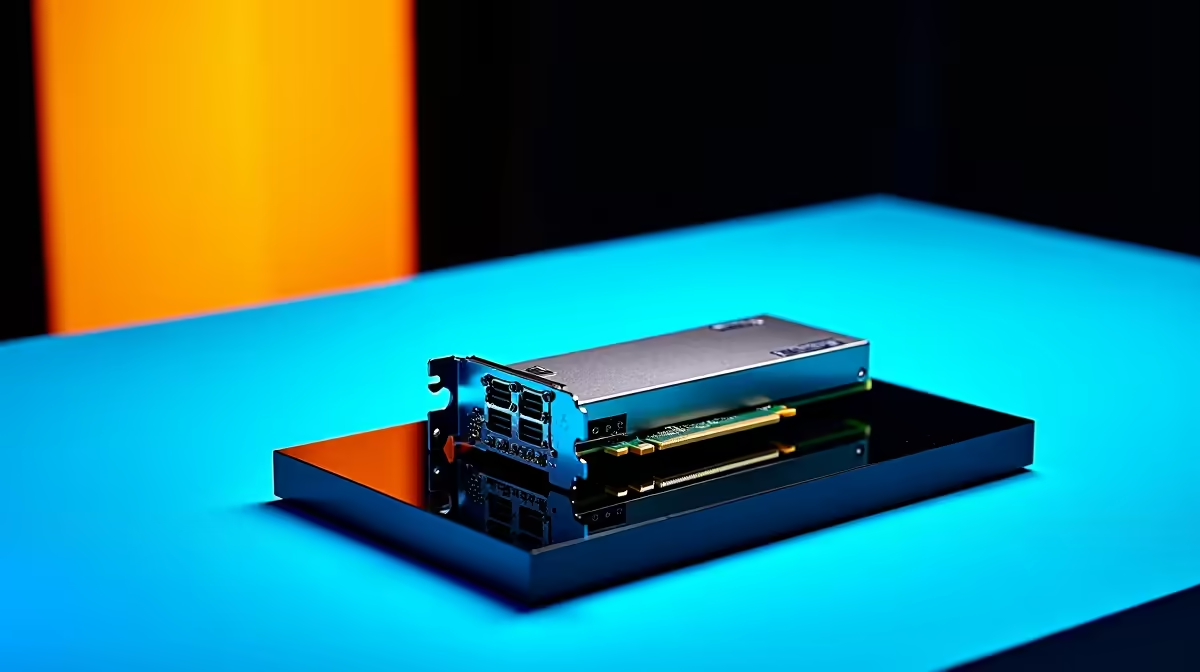
This is where a capture card enters the picture. While most people think of them for capturing video (especially from consoles or a dual-PC setup), many modern capture cards are audio powerhouses. Their primary job is to take the processing load off your PC's CPU.
By handling the video and audio encoding externally or on a dedicated PCIe card, a capture card frees up your CPU to focus on one thing: running your game smoothly. This results in:
- Reduced In-Game Lag: More CPU resources for higher frame rates.
- Cleaner Audio: Less chance of digital interference, crackles, or pops caused by a CPU bottleneck.
- Perfect Sync: Dedicated hardware ensures your audio and video stay perfectly aligned.
This is especially true for streamers who demand peak performance. A powerful gaming rig, like those found in our AMD Ryzen PC deals, paired with a quality capture card creates a professional-grade streaming foundation.
Audio Passthrough Pro Tip 🎙️
When choosing an external capture card, check if it has a zero-latency HDMI passthrough. This feature sends the raw game audio and video directly to your monitor and headset before it gets processed for the stream. This means you hear the game exactly as it happens, with no distracting delay, while your audience gets a perfectly encoded broadcast.
The Verdict: Capture Card vs PC Audio for SA Streamers
So, which setup is best for you? The capture card vs PC audio decision really comes down to your goals and budget.
For the Beginner Streamer
If you're just starting, stick with your PC's native audio processing. It's free, easy to set up, and more than capable for a basic 720p or 1080p stream. Focus on learning OBS, building your community, and getting comfortable on camera. Your PC's audio is the perfect starting block.
For the Growing Creator ✨
Are you noticing frame drops when things get hectic in-game? Is your audience complaining about audio sync issues? This is your sign to upgrade. A capture card is the single biggest step-up you can make to improve your stream's technical quality. A solid PC powered by a modern CPU from our range of all-Intel PC deals has the raw power for gaming, and a capture card ensures that power isn't wasted on encoding.
For the Professional Streamer
If you're running a dual-PC setup or streaming demanding AAA titles at the highest quality, a capture card isn't just an option... it's essential. It’s the core component that allows for a zero-compromise broadcast. For this level of production, a dedicated streaming rig from our pre-built PC deals can serve as the perfect, powerful encoder box.
Ultimately, while PC audio is a fantastic starting point, a capture card is the key to unlocking a more professional, stable, and high-quality stream. It’s an investment in your content and your community.
Ready to Build Your Pro Streaming Setup?
Whether your CPU needs a powerful partner or you're building a dedicated streaming rig, the right hardware makes all the difference. Explore our massive range of pre-built PC deals and find the perfect machine to conquer your streaming world.