A new PC bought in South Africa today is already a Windows 11-ready PC before you even take it out of the box. The requirements that tripped up older machines, a supported CPU, TPM 2.0 and Secure Boot, are baked into every current platform, and entry-level desktops and mini PCs ship with Windows 11 licensed and configured. The only real question left is how little you can spend, and the honest answer sits comfortably under R10,000 for a capable little machine.
Quick Answer
The cheapest Windows 11-ready PCs in South Africa are mini PCs and entry-level desktops, with small-form-factor units built around chips like Intel's N150 starting under R10,000 and arriving with Windows 11 already installed. Every new system meets the TPM 2.0 and Secure Boot requirements out of the box, so there is no compatibility homework to do before buying.
What "Windows 11-ready" actually means now
Windows 11 has a short hardware checklist: a 64-bit dual-core processor from the supported list, TPM 2.0, UEFI firmware with Secure Boot, at least 4GB of RAM and 64GB of storage. When the spec first landed it caught out millions of older machines that had TPM disabled or a CPU just off the supported list.
That era is over for anything new. Every PC and mini PC on sale in 2026 ships with TPM 2.0 present and Secure Boot configured by default, almost always with Windows 11 Pro or Home already activated. You are not enabling anything or flashing firmware. You power it on, sign in, and the requirements have been met for you. That shifts the whole decision away from compatibility and toward value: what is the least you can spend and still get a responsive, licensed machine.
The cheapest route: mini PCs
For pure affordability, a mini PC is the entry point. These palm-sized boxes pair a low-power CPU, commonly an Intel N-series chip such as the N150, with soldered or single-slot RAM, an NVMe SSD and a full Windows 11 licence. They draw very little power, run near silent, and are more than enough for browsing, office work, streaming, light photo work and a media-centre role on a TV.
The current crop typically pairs that chip with 16GB of RAM and a 500GB-class SSD, which is a genuinely usable everyday spec rather than a stripped-out one. You can see how the small-form-factor options stack up across the mini PC range at Evetech, where the appeal is a complete, licensed Windows 11 machine that disappears behind a monitor.
Where a mini PC is the right call
A mini PC suits a second machine, a study or reception PC, a kid's homework computer, or a tidy lounge media box. It is not a gaming rig and it is not built for heavy multitasking across dozens of tabs and large spreadsheets at once. If your day is mostly a browser, a document and a video call, the experience on a modern N-series chip with 16GB of RAM is smooth, and the price is the lowest entry into a legitimate Windows 11 system.
When to step up to a desktop
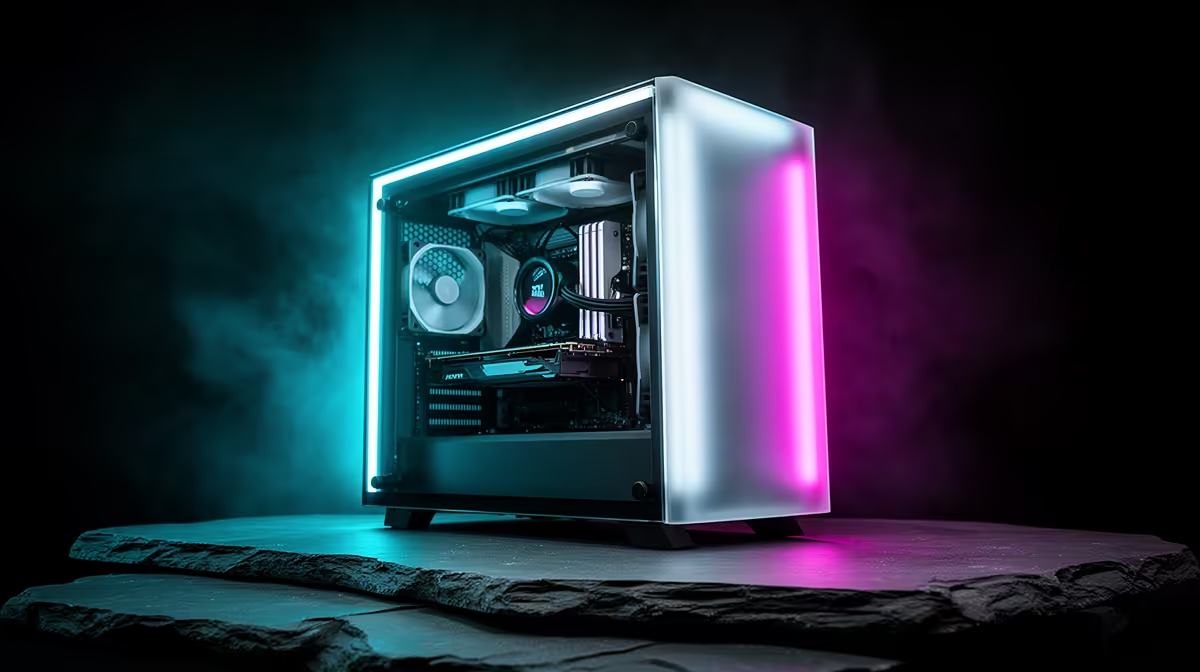
Spend a little more and an entry-level tower opens up. A desktop gives you a faster CPU, room for more RAM, multiple storage drives and, crucially, an upgrade path. You can add memory, drop in a graphics card later, or swap parts as needs grow, none of which a sealed mini PC allows. If there is any chance of light gaming, photo and video editing, or simply keeping the machine relevant for years, the headroom of a desktop is worth the step up. The current value leaders are easy to spot in the best-selling PCs at Evetech, which is a quick read on what most buyers are actually choosing right now.
Buying smart at the bottom of the range
Two specs matter most on a budget. First, insist on an SSD rather than a mechanical hard drive, because storage speed is the single biggest factor in how snappy Windows 11 feels day to day, and every reasonable mini PC and desktop now ships with NVMe storage. Second, aim for 16GB of RAM rather than 8GB if the budget stretches, since Windows 11 plus a browser with many tabs eats memory quickly and 16GB keeps things comfortable for years.
Beyond that, the licence is already included and the Windows 11 requirements are already satisfied, so there are no hidden gotchas. The cheapest honest path to Windows 11 in South Africa is a current mini PC; the smarter long-term path, if you can find a bit more, is an entry desktop with room to grow.
Frequently Asked Questions
Do I need to buy a Windows 11 licence separately?
No. New PCs and mini PCs in South Africa ship with Windows 11 already installed and activated, usually Home or Pro. The licence cost is included in the price you pay.
Will a budget mini PC run Windows 11 smoothly?
For everyday work, yes. A modern N-series chip with 16GB of RAM and an SSD handles browsing, office apps, streaming and video calls comfortably. It is not built for gaming or heavy multitasking, but for general use it feels responsive.
How do I know a PC meets the TPM 2.0 and Secure Boot requirement?
Any new machine sold today already does. TPM 2.0 and Secure Boot are standard on all current hardware and enabled by default, which is why new systems arrive with Windows 11 pre-configured rather than asking you to turn anything on.
Is a desktop or a mini PC better value at the cheapest end?
A mini PC is cheaper and smaller. A desktop costs a little more but gives you upgradeable RAM, extra storage and the option to add a graphics card later, so it stays useful for longer. Choose by whether you value the lowest price or the upgrade path.
Can I add more storage to a cheap Windows 11 PC?
On a desktop, yes, easily, with extra drive bays and slots. On a mini PC it depends on the model; many have a spare M.2 slot or a 2.5-inch bay, so check the specification before assuming it is available.