

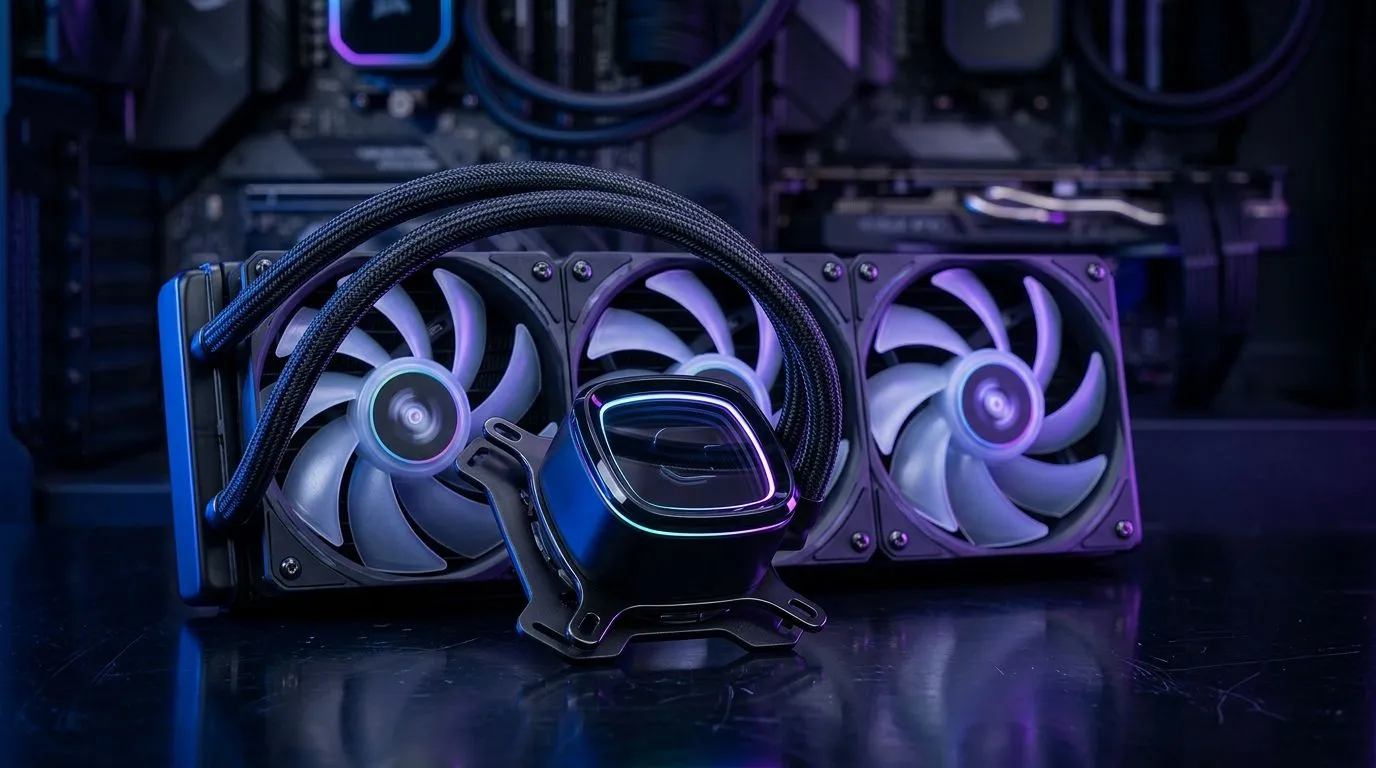
Closed-Loop AIO Cooler Compatibility: AM5, AM4, LGA1700, LGA1200
If you’re building a PC in South Africa and you’re set on a neat all-in-one (AIO) look, “Will it fit?” is the real question. Closed-loop AIO coolers can be brilliant for quieter temps and steady performance… but only if the mounting is right for your CPU socket. AM5, AM4, LGA1700, LGA1200… each one changes the bracket situation. Let’s make compatibility easy, so you don’t lose time (or money in ZAR) to returns. 🔧
Compatibility first: what the socket really means
A “closed-loop” AIO cooler doesn’t mean universal fit. Compatibility is mostly about the mounting hardware that mates the cooler to your CPU’s socket. On modern builds, that usually comes down to:
- AM5 and AM4 (AMD Ryzen): mounting patterns differ.
- LGA1700 and LGA1200 (Intel): different backplates and bracket shapes.
- Radiator size (240mm vs 360mm): affects case clearance and airflow strategy. 🚀
If a cooler box says it supports your socket, that’s a good sign. Still, it’s smart to confirm the specific socket list and radiator size your case can handle. The goal is simple: secure contact, correct mounting pressure, and enough airflow for the radiator.
What to check before you buy (quick checklist) ✅
Before checkout, verify these four points:
- CPU socket: AM5, AM4, LGA1700, LGA1200.
- AIO mounting kit included: some bundles include multiple brackets, others require specific hardware.
- Radiator length clearance: front/top mount space depends on case design.
- Fan orientation and exhaust plan: especially in dusty SA summers, you want smooth airflow.
Cooling Pro Tip 🔥
On installing an AIO, loosely fit all bracket screws first, then tighten in a cross pattern. This helps the cold plate sit evenly and reduces the chance of uneven contact pressure. If you’re transferring from air cooling, clean the old thermal paste properly and re-apply with a fresh, correct amount.
Closed-Loop AIO Cooler Compatibility: AM5, AM4, LGA1700, LGA1200 for real-world builds
Let’s talk the builds South Africans actually make. A common scenario is a Ryzen upgrade (AM4 to AM5) or a CPU refresh on Intel’s mainstream platforms (LGA1200 to LGA1700). The tricky part is that people often assume the cooler “just fits” because it’s the same brand or same model family.
That’s where you win by matching the closed-loop AIO cooler compatibility to the socket you’re using today.
AM5 and AM4: mounting brackets and backplates matter
For AMD Ryzen builds, AM4 and AM5 use different mounting requirements. Many AIOs ship with AM4 and AM5 hardware, but not all bundles include every bracket variation in every region or listing. So treat the product page as the source of truth.
If you’re browsing Evetech’s AIO options, start from the broader collection here, then filter by AIO cooler selection:
Evetech CPU coolers (Liquid Cooler (AIO))
From there, narrow further by brand if you have a favourite. For example, Corsair users will often want the matching ecosystem and installation kits:
Corsair liquid AIO coolers on Evetech
LGA1700 and LGA1200: don’t assume “same Intel = same kit”
Intel socket compatibility is similar in concept, but the actual mounting hardware differs. You may see support for both LGA1200 and LGA1700 on some AIO listings, while other listings only highlight one of them.
If you’re building with a Deepcool AIO and you want to compare versions, filter for Deepcool here:
Deepcool liquid AIO coolers on Evetech
Radiator size: 240mm vs 360mm changes your case plan
Even if your socket matches perfectly, radiator fit can still block the build. 360mm radiators generally cool well because they get more fan surface area, but the case must support the length. 240mm is more flexible and often fits easier in mid-tower cases.
Evetech’s selection includes both sizes, so you can filter by radiator:
240mm radiator liquid AIO coolers
And for cases that can handle bigger setups:
360mm radiator liquid AIO coolers
How to avoid the most common “it doesn’t fit” mistakes 😬
Here are the issues that cause returns in SA tech shops, and how to prevent them:
- Bracket mismatch for your exact socket
If your socket isn’t listed, don’t “hope” the mounting kit adapts. Different backplates and patterns change the outcome. - Forgetting case clearance
PSU shrouds, motherboard standoffs, and RAM clearance all affect where you can mount the radiator. Measure before committing. - Ignoring fan direction and airflow
Radiators perform best with consistent intake and exhaust planning. If you mount fans the wrong way, the AIO can still cool but with worse thermals. - Not pressure-checking mounting
Uneven tightening can cause worse heat transfer. Tighten in a cross pattern.
Start with the right option list (then filter by socket and size)
If you want the fastest path to a compatible cooler, begin at Evetech’s CPU cooler collection and filter down based on AIO type. This is where most people save time because they avoid scrolling through unrelated air coolers:
Explore Evetech’s CPU cooler range
Once you’re in the AIO list, check:
- your socket (AM5, AM4, LGA1700, LGA1200),
- your radiator size (240mm or 360mm),
- and your case mount location (front or top).
That’s how you get a clean install… and stable temps.
Ready to Find Your Perfect Match? The Mac vs Windows debate is complex, but for maximum power, choice, and value in South Africa, Windows is hard to beat. Explore our massive range of laptop specials and find the perfect machine to conquer your world.











