So, you're dominating in Warzone on your PS5 or exploring worlds in Starfield on your Xbox, and you think... "I should be streaming this." You're not wrong! But taking your console gameplay live requires more than just hitting 'Go Live'. This guide covers the best console streaming tools for South African gamers, helping you build a pro setup without needing a R40,000 PC. Let's get you kitted out. 🚀
The Unskippable Duo: Your Capture Card and Mic
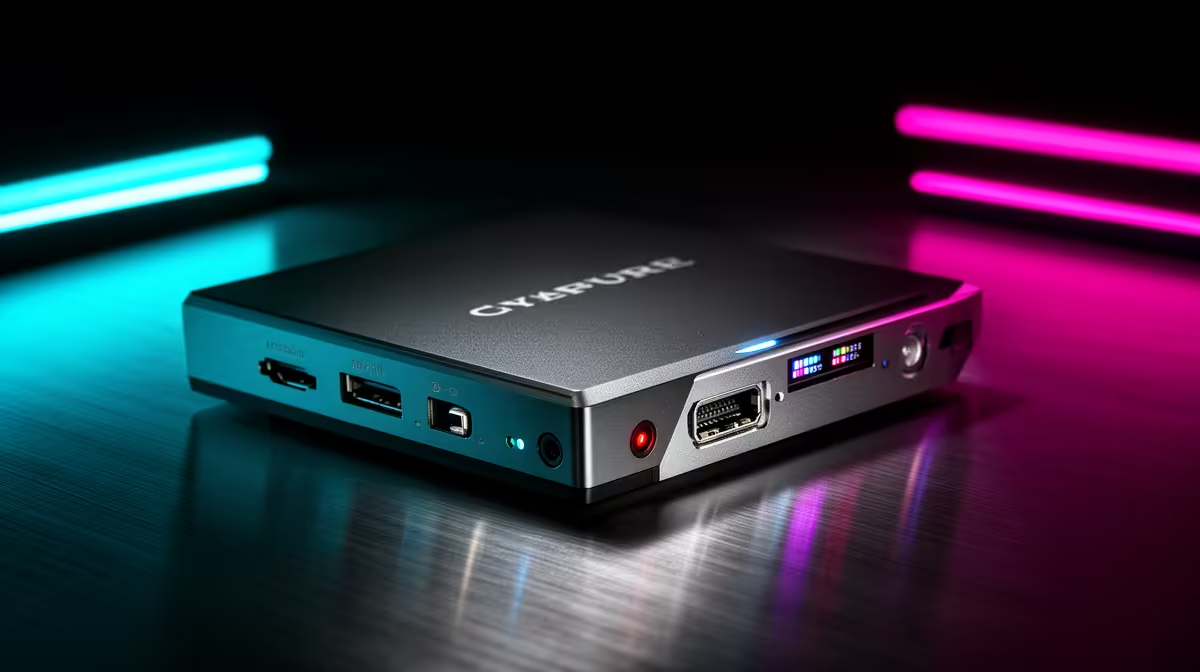
While the built-in streaming on PlayStation and Xbox is a decent start, it's incredibly basic. To add custom overlays, alerts, and achieve that crisp 1080p/60fps quality your viewers expect, a capture card is non-negotiable. It acts as a bridge, sending your gameplay to a laptop or PC for encoding and broadcasting without putting any strain on your console.
Even more critical is your audio. Your gameplay might be legendary, but nobody will stick around for crackly, distant sound from a headset mic. A dedicated USB microphone is the single biggest upgrade you can make to your stream's quality. 🎙️ Check out our full range of essential streaming gear to see what's possible.
Level Up Your Look: Camera and Lighting Tools
Now that you sound great, let's make sure you look the part. A simple webcam like a Logitech C922 is a fantastic starting point, delivering a clear image that's miles ahead of any built-in laptop camera.
However, the real secret to a professional look is lighting. A well-lit stream with a basic webcam will always look better than a poorly-lit one with an expensive camera. A simple key light or ring light removes shadows from your face, making you look clearer and more engaged. For that extra visual flair, adding some background colour can make your stream instantly recognisable. Creative gear like Cololight's modular panels can add serious production value and personality to your space.
Budget Lighting Hack 💡
Don't have the ZAR for a fancy key light yet? Use a regular desk lamp! Just cover it with a white t-shirt or baking paper (safely!) to diffuse the light. This softens shadows for a much cleaner camera look without costing a cent.
Streamline Your Workflow with Smart Controls
Juggling your controller, keeping an eye on chat, and managing your broadcast software (like OBS or Streamlabs) is a recipe for chaos. The most powerful of all console streaming tools for managing your live production is a stream deck.
These customisable button pads allow you to switch scenes, trigger sound effects, mute your mic, post chat messages, and so much more with a single touch. It turns a complex, multi-step process into a simple tap, freeing you up to focus on your game and your audience. Brands like CORSAIR offer industry-standard options that are the secret weapon for a smooth, professional broadcast.
Building Your Console Streaming Setup on a Budget
Okay, all these gadgets sound great, but what if your budget is tight? No stress. You don't need to buy everything at once. Here's how to prioritise your spending for the biggest impact:
- Audio: Start with a great USB microphone.
- Capture: Get a reliable 1080p capture card.
- Lighting: A simple ring light or key light is next.
- Camera: A solid 1080p webcam.
- Controls: A stream deck is a luxury, but a powerful one.
Focus on getting the fundamentals right first. You can find some surprisingly affordable streaming tools under R6000 to get you started on the right foot without breaking the bank. ✨