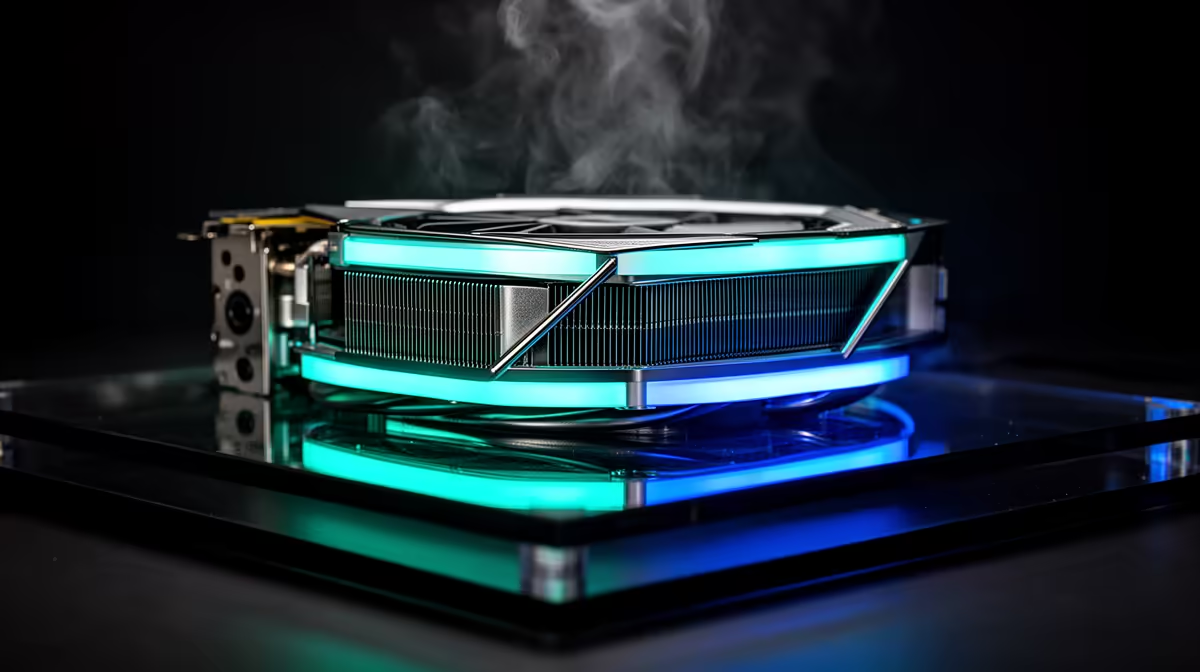
A single AI video render can hold your GPU at full load for ten, twenty, even forty unbroken minutes, and that is a completely different thermal problem to a game that spikes and rests. The card never gets a chance to cool between frames, so it climbs to its thermal ceiling and parks there. Cooling for sustained AI generation is about keeping the card below that ceiling for the whole render, because the moment it throttles, every remaining frame comes out slower and your finished clip takes longer for no extra quality.
Quick Answer
For a stable AI rig you want three intake fans, two exhausts, and a capable CPU cooler as the baseline, so cool air reaches the GPU faster than it heats up. Aim to keep the GPU core under about 83 degrees and the GDDR6X memory junction under roughly 95 degrees during a long render. If the card sits at its limit with fans maxed, you are throttling and losing render speed.
Why Sustained Load Is Harder Than Gaming
Games are bursty. Even a demanding title leaves gaps where the GPU coasts, the fans catch up, and temperatures dip. An AI image or video job does the opposite. It pins the card at or near 100 percent utilisation and keeps it there until the render finishes, so the GPU reaches thermal equilibrium and stays pinned at it. Stock air coolers that handle gaming fine can run out of headroom on a job that never lets up.
The part that suffers first is usually the memory, not the core. GDDR6X memory chips run hot and sit under the same shroud as the core, and on a sustained job the memory junction temperature can climb well past the core reading. When that figure gets too high, the card pulls its own clocks back to protect itself, and your render slows down mid-job without any warning on screen.
What Throttling Actually Costs You
Throttling is invisible unless you are watching the numbers. The render still completes, the output still looks correct, but the card has quietly dropped its clocks to stay safe. On a long video job that can stretch a render that should take fifteen minutes into twenty or more. Over a working week of generations, that lost time adds up to real hours, which is why airflow is not a nice-to-have on an AI machine.
The Airflow Baseline That Works
The reliable pattern is positive-pressure front-to-back airflow. Three fans on the front intake pull cool air straight across the GPU, two exhausts (one rear, one top) clear the heated air before it recirculates, and the slight positive pressure keeps dust from being sucked in through every gap. Even a basic step up from one intake and one exhaust to a proper multi-fan layout can drop GPU temperatures by 8 to 12 degrees, which is often the entire margin between throttling and not.
The CPU cooler matters more than people expect on these builds, too. AI pipelines lean on the CPU for loading models, decoding, and feeding the GPU, so a weak cooler lets the whole case heat-soak. A strong air tower or a 240mm or larger liquid cooler keeps the CPU contribution out of the GPU's air.
Tuning The Card Itself
Airflow gets you most of the way, but two software tweaks finish the job and cost nothing.
Power Limiting
Dropping the GPU power limit is the single highest-value change for sustained work. Pulling a high-end card from its full board power down by 15 to 20 percent typically cuts heat output sharply while costing only a small single-digit percentage of render speed. On a job that runs for half an hour, that trade is almost always worth it, because a cooler card that never throttles can beat a hotter card that does.
Undervolting
Undervolting goes a step further by lowering the voltage the card uses at a given clock. Done carefully, it reduces power draw and heat with little or no performance loss, because most cards ship with more voltage than they strictly need. It takes a bit of testing to find a stable curve, but on a machine that renders all day it pays back every session. If you would rather not tune anything yourself, a purpose-built AI PC is configured with the cooling and power headroom already sorted for this kind of load.
Choosing The Right GPU For The Job
Cooling and the card are not separate decisions. A GPU with more VRAM lets you run larger models and longer video sequences without spilling into system memory, and a card with a beefier three-fan cooler has more thermal headroom before it throttles on a sustained job. If you are spec'ing a machine specifically for generation rather than gaming, lean toward more VRAM and a stronger stock cooler even at the same core tier. Comparing current options against each other on the top-ranked GPUs list is a quick way to see which cards pair high VRAM with the cooler designs that hold up under continuous load.
Monitoring So You Know It Is Working
You cannot manage what you cannot see. Run a monitoring tool during a real render and watch three numbers: GPU core temperature, memory junction temperature, and clock speed. If the clocks hold steady through the whole job, your cooling is doing its work. If you see the clocks step down a few minutes in while temperatures sit at the limit, that is throttling, and it is your signal to add airflow, lower the power limit, or improve the undervolt. A five-minute test render tells you everything before you commit to a multi-hour batch.
Frequently Asked Questions
What temperature should my GPU stay under during AI renders?
Keep the core under roughly 83 degrees and the memory junction under about 95 degrees on a long job. Those are conservative working targets, not hard failure points, but staying under them means the card holds full clocks instead of throttling partway through a render.
Do I need liquid cooling for AI generation?
Not necessarily. A good multi-fan case with strong front-to-back airflow handles most single-GPU AI work. Liquid cooling helps most when you are pushing a top-tier card at full power for hours at a time, because it removes throttling entirely and holds maximum clocks indefinitely.
Why does my GPU memory run hotter than the core?
GDDR6X memory chips generate a lot of heat and share the cooler with the core, so the memory junction often reads higher than the core on a sustained load. It is normal for the memory to be the limiting factor, which is why airflow directly across the card matters so much.
Will a power limit make my renders slower?
Slightly, but usually not in a way you will feel. Cutting power by 15 to 20 percent costs only a small percentage of speed, and on a card that would otherwise throttle, the steadier clocks can actually finish the job sooner. It is one of the best trades on an AI machine.
How many case fans do I really need?
Three intakes and two exhausts is the practical baseline for a single-GPU AI build. The goal is more cool air reaching the card than the card can heat up, with a clear exhaust path so hot air leaves instead of recirculating around the shroud.
Building or upgrading a machine for steady AI work? Get the airflow and GPU right from the start so your renders never throttle halfway through. Browse the AI-ready PC range at Evetech and spec a rig that holds full clocks render after render.