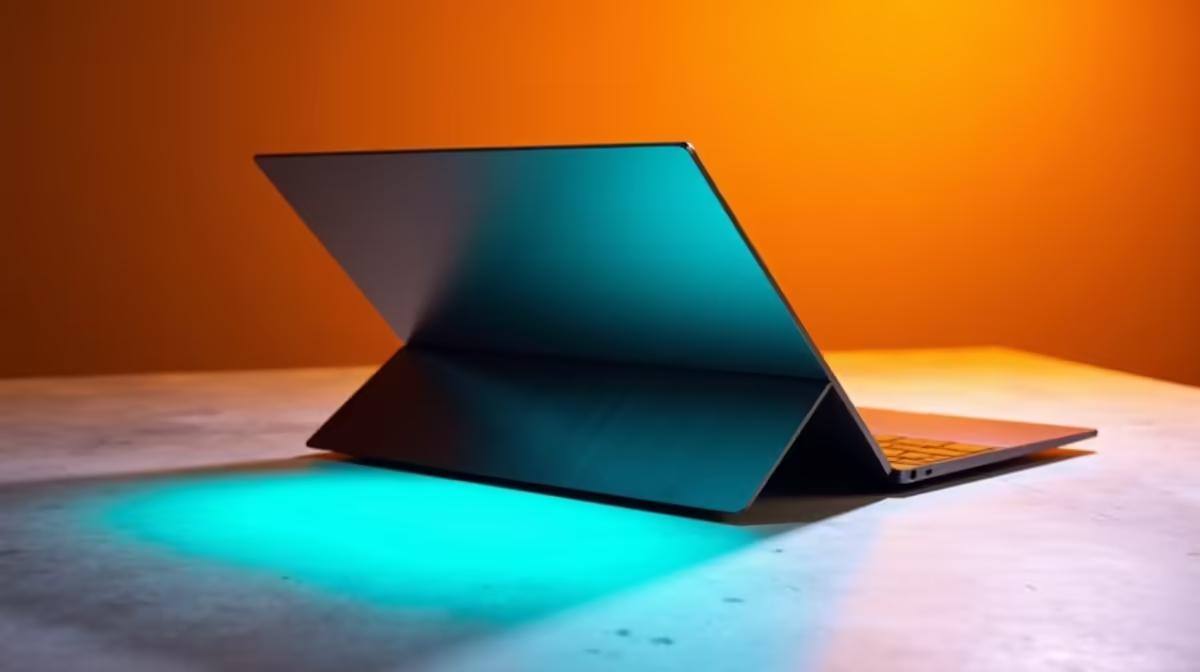
ASUS Vivobook S14 OLED R10,719 suits a casual photo editor who wants a colour-rich laptop for light edits, social posts, family shoots, and portfolio touch-ups without moving into a full workstation budget.
What to buy first for light creative work
For most casual edits, the ASUS Vivobook S14 OLED R10,719 is the most natural first look because OLED matters when you are judging contrast, skin tones, and image pop on the built-in screen. It is not about pretending to be a studio machine. It is about getting a display that makes basic cropping, colour tweaks, and export checks feel more trustworthy.
The Lenovo IdeaPad Slim 3 i7 R13,400 is the cleaner pick if you care more about processor headroom than screen character. Its i7 spec gives it a stronger everyday base for sorting albums, keeping browser tabs open, and handling a few creative tasks between study or office work.
ASUS Vivobook X1504VA i7 R13,999 also gives you an i7 route, while ASUS ExpertBook P1503 i5 R9,858 is the sensible lower-price option if the work is mostly quick edits and admin. If you want a graphics boost for heavier creative side projects, Lenovo LOQ RTX3050 R9,500 brings RTX3050 hardware into the conversation at a sharp price.
SA creator desk check
On a home creator desk, the choice often comes down to screen confidence versus extra performance. ASUS Vivobook S14 OLED R10,719 makes sense when the laptop screen is your main editing surface, while ASUS ExpertBook P5405 R12,700 is better suited to someone who wants an ExpertBook-style work machine for mixed business and creative use.
Ready to choose the right laptop?
Use ASUS ExpertBook P1503 i5 at R9,858 as the creator desk benchmark, then check whether its listed spec matches the space, workload, and upgrade path.