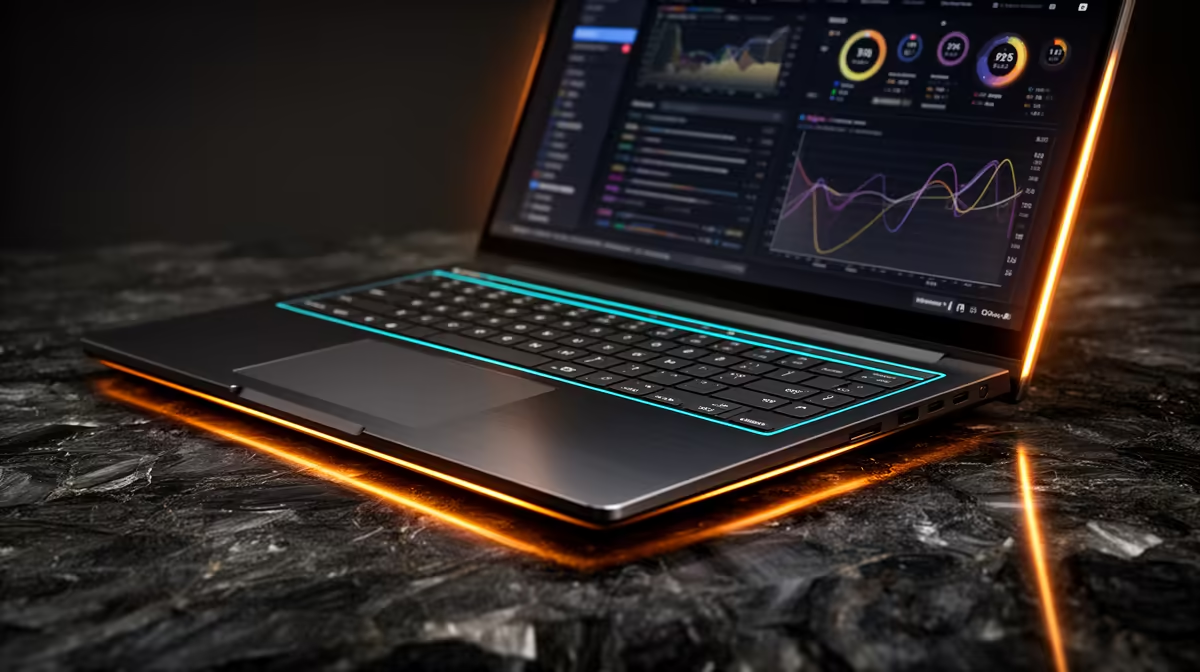
Lenovo IdeaPad Slim 3 i7 at R13,400 suits a creator or engineering student who wants strong CPU headroom for MATLAB while staying well below a the stated budget ceiling. This laptop makes sense when the workload is more about calculations, reports, spreadsheets, browser research, and light creative work than heavy GPU rendering.
Good the stated budget creator picks
The ASUS Vivobook X1504VA i7 at R13,999 is the closest alternative if you want another i7 option in the same practical price zone. Its i7 spec gives you useful breathing room for heavier multitasking, especially when your desk has notes, references, and multiple project windows open at once.
If graphics acceleration matters for side tasks, the Lenovo LOQ RTX3050 at R9,500 is the value outlier. The RTX3050 spec makes it more appealing for a creator who also edits visuals, experiments with GPU-supported tools, or wants a machine that can handle a gaming room setup after work.
The ASUS Vivobook S14 OLED at R10,719 is the display-first choice. Its OLED spec is useful when colour, contrast, and long reading sessions matter, while the ASUS ExpertBook P5405 at R12,700 is the tidier productivity pick for a portable creator routine.
Creator Desk Reality In SA
A student desk or creator desk usually needs one machine that can move between class, home, and weekend work without forcing every rand into one headline spec. The ASUS ExpertBook P1503 i5 at R9,858 is a sensible lower-cost i5 option, but the Lenovo IdeaPad Slim 3 i7 at R13,400 gives more CPU comfort while still leaving budget space for a monitor, mouse, or external storage.
Ready to choose the right laptop?
Use ASUS ExpertBook P1503 i5 at R9,858 as the creator desk benchmark, then check whether its listed spec matches the space, workload, and upgrade path.