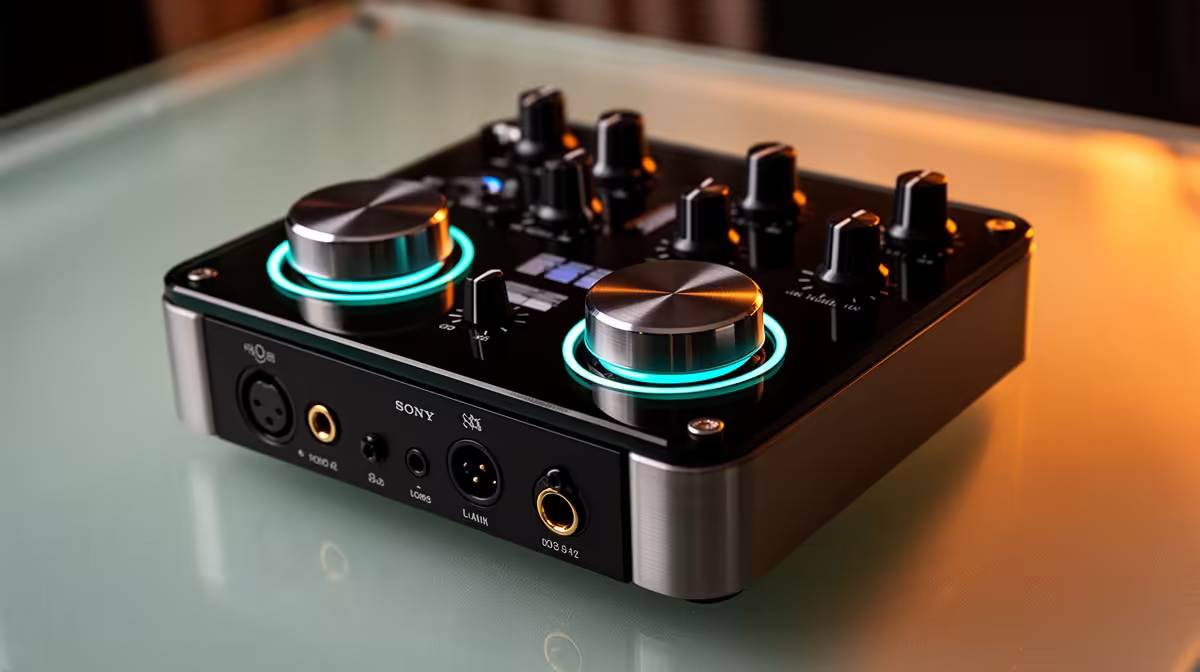
Buying a mixer that almost handles two hosts creates more problems than buying a single-host setup that works correctly. The moment a second presenter sits down, every specification that seemed adequate for solo use gets tested twice: two gain stages, two phantom rails, two headphone outs, two recording tracks. Getting the dual-host podcast mixer specification right from the outset prevents the compromises that creep in when a unit was never truly designed for two independent voices running simultaneously.
Quick Answer
A dual-host mixer needs two XLR combo jacks with independent gain knobs and independent 48V phantom power, a low-noise preamp near -128dBu EIN per channel, multitrack USB output for separate editing tracks, and two headphone jacks with individual volume controls. Each of those is non-negotiable for a clean two-voice recording.
🔌 Two XLR Inputs: What Independent Means in Practice
Two XLR combo jacks are the physical minimum, but the independence of those inputs is the real specification. A mixer where both XLR channels share a single gain knob forces both presenters to set their vocal levels identically, which is rarely the case between a loud and a quiet speaker. A mixer with per-channel gain knobs lets each host find their own level cleanly.
Channel independence extends to mute controls. A host who needs to cough, drink water, or pause without interrupting the recording should have a dedicated mute button on their channel. A shared mute that silences both channels simultaneously is not a professional feature; it is a cost-reduction measure that creates problems live.
The physical connector spacing matters too. XLR connectors are large, and on a compact mixer two XLR inputs placed too close together create a cable management challenge where both leads compete for space at the front of the unit. Rear-facing XLR inputs with adequate spacing between them produce a cleaner desk setup for a permanent two-host install.
Gain range and why soft-spoken hosts stress it
A gain range of 55 to 65dB is the correct specification for driving low-output dynamic microphones to proper recording levels without digital boost. This matters for two hosts because quiet guests are common; a podcaster who speaks softly and sits slightly further from the mic can require every decibel of clean gain the preamp can supply. A mixer that tops out at 45dB of gain simply cannot drive a dynamic mic at a comfortable level without generating noise, and no post-production equalisation recovers the low-level detail the gain stage never captured.
🎙️ Per-Channel 48V Phantom Power: The Specification Nobody Checks Until It Is Wrong
Phantom power is essential for condenser mics and certain active ribbon designs. The problem with many compact mixers in the dual-host category is a single shared phantom rail that supplies 48V to both channels from one circuit.
For most podcasters running two matched condenser mics, this arrangement works. Where it fails is when hosts use different microphone types: one condenser drawing standard 10mA while the other channel has phantom power switched off for a dynamic. Some mixer designs allow phantom power to be enabled or disabled per channel independently; others apply it globally across all XLR inputs. Global phantom power applied to a passive dynamic is not destructive, but it creates a limitation if one host later wants to use a ribbon microphone, which requires phantom power to be absent on its channel to avoid damage.
Per-channel phantom power switching is therefore the ideal specification for a two-host setup where microphone variety may change over time, or where guests bring their own mics with different requirements.
Pro Tip ⚡
Confirm per-channel phantom power switching before purchase if you plan to mix condenser and dynamic mics between hosts. Running global phantom power to a passive ribbon can damage the microphone's ribbon element. Most modern dynamic mics tolerate phantom power safely, but passive ribbons do not.
⚡ Multitrack USB: The Editing Advantage That Gets Overlooked
A dual-host mixer that outputs both microphones summed to a single stereo track is limiting your edit options before you record a single episode. With a summed stereo output, every edit decision affects both voices simultaneously. Cutting a cough from host one shortens or repositions host two's audio in the same operation.
Multitrack USB output presents each XLR input as a separate mono track in the recording DAW. Host one records to track one; host two records to track two. Post-production editing becomes independent: a cough on track one is cut cleanly without touching track two, different EQ and compression settings can be applied per voice, and the relative loudness of each presenter can be adjusted after recording if the gain settings were not perfectly matched live.
At the R3,000 to R5,000 price range most dual-host mixers occupy, multitrack USB is not universal. It is worth confirming in the specifications, not assuming, before purchase.
🎯 Headphone Monitoring: Two Jacks, Two Volume Controls
Both hosts need to hear themselves and each other during recording. A single headphone output forces them to share a feed, with no individual volume control. One host hears too loud, the other too quiet, and neither can adjust without affecting the other.
A dual-host mixer should supply at minimum two headphone output jacks, ideally with separate volume knobs per jack. This allows each presenter to set their own monitoring level without affecting the recording signal or the other host's headphone volume. For long recording sessions, this comfort difference is not trivial; persistent monitoring at an uncomfortable volume causes fatigue that affects voice performance over a two-hour episode.
Frequently Asked Questions
What is the minimum number of XLR inputs for a proper dual-host podcast mixer?
Two XLR combo jacks, each with its own gain knob and ideally its own phantom power switch. A single XLR with a 3.5mm secondary input forces one host onto a consumer connector that cannot supply phantom power, limiting microphone choice and typically carrying higher noise.
Why does multitrack USB recording matter for two-host shows?
Separate tracks allow independent editing of each voice after recording. With a summed stereo output, every cut, level adjustment, or noise removal affects both hosts at once. Separate tracks let you fix a cough on one channel, reduce background noise on the other, and export each voice at the right loudness independently.
Should both hosts have independent phantom power switching?
Ideally yes. Per-channel phantom power lets one host use a condenser while the other uses a passive ribbon, which requires phantom to be off on its input. Mixers with global phantom power switching apply it to all inputs simultaneously, which restricts microphone flexibility when hosts have different requirements.
What preamp noise specification suits a quiet-voiced podcast guest?
Around -128dBu EIN gives enough clean gain headroom to drive a quiet dynamic mic at 60 to 65dB without an audible noise floor. If the preamp adds hiss above 45dB of gain, a soft-spoken guest will arrive in the recording buried under noise that no noise gate or reduction plugin can fully remove without artefacts.
Do beginners often overlook gain range when comparing dual-host mixers?
Yes. Gain range is typically described in the small print while features like effects, display size, and channel count appear in the headline spec. A mixer with 45dB maximum gain will sound clean and capable until a quiet guest sits down and you run out of gain before reaching recording level. Confirming 55 to 65dB of clean gain covers every voice type you are likely to encounter across many episodes.
Ready to set up a clean, reliable two-host recording studio?
Browse the audio mixer range at Evetech to find dual-XLR mixers with independent phantom power, multitrack USB, and per-channel monitoring built for South African podcast and streaming setups.