



PCIe 5.0 vs PCIe 4.0 for Strategy and Sim Games in SA
PCIe 5.0 and PCIe 4.0 differ most in lane support, compatibility, and upgrade value for strategy and sim games. SA buyers should match the choice to their actual hardware and games.
Read morePhoto editing can suit a custom creator PC when the GPU spend lines up with 1080p or 1440p work.
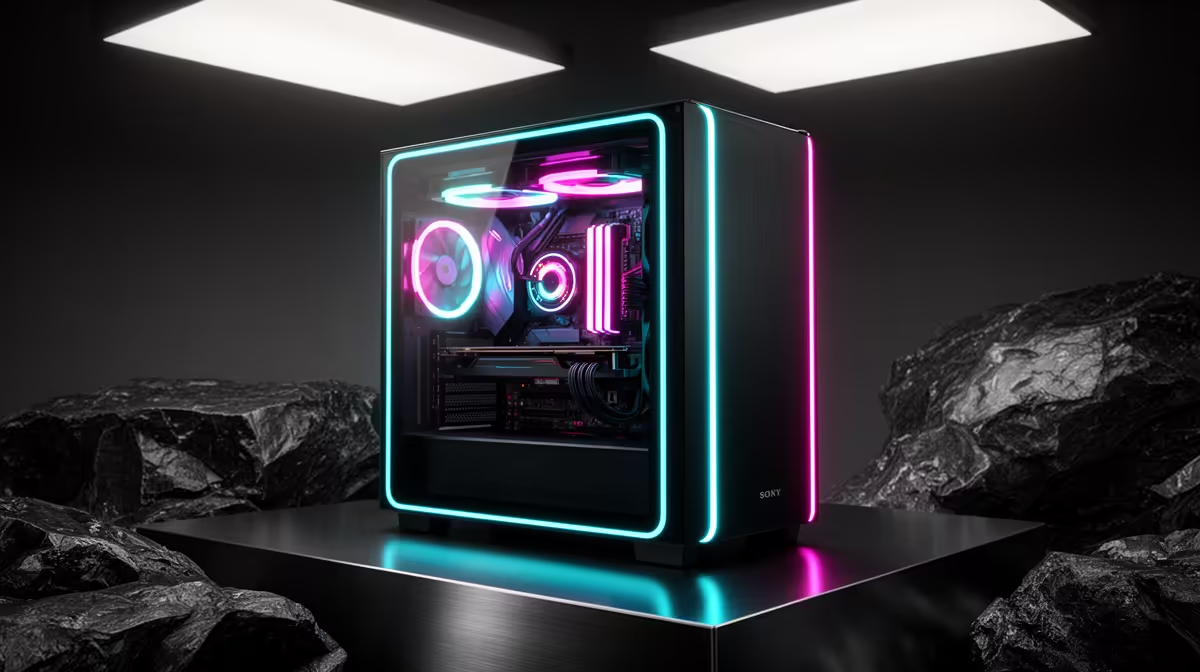
Ryzen 5 5500 at R1,100 suits an SA buyer who wants a sensible entry point for photo editing without pushing the full gaming pc budget into the processor alone. Pairing that CPU with an ASUS RX 7600 8GB at R4,650 gives the build a practical 8GB graphics base for editing previews, display output, and general creative work while still leaving room for a balanced desktop setup.
The MSI A520M-A Pro at R700 is the quiet value anchor here because it gives the build a low-cost base around the Ryzen 5 5500 at R1,100. For a short-format editing desk, that matters: the money saved on the board can stay in the parts that affect day-to-day responsiveness, rather than being spent on a board tier the workload may not need.
If the editing load grows, the Ryzen 7 7800X3D at R4,800 is the stronger CPU option from this list. It is the sensible step when exports, larger catalogues, and multitasking matter more than simply getting a tower running. The Palit RTX 5060 at R4,800 also gives a clear alternative to the ASUS RX 7600 8GB at R4,650 when the buyer wants an NVIDIA route at almost the same spend.
A photo-focused desk setup should not be judged only by the cheapest line item. The Ryzen 5 5500 at R1,100 and MSI A520M-A Pro at R700 make sense for a starter build, while the ASUS RX 7600 8GB at R4,650 gives enough graphics headroom for a cleaner editing experience than a barebones office tower.
Ready to choose the right gaming pc? Use Ryzen 5 5500 at R1,100 when custom build cope photo editing matters, then compare the desk fit against its listed spec.
Photo editing buyers should look at image workload first, then weigh the listed GPU prices against the screen target.
For editing value, the key choice is how much of the budget goes to RX 7600, RTX 5060, or RTX 5070 level graphics.
The editing station needs to suit the monitor already used, especially if the goal is 1080p or 1440p photo work.
Casual edits can stay closer to the lower listed spend, while frequent large jobs justify more headroom from the named options.
Responsiveness in browsing, previews, and exports matters more than chasing a part list that does not reflect the photo workload.
A creator PC upgrade makes sense when the current machine slows editing enough that the listed parts would remove the delay.
PCIe 5.0 and PCIe 4.0 differ most in lane support, compatibility, and upgrade value for strategy and sim games. SA buyers should match the choice to their actual hardware and games.
Read more
AM5 vs AM4 for video editing in 4K Difference explained is mostly about compatibility, budget, upgrade path, and setup fit. SA buyers should check device support and real needs before expecting a clear win from either option.
Read more
OLED vs QD-OLED for strategy and sim games buyers - what changes is mostly about compatibility, budget, upgrade path, and setup fit. SA buyers should check device support and real needs before expecting a clear win from either option.
Read more
DisplayPort 2.1 and 1.4 differences matter when SA PC builders match GPUs, monitors, and refresh targets. Use this difference between displayport 2 1 and displayport 1 4 explained pc builders guide to avoid mismatched parts.
Read more
Ray tracing vs Path tracing depends on Strategy and sim games needs, platform limits, and budget fit. Compare compatibility, latency, upgrade path, and real setup constraints before choosing for an SA build.
Read more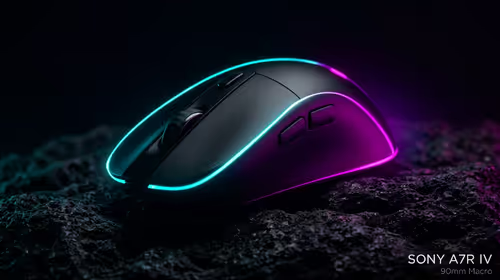
wireless mouse guide for Gqeberha gamers should be shortlisted around the job it must do. South African buyers should compare sensor, shape, weight, and wireless latency, warranty path, and upgrade room before treating any pick as best.
Read more
Windows 11 update KB5121003 is linked to crashes in several multiplayer games on versions 24H2 and 25H2. Check the build, report the fault and avoid risky file or update changes unless the problem is confirmed on your PC.

Sennheiser's Momentum True Wireless 5 adds user-replaceable batteries, 12-hour playback and a $299.95 launch price. There is no confirmed South African date, so compare longevity with live earbuds from R199 to R2,999.

AVerMedia's GC531 and GC535 are professional HDMI capture devices for continuous streaming, with RGB24 capture up to 2K30 and 4K30. South African creators should compare them with live 4K capture cards from R2,099.

From 1 October 2026, WhatsApp Business Platform service replies in South Africa are expected to cost about $0.0076, or 12 cents, per delivered message.
Windows 11 update KB5121003 is linked to crashes in several multiplayer games on versions 24H2 and 25H2. Check the build, report the fault and avoid risky file or update changes unless the problem is confirmed on your PC.

Comsol's standalone 5G network covers about one million Gauteng homes and starts commercial ISP service in September. Early packages range from R275 to R875 a month, but coverage and fair-use rules still decide the real value.
Sennheiser's Momentum True Wireless 5 adds user-replaceable batteries, 12-hour playback and a $299.95 launch price. There is no confirmed South African date, so compare longevity with live earbuds from R199 to R2,999.
AVerMedia's GC531 and GC535 are professional HDMI capture devices for continuous streaming, with RGB24 capture up to 2K30 and 4K30. South African creators should compare them with live 4K capture cards from R2,099.
Windows 11 update KB5121003 is linked to crashes in several multiplayer games on versions 24H2 and 25H2. Check the build, report the fault and avoid risky file or update changes unless the problem is confirmed on your PC.
Comsol's standalone 5G network covers about one million Gauteng homes and starts commercial ISP service in September. Early packages range from R275 to R875 a month, but coverage and fair-use rules still decide the real value.
Sennheiser's Momentum True Wireless 5 adds user-replaceable batteries, 12-hour playback and a $299.95 launch price. There is no confirmed South African date, so compare longevity with live earbuds from R199 to R2,999.
AVerMedia's GC531 and GC535 are professional HDMI capture devices for continuous streaming, with RGB24 capture up to 2K30 and 4K30. South African creators should compare them with live 4K capture cards from R2,099.