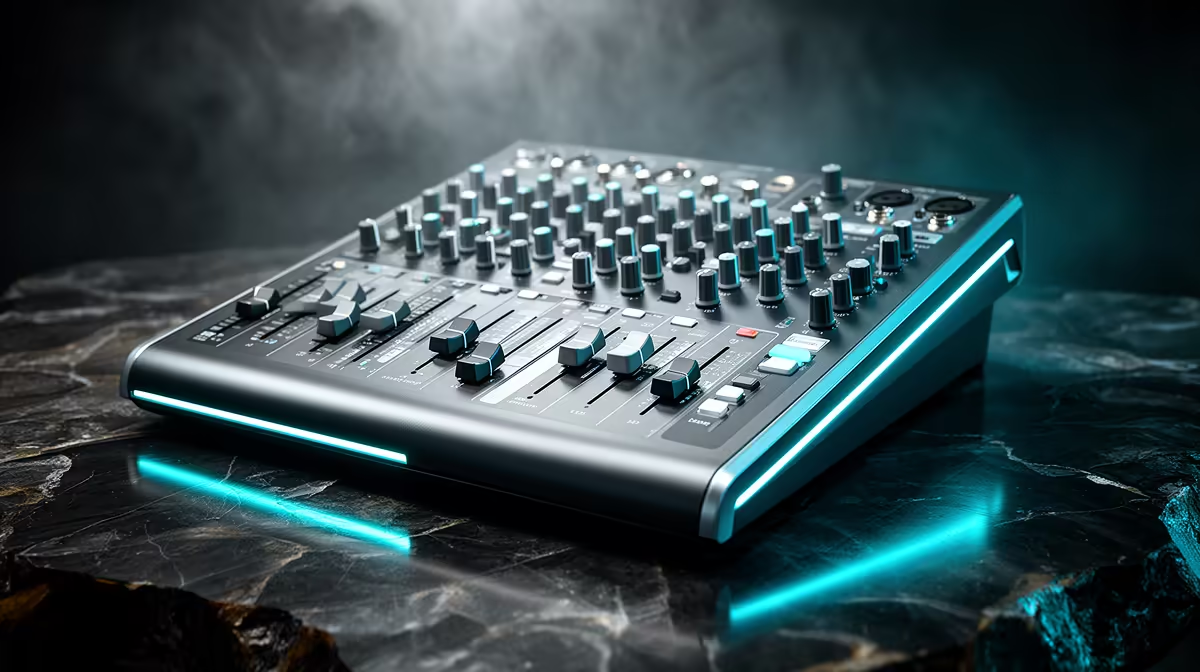
Most streamers discover that a USB mixer's onboard reverb dial goes to eleven, and then spend the next week asking why their voice sounds like a bathroom in a sports stadium. Getting reverb and sound modes right takes about five minutes of understanding and saves hours of bad-sounding content. Modern USB mixers with customisable reverb and sound mode functions give you shaped, broadcast-ready tone without opening a single plugin, and once you know what each control actually moves, they become precise tools rather than mystery knobs.
Quick Answer
Reverb controls set how much room character is added to your voice by adjusting wet signal level and decay time. Sound modes apply preset EQ and compression profiles, covering voice, music, bass-boost, and flat. Most USB mixers offer between four and eight modes, letting you dial in tone live without any software.
🎙️ What the Reverb Dial Is Actually Controlling
Reverb on a USB mixer is not a simple volume knob for echo. It adjusts two parameters simultaneously in most units: the ratio of processed signal to dry signal (called wet/dry mix), and the decay time, which is how many milliseconds the tail rings before it disappears.
A very short decay, around 0.6 to 0.9 seconds, produces what engineers call a room sound. It adds a subtle fullness to a voice without any audible echo. Turn the dial past halfway and the decay extends, the reverb tail becomes perceptible, and the voice starts to sound like it was recorded in a large hall. For spoken content like podcasting or commentary, anything past about 30 percent of the dial's range usually starts to blur syllables together.
The practical target for streaming or podcasting is a short room tail that makes the voice sound less dead than a totally dry recording, while keeping speech articulate. Find the point on your dial where you hear added warmth but cannot consciously identify an echo, and stop there.
The Wet Signal Explained
The wet signal is the portion of your voice that has been processed through the reverb algorithm. At zero percent wet, you hear only your dry mic signal. At 100 percent wet, you would hear only the reverb tail with no direct sound at all. Broadcast voices typically ride somewhere between 10 and 25 percent wet, enough to soften the dry isolation without the tail competing with the words.
⚡ Sound Modes and What Each One Does
Sound modes are essentially saved configurations. Each preset tells the mixer's onboard processor to apply a specific combination of EQ shape and compression settings the moment you select it, without any manual tweaking required.
Voice mode is the most commonly used. It applies a presence lift, typically boosting frequencies around 2 to 4kHz where spoken consonants live, combined with light compression to keep levels consistent. The result is a voice that cuts through background music or game audio with clarity.
Music mode flattens the EQ curve, preserving the natural balance of an instrument or backing track feed rather than shaping it for speech. If you route a phone or tablet audio into the mixer for a backing track, switching that channel to music mode keeps the mix sounding natural.
Bass-boost mode pushes low frequencies upward, thickening voices with naturally deep registers. It suits a broadcaster whose voice sits in the 100 to 150Hz range and sounds thin on cheaper speakers. The downside is that it can make a mid-range voice muddy: extra bass energy competes with the vowels that carry intelligibility.
Flat mode turns all processing off. It is for creators who handle all EQ and compression in their streaming software or DAW, and who want the mixer to pass audio through without colouring it.
🔧 Adjusting Within a Mode
Most mid-tier and higher USB mixers allow limited adjustments on top of a selected preset. Reverb depth can usually be trimmed within any mode, and some units let you push or pull the EQ shape's intensity. The preset acts as a calibrated starting point rather than a locked setting.
This matters because no two rooms or voices are identical. A voice mode preset was designed for a broadly average broadcast vocal, and your voice in your space may need the presence lift shifted slightly or the compression threshold lowered. Being able to nudge the mode rather than having to switch entirely to manual EQ is a genuine workflow advantage during a live stream.
Pro Tip ⚡
Record a 30-second test clip in voice mode, then switch to flat and record the same passage. Compare the two in headphones. If voice mode is lifting your speech clearly without adding harshness around 4kHz, keep it. If it sounds harsh or nasal, pull the EQ trim back rather than abandoning the compression benefit entirely.
🎯 Matching Mode to Content Type
The right mode depends on what is being captured. For a solo podcast host speaking directly to the mic, voice mode is almost always the right call. For a musician streaming a live performance where the mic picks up both voice and instrument, music mode keeps the tonal balance natural. For a gaming streamer who does not need broadcast-level polish and just wants passable chat audio, even bass-boost mode at a low setting can work as a quick character choice.
Switching modes mid-stream is generally seamless on units that buffer the transition, but a handful of budget mixers produce a brief click when modes change. Test the transitions offline before going live so you know whether yours handles switching cleanly.
Frequently Asked Questions
What does the reverb decay setting change in practical terms?
Decay determines how long the reverb tail lingers after a sound stops. A short 0.7-second decay adds a subtle sense of space while keeping speech crisp. Longer decays above 1.5 seconds become audible as an echo effect. For streaming and podcasting, keep decay short so syllables do not blur into each other during fast-paced speech.
What does voice sound mode do that flat mode does not?
Voice mode applies an EQ curve that lifts presence frequencies in the 2 to 4kHz band, making spoken consonants more defined, combined with gentle compression to even out volume. Flat mode passes the signal through unprocessed. The difference is most audible on untreated recordings in smaller rooms where the voice naturally lacks presence.
Can I modify a preset or am I locked to its factory values?
Many current USB mixers let you adjust reverb level within a preset and sometimes the EQ curve's intensity. The preset provides the starting configuration and you refine from there. Whether full adjustment is available depends on the model, so checking the mixer's manual is worthwhile before assuming all parameters are fixed.
Does bass-boost mode help or hurt a streaming voice?
It helps voices with naturally deep fundamental frequencies that sound thin on small speakers, by adding low-end body. For mid-range voices, the added bass can mask vowels and make speech sound boomy around 120 to 150Hz. If your voice already carries naturally on monitors, bass-boost is likely to hurt clarity more than it helps.
Do onboard sound modes replace post-production plugins?
For live streaming they largely do, since you cannot run plugins on a real-time mix without latency. Presets cover the EQ shaping and dynamic control that a live voice needs. For edited podcast production where files are processed after recording, dedicated plugins will give more precise control and are worth using. The mixer modes earn their place in any live scenario.
Ready to shape your broadcast voice live without loading a single plugin?
Browse the USB audio mixer range at Evetech for models with onboard reverb and multi-mode sound processing built for South African streamers and podcasters.