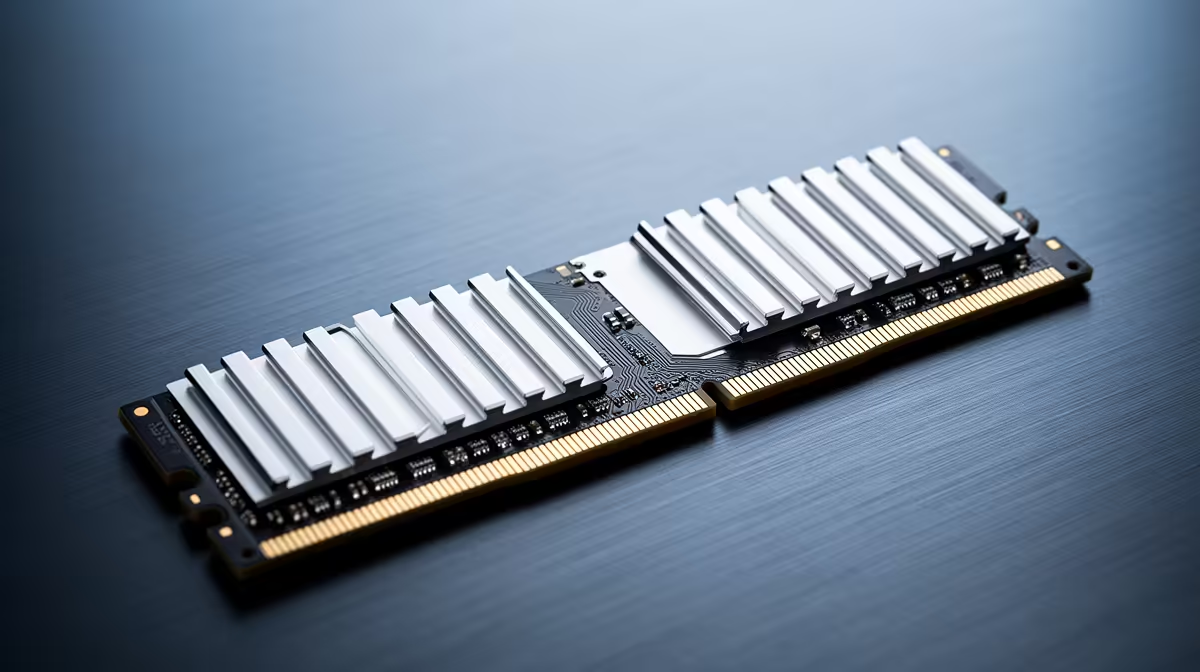
Newer technology is not guaranteed to cost more. DDR4 production is being reduced as the industry moves investment towards DDR5 and higher-value memory. When the older supply becomes scarce, a DDR4 kit can sit above a comparable DDR5 one even though DDR5 is the newer standard.
Quick Answer
DDR5 can be cheaper than DDR4 at some capacities and specifications in 2026, but there is no universal price flip. Compare exact kits on the day. Your motherboard decides which generation you can use, so a cheap DDR5 kit does not lower the cost of an AM4 upgrade unless you also replace the platform.
Why an older standard can rise
Memory makers shift production towards products with stronger future demand. As DDR5 becomes the mainstream choice for new platforms, fewer resources go into DDR4. Existing demand remains because millions of AM4 and older Intel systems still need upgrades or replacements.
This creates an unusual squeeze. The installed base wants DDR4 while fresh supply contracts. Retail prices can rise even though the technology is mature and its development costs were recovered long ago.
DDR5 benefits from growing volume and competition across new systems. Its early-adopter premium can fade as more modules enter distribution. At the same time, high-speed premium kits remain expensive, so generation alone never settles the comparison.
Put the DDR5 shelf beside available DDR4 kits, with popular memory products as context. The named Kingspec 16GB DDR4-3200 module cost R2,699 in July 2026. It anchors DDR4 without inventing a matching DDR5 price.
Platform cost matters more than kit cost
DDR4 and DDR5 are not interchangeable. The slot and electrical design differ. An AM4 motherboard uses DDR4. AM5 uses DDR5. Intel platforms can have board variants built for one generation, so read the exact motherboard specification.
An AM4 owner who needs more capacity should compare DDR4 kits that work in the current board. Moving to cheaper DDR5 requires a new CPU platform and motherboard, turning a memory purchase into a rebuild. The total can outweigh any kit saving.
A new builder has more freedom. Compare two complete baskets: CPU, board and memory. A DDR5 platform may offer better future CPU options and newer connectivity. A discounted DDR4 board and CPU can still create a strong low-cost machine when its performance meets the target.
Do not mix platform longevity with guaranteed saving. A future upgrade path has value only if you plan to use it. A stable DDR4 PC kept for four years can be better value than a DDR5 system bought for a hypothetical swap that never happens.
Compare equivalent memory layouts
Capacity must match. A 16GB single module is not the same practical purchase as a 2x8GB kit, even when total gigabytes are equal. The matched pair can provide dual-channel bandwidth, while one stick leaves an easier capacity upgrade.
Speed and timings need context. DDR5 carries higher transfer rates and different latency characteristics. Raw numbers cannot be compared across generations without platform testing. Look at complete-system results in the games and applications you use.
Check memory profiles. DDR4 kits may offer XMP, while DDR5 can use XMP or EXPO depending on platform. The motherboard and CPU memory controller still determine stable operation.
Heat-spreader size and RGB affect price without changing capacity. When an older standard becomes scarce, avoid paying a styling premium on top of the supply premium unless the appearance matters to the build.
Choose by the job, not the generation
For an existing DDR4 system, buy enough compatible memory to solve the measured limit. A full platform change makes sense when the CPU and motherboard also block performance or features.
For a new PC, price the DDR5 platform against a complete DDR4 alternative. Include motherboard quality, CPU performance, storage slots and later upgrade options. A memory kit difference is one line in that comparison.
For repair work, availability can matter more than peak value. Replacing a failed module with a compatible matched kit can return the PC to service without forcing a rebuild. Run a memory test after installation.
The 2026 price flip is a reminder that old does not always mean cheap. It does not make DDR5 a drop-in bargain for every buyer. The socket and total platform still make the rules.
Repairing an old PC needs a different rule
When a DDR4 module fails, the cheapest repair may be a current matched kit rather than one replacement stick. A pair removes uncertainty about mixed chips and restores a clean dual-channel layout. Run a memory test before trusting the machine again.
For an office fleet or family PC, downtime has value. Rebuilding the platform to use cheaper DDR5 can require a new CPU, board, Windows checks and hours of setup. A more expensive DDR4 kit may still be the lower total cost.
Check the maximum supported capacity before spending on scarce high-density modules. Older boards and processors can have limits or require a BIOS update. The manual and support list settle the question.
Keep working modules after an upgrade in anti-static packaging with their model details. They can diagnose another system or provide a quick recovery path while replacement stock is tight.
Label the packaging with the last stable speed and voltage used in the old PC.
Check whether the current DDR4 machine has an empty slot before buying. A compact board with two occupied positions may require a full replacement kit, while a four-slot board offers more layouts.
Use the manual's preferred slot order and test the completed configuration at defaults before applying the memory profile.
Frequently Asked Questions
Is DDR5 cheaper than DDR4 in 2026?
Some comparable kits can be cheaper as supply changes. Check exact current products because the pattern varies by capacity and specification.
Why is DDR4 rising?
Production shifts towards newer and higher-value memory while existing DDR4 systems continue to need modules.
Can I put DDR5 in a DDR4 motherboard?
No. The generations use different slots and electrical standards.
Should an AM4 owner move to DDR5?
Only as part of a CPU and motherboard platform change. Compare the complete rebuild with a compatible DDR4 upgrade.
Which generation is better for a new build?
DDR5 supports current platforms and future options. A DDR4 build can still win on total cost when it meets the performance target.
Compare DDR4 and DDR5 as complete platform baskets, then buy the memory generation your motherboard and upgrade plan can use.