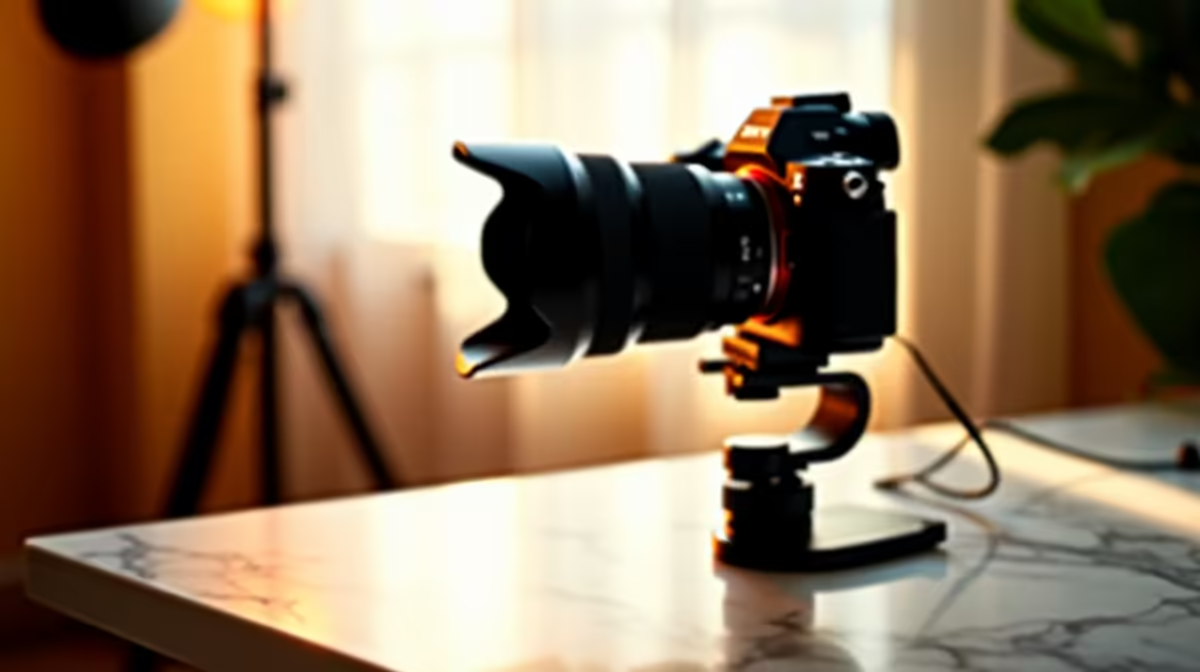
The monitor clip that ships with a webcam is not an oversight or a budget compromise. It is a genuinely adequate solution for a large percentage of the people who buy the camera. The question worth asking before spending R200 to R400 on a dedicated camera mount is whether you are actually in the group it helps, or whether you are buying a solution to a problem you do not have.
Quick Answer
A dedicated mount is worth the spend once you stream weekly. It buys eye-level framing the monitor clip cannot reach, and that framing improvement is visible to viewers. For occasional video calls, the bundled clip holds a 150g webcam fine and a mount adds nothing meaningful.
🔧 What the Bundled Monitor Clip Can and Cannot Do
The clip-on mount that comes with most webcams attaches to the top edge of a monitor and positions the camera at monitor-top height. For a 24 to 27 inch monitor, that height is typically 30 to 40cm above desk level, or 105 to 115cm from the floor depending on the monitor's stand height. That range is close to eye level for many seated adults, which is why the clip is a genuine functional tool rather than just packaging filler.
The limitations appear at the edges of that use case. If your monitor sits low, on a monitor arm near desk level for example, the camera ends up below chin height and the wide-angle lens looks unflattering up through the jaw. If the monitor is large and tilted back slightly, the clip may angle the camera down more steeply than is ideal. And for anyone whose seated eye level is significantly above or below the standard range, the clip height is fixed and cannot compensate.
For a weekly or more frequent streamer with an audience watching the face-cam, these limitations become visible. Viewers notice a subtly unflattering angle even if they cannot name it. A dedicated stand that puts the lens at the exact eye level, dead centre, solves this at a low cost relative to the webcam itself.
For the person who joins a video call once or twice a month and is not broadcasting to an audience, those limits are largely invisible. The clip is fine.
The Weight Limit Question
Most bundled clips are rated or tested for cameras in the 100 to 200g range, which covers the vast majority of consumer webcams. A webcam above 250g, common in higher-end models with larger sensors, can put enough downward torque on a clip to cause it to slide or tilt, especially on slim modern monitor bezels. This is a practical case for a dedicated stand that does not depend on clamping force.
📺 What a Dedicated Mount Actually Changes
The concrete benefit of a dedicated desktop stand is height adjustability. A column stand extending 300 to 450mm above the desk surface can place the lens at any height across that range, which covers the seated eye line of essentially every adult at a standard desk. Once positioned correctly, the camera looks straight at your face from the same height as your eyes, and the wide-angle lens produces a natural result instead of a distorted one.
The secondary benefit is stability. A monitor clip transfers any monitor movement, including vibration from desk knocks or cable pulls, into the camera. A weighted desk stand sits on the desk surface independently, so the camera position is decoupled from the monitor. For a podcast or stream recording where continuity matters, that independence is useful.
A third benefit, smaller but real, is that moving the camera off the monitor bezel clears the top edge of the screen. For creators on tight multi-monitor setups, reclaiming that bezel space removes visual noise and a small obstruction at the very top of the display.
The spend involved is modest relative to the webcam itself. Metal-column stands priced between R200 and R400 cost a fraction of what the webcam itself runs, typically R1,500 to R3,000. The framing improvement it enables is visible on every recording without any hardware upgrade to the camera.
Pro Tip ⚡
If you switch between streaming and desk work and want to move the camera quickly, fit a quick-release plate between the webcam and the stand head. The camera clicks off for desk use and clicks back into the exact framing for the next stream. It is a R50 to R150 add-on that removes the need to re-aim every time.
🎯 When to Wait and When to Buy
The frequency of use is the deciding question. A streamer broadcasting weekly or more often will feel the benefit of correct eye-level framing within the first few sessions. The audience sees a better shot from the first broadcast.
A creator who records content monthly might get acceptable results from the bundled clip and find the mount purchase more optional. The framing improvement is still real, but when recordings are infrequent, the benefit accrues slowly.
The case to wait is clearer for someone still working out whether streaming or podcasting is a habit they are committing to. Spending R400 on a mount before committing to a weekly schedule is spending ahead of evidence. Buy the mount once the habit is established and the viewing quality has become a genuine priority.
The case to buy now is stronger for anyone already streaming regularly, anyone whose monitor clip is causing the camera to sag or slip, and anyone running a professional-facing setup, such as client video calls or online teaching, where the first impression on camera matters.
For South African creators on a budget deciding between mount and other gear, the mount almost always delivers more visible improvement per Rand than a second webcam or a higher-resolution camera used with the same unflattering framing.
Frequently Asked Questions
When does a dedicated mount actually pay off for a casual streamer?
Once streaming becomes a weekly habit. At that frequency, the eye-level framing a dedicated stand provides is visible across every broadcast to every viewer. For once-a-month or occasional use, the bundled monitor clip is adequate and the mount spend is genuinely optional.
Is the clip that ships with a webcam strong enough for regular use?
For cameras up to 200g, yes. The standard bundled clip holds a lightweight webcam reliably when clamped to a bezel between 10 and 30mm thick. Heavier webcams above 250g can torque the clip and cause it to shift, which is a practical case for a dedicated stand. If the clip holds without slipping, it is doing its job.
Does switching to a desk stand visibly improve image quality?
Not the raw resolution or sharpness; those come from the camera. What changes is the framing and angle, and those affect how the face looks on camera significantly. Correct eye-level framing removes the distortion a low-mounted clip creates, which viewers perceive as a quality improvement even though the camera itself is unchanged.
How much should a first dedicated webcam mount cost locally?
A functional metal-column stand in South Africa sits at R200 to R400. That range covers a weighted base, a metal column, and a lockable head. Above R450 the features are designed for heavier cameras and add little for webcam use. Below R150, plastic construction introduces the kind of flex and droop that defeats the purpose of switching from the clip.
Does a dedicated mount also free up monitor space?
Yes. Moving the camera off the bezel clears the top edge of the screen. For narrow bezels or multi-monitor setups where the bezel space is tight, this is a genuine quality-of-life gain the clip cannot provide.
Should someone who streams once a month skip the mount entirely?
Probably, unless the bundled clip is already causing problems like slipping or poor framing. Light, infrequent use rarely justifies R200 to R400 upfront. The practical advice is to watch the streamed footage critically: if the framing looks fine and the clip is stable, wait. If the angle is unflattering or the clip slips, buy the stand.
Ready to put the camera in the right position for good?
Browse the webcam stand range to find a local-market mount that delivers stable eye-level framing without overcomplicating a casual setup.