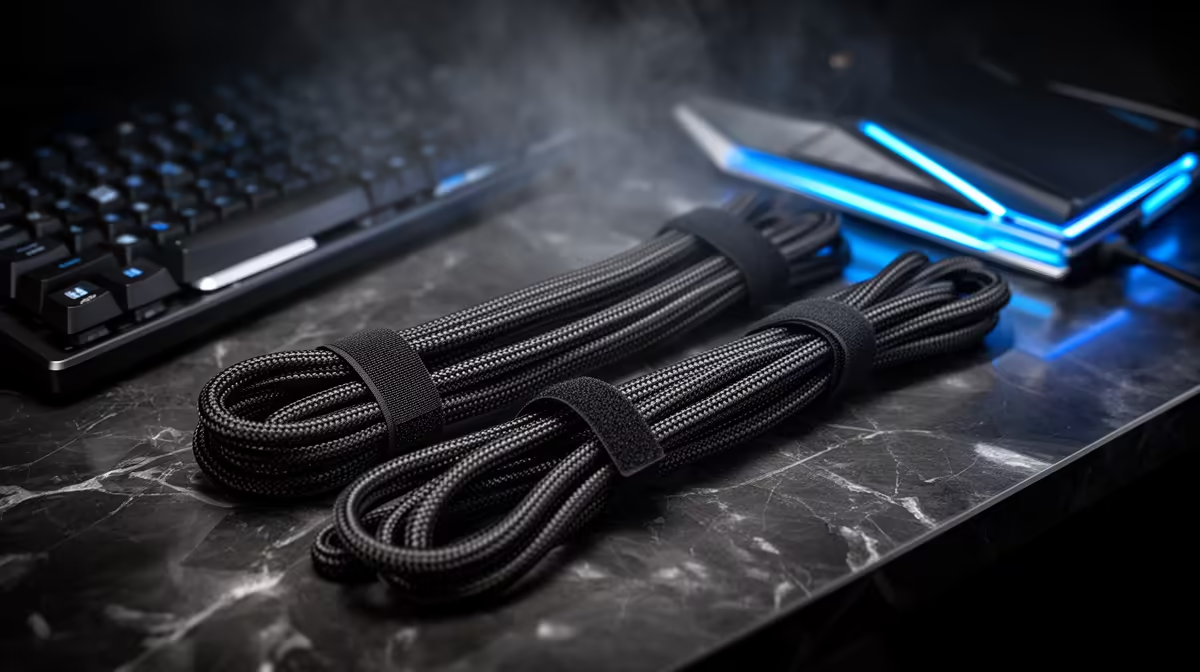
Loose leads can make a good desk feel unfinished and snag a device at the worst time. A budget desk cable kit uses sleeves, clips and routing that remain accessible when hardware needs to move.
Quick Answer
A desk cable kit under R500 can work when you reuse safe power and data leads and buy only sleeves, reusable straps, clips, or a tray that fits the desk. Price named pieces from current July 2026 listings. Do not hide damaged mains cables or overloaded adapters inside a neat sleeve.
Use the desk setups shown among peripheral best sellers to map device routes, then compare holders and small parts from gaming accessories. The right kit begins with measurements and cable safety, not the largest pack of clips.
Unplug and map every cable
Shut down equipment and disconnect it according to its guidance. Lay out power, display, network, USB, audio, charging, and peripheral cables. Label both ends before moving them.
Remove leads for devices no longer used. Check insulation, plugs, strain relief, bent pins, heat marks, and loose connectors. Replace damaged items with approved exact alternatives. Cable management must never conceal a fault.
Draw the routes from wall power and PC to each device. Keep moving equipment such as the mouse, microphone arm, monitor arm, and height-adjustable desk in mind. These paths need slack.
Separate permanent routes from cables you unplug every day. A charging lead tied into a closed sleeve becomes frustrating and encourages pulling the connector.
Choose each management piece by job
Reusable hook-and-loop straps gather cables without squeezing them and reopen for changes. Use several loose bundles rather than one thick knot. Keep connector ends outside the bundle where they remain accessible.
Adhesive clips can guide a light cable along the desk. Clean the surface as the clip maker specifies and check whether the adhesive suits the finish. Heat, dust, and textured furniture can weaken the bond.
A sleeve hides several leads across one visible run. Confirm its diameter, length, closure, and bend radius. Do not pack hot power bricks inside it or force sharp bends near display and high-power connectors.
An under-desk tray or raceway carries adapters and excess length. Check weight rating, mounting method, desk thickness, and rental restrictions. A loaded tray falling onto legs is worse than visible cables.
Treat power separately
Use a correctly rated, earthed power arrangement suited to the connected load and local installation. Do not daisy-chain multi-plugs or hide them where heat and damage cannot be seen.
Mains leads should not run under rugs, through door gaps, or under chair wheels. Keep power bricks ventilated and supported. Permanent fixed wiring and new wall outlets belong with a qualified person who can assess the property and applicable requirements.
A surge-protection or backup-power decision is separate from cosmetic cable management. Check model-level ratings and the full equipment load. A cheap sleeve cannot improve electrical protection.
Keep a power switch reachable for normal shutdown and emergencies without placing it where feet can flip it during play.
Leave movement loops
Raise and lower an adjustable desk through its full safe range while someone watches each lead. The loop must support both extremes without stretching, snagging, or falling into a mechanism.
Move monitor arms to every normal position. Secure cables to the arm's intended channels with slack at joints. A tight display cable can damage the port or pull the monitor when the arm extends.
The microphone lead needs slack through boom movement. Mouse and keyboard cables need a clean path across the working surface. Keep a headset cable away from chair wheels.
Route all moving cables before trimming tie tails or closing sleeves. Recheck after sitting at the desk because the chair and feet change the risk.
Build the R500 basket honestly
Count the exact straps, clips, sleeve length, and tray capacity required. Price named products at current July 2026 prices. Include only approved replacement cables when an existing lead is damaged or too short.
Basket one can use reusable straps and existing desk holes. Basket two may add adhesive clips for a fixed desk. Basket three can use one supported tray and fewer cosmetic pieces.
Do not claim the whole kit fits R500 until the named basket does. If the correct tray or safe replacement cable exceeds the ceiling, solve the trip hazard first and leave the cosmetic sleeve for later.
Keep a few removable straps spare. Avoid buying a huge variety pack whose adhesive and clip sizes do not suit any cable on the desk.
Install for future changes
Group cables by destination or device rather than binding every lead together. Label both ends and leave connectors reachable. Photograph the final route before closing the tray.
Use screws only when the desk maker and property owner allow them and the mounting method suits the material. A hollow-core top can fail around a concentrated fastener. Adhesive also needs a safe surface and weight.
Do not pull cables tight to make the setup look straight. Gentle routes protect plugs and make device replacement easier. Cut tie tails flush and away from insulation.
After a week, inspect adhesive clips, tray fasteners, hot spots, connector strain, and movement loops. Rework any part that shifted. Check again whenever a monitor, PC, or power device changes.
Keep maintenance possible
Do not seal adapters, hubs, or excess cable behind furniture that must be dismantled for one reset. Leave enough access to read labels, reseat a plug, and remove dust. A neat desk should become easier to troubleshoot.
Use labels that identify the device at both ends. Colour can separate power, display, network, and USB routes, but plain written tags work. Avoid covering ventilation holes, serial labels needed for support, or safety markings.
When the PC moves for cleaning, disconnect cables at a marked break point rather than dragging the whole managed bundle. Support heavy display and network leads while unplugging them so the port does not carry their weight.
Review the route every few months and remove abandoned leads. A cable tray can become a hidden drawer of live chargers unless each addition has a named purpose.
FAQ
Can R500 tidy a gaming desk?
It can cover a focused named kit when existing cables are safe and the desk needs simple straps, clips, or a sleeve. Current July 2026 prices and exact quantities decide.
Should power and data cables be bundled together?
Keep routes organised without forcing everything into one sleeve. Leave power bricks ventilated, avoid sharp bends, and separate signal and power where practical.
Are adhesive cable clips safe for every desk?
No. Surface finish, texture, heat, dust, cable weight, and adhesive type affect the bond. Follow product and furniture guidance, then inspect after installation.
Unplug, inspect, and map every desk cable, then buy the smallest July 2026 kit that removes strain and trip hazards within the R500 ceiling.