Quick Answer
For SA buyers, the three most important display cable decisions are: choosing the correct length for your desk layout (measure the full cable path, not the straight-line distance), selecting build quality that handles local climate conditions (braided jacket for Gauteng heat, gold contacts for coastal humidity), and matching the cable version to your resolution target (DP 1.4 for 4K/144Hz, DP 2.1 for 8K/60Hz).
Getting Cable Length Right the First Time 📐
Length errors are the most common display cable mistake in SA builds. The cable path from a floor-mounted tower, up the desk leg, along the rear cable management channel, and to the monitor port commonly measures 1.8m to 2.2m even for a compact desk. A seemingly short desk footprint of 120cm can require 2m of cable when routing is factored in. Measure this path with a tape measure or a piece of string before ordering. For standard desktop towers on the desk surface, 1.5m usually suffices for a tight, neat run. For monitor arms that extend the display 30 to 40cm forward of the standard mount position, add that distance to your measurement. Returning a cable that is 15cm too short costs more in time and shipping than simply buying 2m in the first place.
Durability for South African Conditions 🌦️
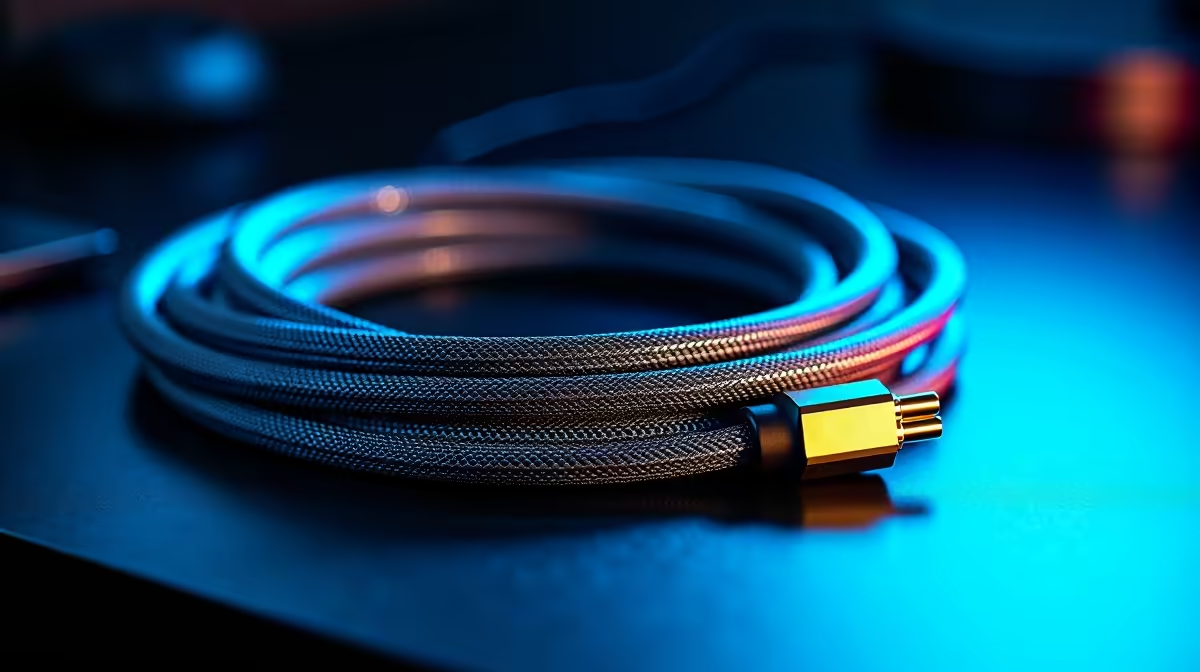
SA's climate varies significantly. Durban's year-round humidity promotes connector corrosion on exposed metal contacts. Johannesburg's dry summer heat cracks bare PVC cable jackets within a few years. Cape Town adds coastal UV intensity on top of humidity. For any SA climate, braided nylon outer jackets resist thermal cracking and moisture ingress better than bare PVC. Gold-plated connector contacts resist coastal corrosion. Cables meeting these specifications are stocked locally from around R300 to R650 for 2m DP 1.4 options and R450 to R750 for DP 2.1 UHBR20.
Signal Quality: Certification Is the Only Reliable Measure 📡
Marketing on display cables uses claims like 8K-ready and ultra-high speed without technical backing. The only reliable indicator is the DP version certification documented in the product specification. A DP 1.4 certified cable handles 4K/144Hz. A DP 2.1 UHBR20 certified cable handles uncompressed 8K/60Hz. Beyond certification level, triple-layer shielding reduces susceptibility to interference from USB 3.0 devices and power cables sharing the same desk run. For SA builds where cable bundles are often dense, shielding quality matters more than it does in sparse setups.
Three Checks Before You Add to Cart ⚡
buying any display cable: measure your cable path in centimetres, check your GPU output DP version in the spec sheet, and read the listed cable DP certification on the product page. These three data points take two minutes and prevent every common cable purchase mistake.
FAQ
Is a 1m DisplayPort cable enough for a compact desk setup?
For a monitor directly above a mini-ITX tower on the same desk surface, 1m is often sufficient. Measure the actual path including any routing through cable clips or along the monitor stand column. If the result is under 80cm, 1m is safe. If it is 85cm or more, buy 1.5m.
Does SA's climate affect digital display signal quality through cables?
Indirectly. Heat and humidity accelerate connector corrosion and jacket degradation over time. A degraded connector increases contact resistance, which can eventually cause signal dropout. Proactive cable quality selection prevents this from becoming a signal quality issue.
What is a fair price for a good 2m DP 1.4 cable in South Africa?
Expect to pay R300 to R500 for a quality 2m DP 1.4 cable with braided jacket, aluminium housing, and documented shielding. Below R200 is the uncertified risk zone. Above R600 for a DP 1.4 cable is overpaying for packaging.
Ready to sort your display cable decision once and for all?
Evetech carries a full range of certified display cables in multiple lengths to suit any SA desk setup. Shop the collection at Evetech.