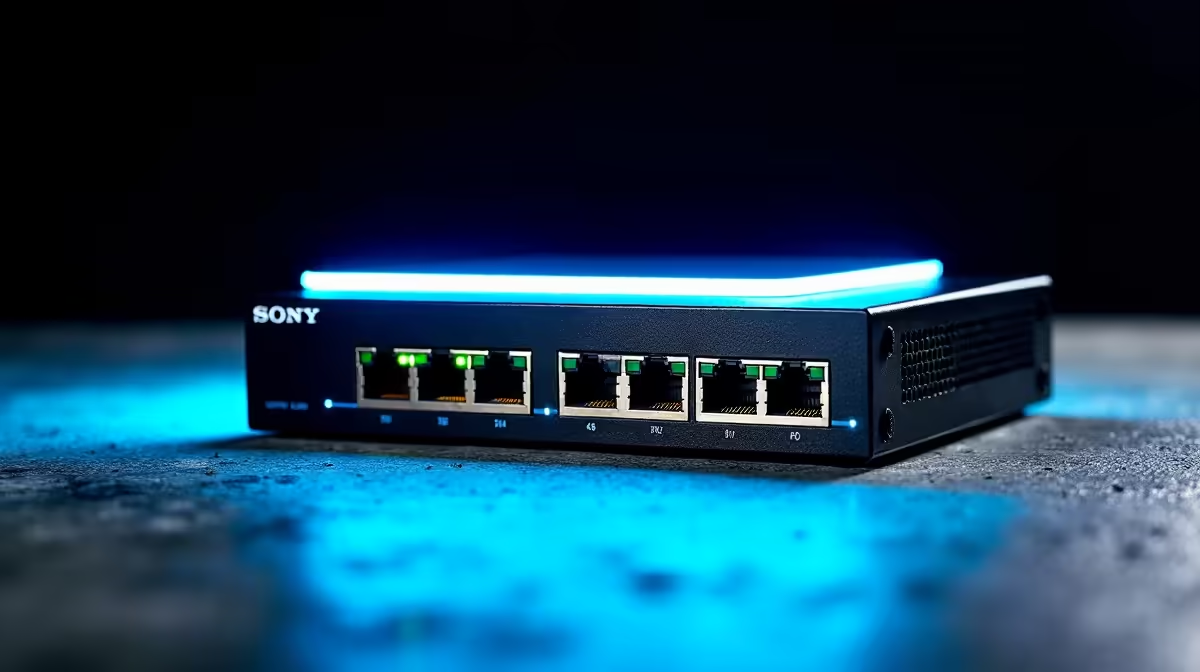
Run a single Ethernet cable to a camera and you expect it to carry both data and power. That only happens if something at the other end actually supplies the power, which is where a PoE switch enters the picture. Whether you need a separate one depends entirely on what your recorder already provides, and getting this decision right saves you from cameras that simply will not power on after install.
Quick Answer
You need a separate PoE switch if your NVR has no built-in PoE ports, or if it has too few ports or too little total power for your cameras. A PoE NVR with enough powered ports can run a small system on its own. PoE switches give far more ports (up to 64) and a richer power budget (15W to 90W per port), making them the flexible choice for larger setups.
How PoE actually powers a camera
Power over Ethernet sends electrical power and data down the same Ethernet cable, so a wired camera needs just one run rather than a separate power lead at every location. That power has to originate somewhere, and you have two options: an NVR with built-in PoE ports, or a separate PoE switch feeding the cameras with the NVR handling recording only. The choice between them is really a question of ports and watts.
PoE NVR or PoE switch: the real difference
A PoE NVR bundles the recorder and camera power into one box, which is neat for small systems. But the bundling comes with limits. Many PoE NVRs ship with only 4 or 8 PoE ports, and their total power budget is often modest, with some entry models offering only enough power to comfortably run a handful of fixed cameras. Add a power-hungry PTZ camera and a small NVR can run out of headroom quickly. In practice, many entry NVRs support only the 802.3af standard, which caps per-port delivery at around 15.4 watts, enough for a basic fixed camera but insufficient for a PTZ or heated dome unit that may need 30 to 40 watts.
A dedicated PoE switch removes those ceilings. Switches come in 4, 8, 16, 32, and even 64-port configurations, and offer a much richer power budget, anywhere from 15W to 90W per port depending on the model. For anything beyond a small fixed-camera setup, that flexibility is exactly what you want, and it lets the NVR concentrate on recording while the switch handles power and the network.
A simple decision rule
If you have four fixed cameras and a PoE NVR with four powered ports that meets their power draw, you are done, no separate switch needed. If you have more cameras than NVR ports, a PTZ or heated camera that needs more power than the NVR supplies, or any plan to expand, add a PoE switch. It is the upgrade path that keeps a growing system viable.
Sizing the power budget correctly
This is where most systems go wrong, so work through it deliberately.
- Add up each camera's power draw. Standard fixed cameras typically consume 4 to 8 watts, while PTZ or heated outdoor cameras can need 15 to 30 watts each.
- Add 20 to 30 percent headroom on top. A switch running at 100 percent load runs hot and can throttle, so spare capacity is reliability, not waste.
- Read the total power budget line, not just the per-port figure. A switch may advertise 30W per port but cap the whole unit at, say, 60W across eight ports, which means you cannot run every port at maximum. The total budget is the number that actually limits you.
Matching the PoE standard to your cameras
PoE comes in tiers, and the camera dictates which you need.
- 802.3af delivers a maximum of 15.4W per port (roughly 12.95W available at the device). It suits basic fixed cameras without heating or pan-tilt motors.
- 802.3at (PoE+) steps up to 30W per port (roughly 25W at the device). It handles PTZ cameras, doorbell cameras, and units with infrared illuminators that draw more current.
- 802.3bt (PoE++) goes further with Type 3 at up to 60W and Type 4 at up to 90W per port. Heated dome cameras and high-powered outdoor units with multiple illuminators sit in this territory.
Buying a switch that only supports the lowest tier and then fitting a power-hungry PTZ is a common mismatch, so check your cameras' requirements before you choose. The security and smart-home range at Evetech is a good place to match a switch to your camera count, and the cabling and connectors to wire it all up sit among the accessories best sellers.
Managed or unmanaged
One last choice. An unmanaged PoE switch is plug-and-play and fine for a straightforward camera system. A managed switch adds features like VLANs to isolate camera traffic from the rest of your network, useful in a larger or more security-conscious install where you want the cameras on their own segment. For most homes and flats, unmanaged is enough; step up to managed only if you genuinely need the network controls.
Frequently Asked Questions
Do I always need a separate PoE switch for cameras?
No. If your NVR has enough built-in PoE ports and a power budget that covers your cameras, it can run a small system alone. You need a separate switch when you have more cameras than NVR ports, need more power per camera, or plan to expand.
How many watts should my PoE switch supply?
Add up each camera's draw (4 to 8 watts for fixed, 15 to 30 for PTZ or heated) then add 20 to 30 percent headroom. Crucially, check the switch's total power budget, not just its per-port rating, because the total often caps how many ports you can run at full power.
What is the difference between 802.3af, at, and bt?
They are PoE power tiers. 802.3af suits basic fixed cameras at up to 15.4W per port. 802.3at handles higher-draw PTZ and doorbell cameras at up to 30W per port. 802.3bt powers high-wattage heated dome cameras at up to 60W or 90W per port. Match the standard to your most demanding camera so it gets the power it needs.
Can I add a PoE switch to an NVR that already has PoE?
Yes. A common setup uses the NVR for a few cameras and a separate PoE switch for the rest, expanding capacity beyond the NVR's built-in ports. The switch feeds power and data to the extra cameras while the NVR keeps recording.
Should I get a managed or unmanaged PoE switch?
Unmanaged is fine for most home camera systems and is plug-and-play. Choose a managed switch only if you want network controls like VLANs to isolate camera traffic, which is more relevant for larger or security-focused installations.
Planning a wired camera system that powers cleanly off one cable per camera? Compare PoE switches in the smart home and networking range at Evetech and size the power budget to your cameras before you buy.