Quick Answer
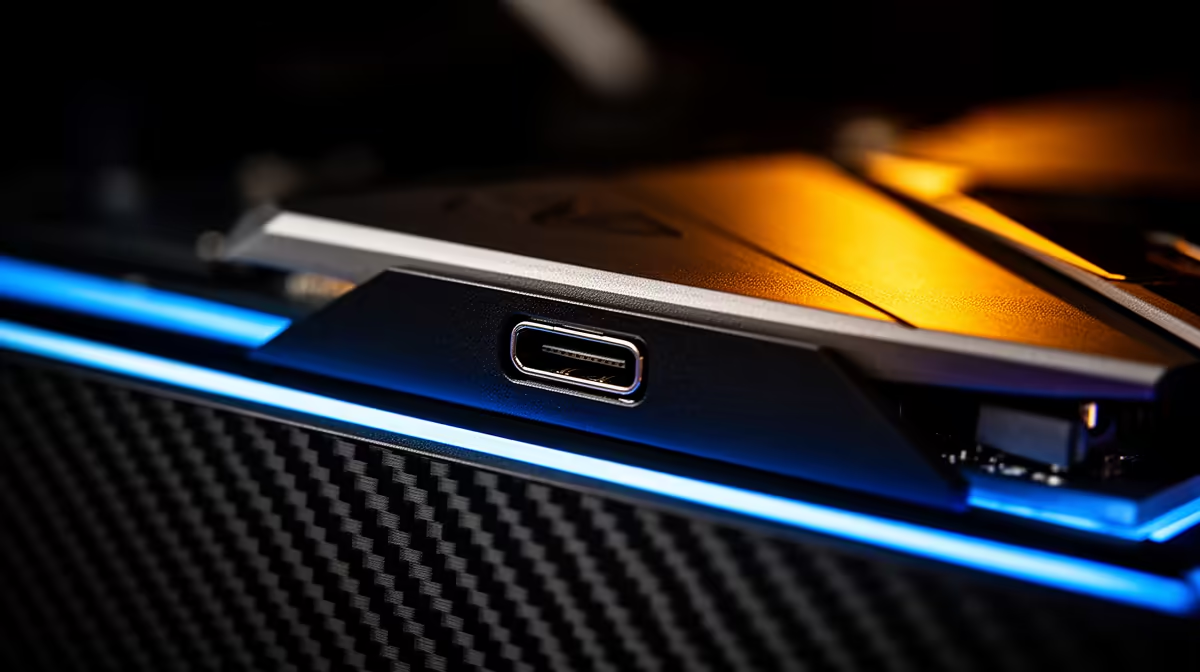
Yes, a front-panel USB 10Gbps Type-C port makes a real difference if you regularly connect fast external drives, modern controllers, or capture cards. At 10Gbps (USB 3.2 Gen 2), transfers run up to ten times quicker than a USB 2.0 header and twice as fast as the older 5Gbps standard, so a 1TB NVMe enclosure can move files in minutes rather than tens of minutes.
Why 10Gbps on the Front Panel Matters 🔌
The front panel is your daily-use I/O: you plug in headsets, thumb drives, external SSDs, and phones without reaching around the back. When that port runs at only 5Gbps (USB 3.2 Gen 1), a high-speed NVMe enclosure is bottlenecked before it starts. The 10Gbps standard, often labelled USB 3.2 Gen 2, unlocks the real throughput of modern accessories like the Samsung T7 Shield or WD_BLACK P50, both of which top out near 1,000MB/s. For content creators in South Africa who regularly pull 4K footage off a card reader or SSD at their desk, that gap translates to tangible time saved every single session.
What the Motherboard Connector Requirement Means 🖥️
A 10Gbps Type-C front-panel port requires a dedicated USB 3.2 Gen 2 Type-C header on your motherboard, usually labelled USB32G2_C. Mid-range and high-end boards like those built around the AMD X670E or Intel Z890 chipsets include at least one such header as standard, so compatibility is rarely an issue for anyone building a current-gen system. Budget B650 boards sometimes omit it, so check your board spec sheet before buying a case primarily for this feature. The cable from the case header to the board is typically 40 to 50cm, which is plenty for standard mid-tower cable routing.
Real-World Benefit for SA Gamers 🎮
Beyond storage, the 10Gbps Type-C port supports video output on devices that include DisplayPort Alternate Mode, meaning some users can connect a secondary screen or a phone in desktop mode directly from the front of the case. South African game capture workflows, where a creator records locally to an external SSD while streaming, benefit greatly: recording at around 150MB/s sustained without a single dropped frame is realistic on a 10Gbps link, whereas a 5Gbps port starts to show buffer overruns above 60fps 1080p capture. Cases in the R1,800 to R3,500 range from brands stocked at Evetech increasingly include this port as a default, not a premium.
Check Your Header Before You Buy ⚡
Before purchasing a case specifically for its USB 10Gbps Type-C front port, look up your motherboard's spec sheet and confirm it has a USB 3.2 Gen 2 Type-C internal header. Without it, the port in the case will either be inactive or drop to a slower speed via an adapter. Most current-gen AMD Ryzen 7000 and Intel Core Ultra boards include one.
FAQ
Does USB 10Gbps Type-C on the front panel also support charging?
Yes, many implementations support USB Power Delivery at up to 15W through the front-panel port, which is enough to top up a phone or tablet quickly. Fast charging above 60W requires a dedicated PD controller chip, which most front-panel headers do not include, so expect moderate but functional charging speeds.
Is USB 10Gbps Type-C the same as Thunderbolt?
No. USB 3.2 Gen 2 at 10Gbps is a USB standard, while Thunderbolt 4 runs at 40Gbps and requires Intel certification. Front-panel Thunderbolt ports are extremely rare on desktop cases. The USB 10Gbps port covers the majority of peripheral use cases at a fraction of the implementation cost.
Will I notice the difference if I only use thumb drives?
For standard USB flash drives rated at 100 to 200MB/s, the difference between 5Gbps and 10Gbps is minimal in practice since the drive itself is the bottleneck. The upgrade pays off most when you connect NVMe enclosures, high-res webcams, or capture cards that can actually sustain speeds above 500MB/s.
Ready to upgrade your front-panel connectivity?
Browse Evetech's selection of ATX mid-tower and full-tower gaming cases, many of which ship with USB 3.2 Gen 2 Type-C front-panel ports as standard. Find the right case for your next build at Evetech.