

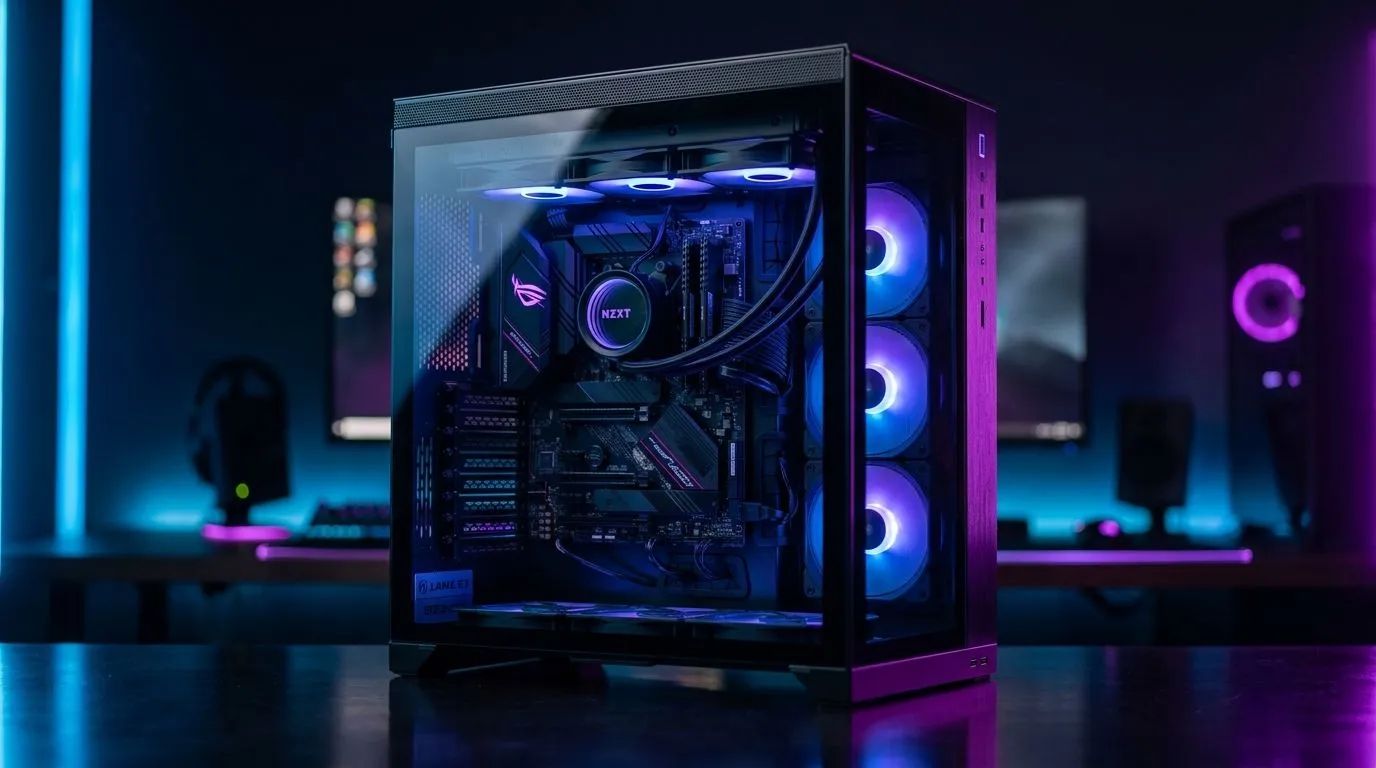
Dual-Chamber Gaming Case Basics for Cleaner Builds 🔧
South African gamers know the pain of messy cables. One loose bundle can block airflow, make upgrades harder, and turn a clean rig into a headache. So, is a dual-chamber gaming case better for cable management? In many builds, yes... but only if it suits your parts, your desk, and your upgrade plans. The split layout gives builders more room behind the motherboard tray, which can make routing simpler and the main chamber far neater.
Dual-Chamber Gaming Case Benefits for Cable Management
A dual-chamber design separates the power supply, drives, and cable clutter from the main showcase area. That means fewer visible cables near the GPU and cooler. It can also help with airflow because the primary chamber stays less crowded.
For builders who like a tidy finish, this layout feels more forgiving. You get extra depth for cable bends, more space to hide excess length, and a cleaner view through the side panel. That said, neat cable management still depends on good planning. Velcro straps, correct PSU cable lengths, and sensible component placement matter just as much.
If you are comparing styles, browse the full computer cases range to see how different layouts handle space and routing. Some cases are built for clean display builds. Others focus on compact value. The right choice depends on your hardware, not just the trend.
When a Dual-Chamber Gaming Case Makes Sense
A dual-chamber case is especially useful if you are running a full-size graphics card, multiple storage drives, or custom lighting. It gives you more breathing room during installation. That can save time if you swap parts often or build for clients.
It is also a smart option for first-time builders who want a simpler path to a neat result. Less visible clutter can make troubleshooting easier too. If a cable needs checking later, you are less likely to fight through a tight mess. ✨
For buyers comparing premium finishes, take a look at Fractal Design PC cases. Fractal is well known for clean internal layouts and practical build quality, which suits users who value a tidy, understated setup. If you want a more budget-conscious route, Gamdias gaming cases can offer bold styling without pushing the build cost too high.
A practical pro tip
Cable Management Pro Tip ⚡
Route the front-panel and PSU cables first... then add storage and RGB leads last. This keeps the tightest bends away from the main chamber and makes the final cable bundle much easier to hide.
Dual-Chamber Gaming Case Limits to Keep in Mind
A dual-chamber design is not automatically better for every PC. Some cases trade off drive support, radiator space, or compatibility for that cleaner layout. Smaller builds may also feel cramped if the case prioritises aesthetics over flexibility.
So, if you need maximum value, check the dimensions carefully and match the case to your motherboard size, GPU length, and cooling setup. For shoppers watching the budget, Gamdias gaming cases under R1500 are worth a look... especially if you want a neat-looking build without overspending.
Dual-Chamber Gaming Case Verdict for SA Builders
So, is a dual-chamber gaming case better for cable management? Usually, yes... especially for builders who want a cleaner finish with less effort. It gives you more hiding space, a tidier view, and often a smoother build experience. But the best case is the one that fits your parts, budget, and upgrade path.
If you are building in South Africa, think beyond looks. Check airflow, clearance, and ease of access. Then choose the case that makes your next upgrade less stressful and your setup more polished. 🔥
Ready to Find Your Perfect Match? The Mac vs Windows debate is complex, but for maximum power, choice, and value in South Africa, Windows is hard to beat. Explore our massive range of laptop specials and find the perfect machine to conquer your world.











