


Complete Gaming Setup Guide for the SA Esports Athlete in SA 2026
Complete Gaming Setup Guide for the Esports. Clear setup instructions with SA-specific considerations, troubleshooting tips & recommended components.
Read moreA dual chamber pump in an AIO liquid cooler manages coolant flow more precisely for smoother temps and potentially better stability. Here’s what it does and why it matters for your build. 🔧❄️
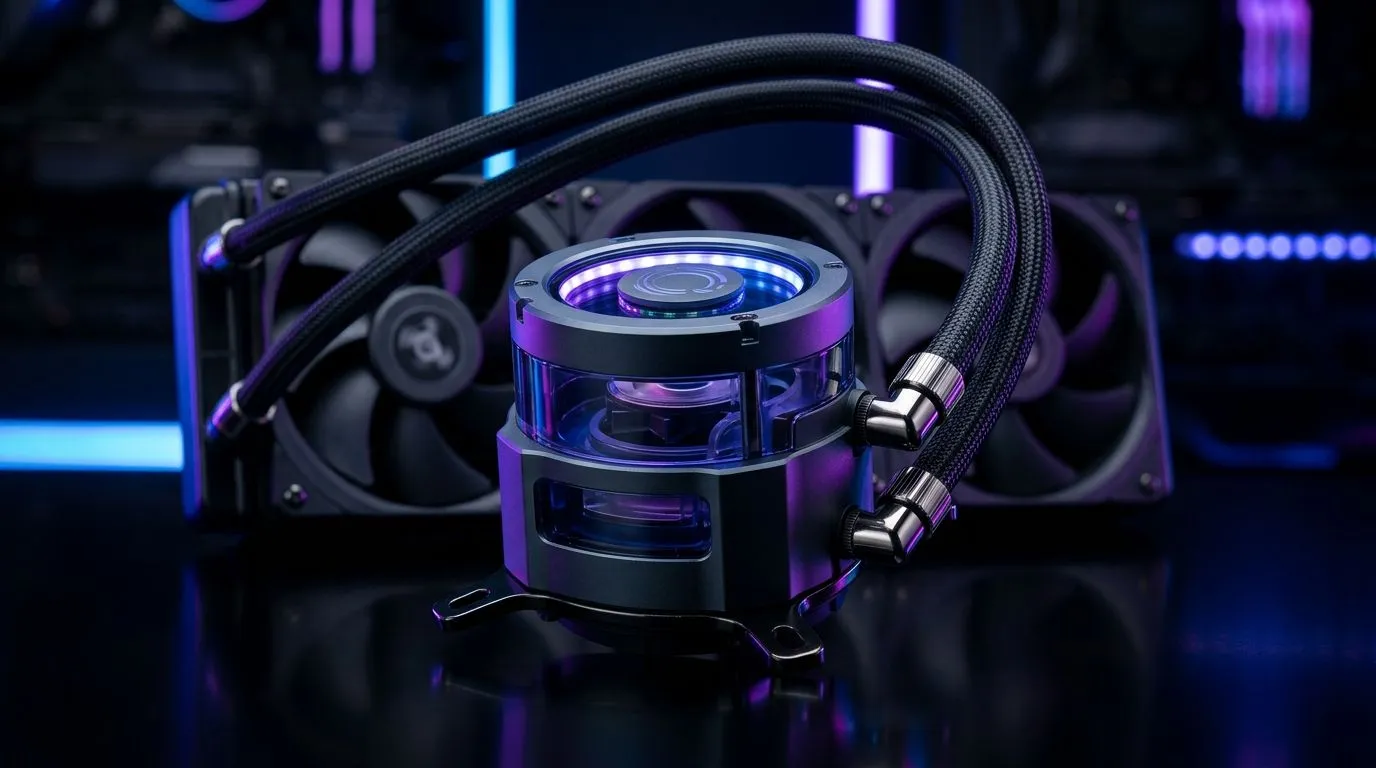
If you’re piecing together a gaming PC in South Africa and your CPU temps spike during Warzone, Fortnite, or Tarkov sessions… the cooler details matter. AIO liquid coolers are popular because they look clean and cool aggressively. But one feature keeps coming up in spec sheets: the dual chamber pump.
So, what does a Dual Chamber Pump in AIO Liquid Cooler: What It Does actually do? And should you care, or is it just marketing? Let’s break it down in plain terms, with practical buying checks you can use before you click “add to cart”. 🔧
An AIO (All-in-One) liquid cooler uses a closed-loop system. Inside the CPU block, coolant absorbs heat from your processor. The pump then circulates that coolant through the radiator, where fans help dump the heat into the air.
A dual chamber pump is designed to help control pump behaviour more precisely than a single chamber layout. In many modern designs, the dual-chamber approach can be used to manage flow stability and pressure inside the loop.
What this means for you as a buyer: it can contribute to steadier liquid movement under changing CPU loads. Gaming is rarely “constant load”… you’re bouncing between menu screens, shader compilation, loading zones, and peak gameplay. A pump that handles those transitions more consistently can help maintain cooler performance over time.
Important reality check though: actual cooling results depend on the whole system. That includes radiator size, fan speed, coolant design, mounting pressure, and how the AIO is installed in your case.
Let’s talk about how pump design translates into day-to-day experience. In broad terms, a more stable circulation helps the CPU block move heat to the radiator consistently. That can reduce the “temperature wobble” you might notice during heavy spikes.
However, don’t assume dual chamber automatically means “better than everything.” A 240mm radiator with strong fans may outperform a 360mm with weak fans, and vice versa. Also, pump speed curves and fan curves can change results more than people expect.
Here’s how to think about it during a build in SA:
Instead of chasing only the pump feature, use these checks:
On a Windows gaming rig, stress-test cooling safely by running a short cycle of CPU load (then monitoring temps) before you call it “stable”. Use a reliable temperature monitor like HWiNFO, watch for rapid spikes during the first minute, then check temps again after 10–15 minutes. This quickly shows whether your cooler is behaving consistently under real load transitions. Just avoid leaving unstable CPU overclocks running during tests.
If you’re shopping locally, start with Evetech’s CPU cooler category and filter from there. Here’s the shortest path to building a shortlist.
For general options across CPU cooler types:
Browse CPU coolers on Evetech
If you specifically want liquid coolers (AIO):
Shop liquid cooler (AIO) options
Prefer a particular ecosystem? If you’re leaning CORSAIR:
Explore CORSAIR AIO liquid coolers
Or if you’re considering Deepcool for value-focused builds:
Check out Deepcool AIO liquid coolers
If you can fit a 360mm radiator and you want extra headroom for longer sessions, filter directly:
View 360mm radiator AIO liquid coolers
If your chassis or budget calls for a tighter fit, 240mm is the common “sweet spot” for many builds:
View 240mm radiator AIO liquid coolers
Here’s the practical checklist I’d use for a South African gamer buying an AIO for a serious upgrade:
And lastly… don’t overpay for a feature you can’t measure. A dual chamber pump can help, but your best results come from the full cooler setup and good installation. 🚀
Ready to Find Your Perfect Match? The Mac vs Windows debate is complex, but for maximum power, choice, and value in South Africa, Windows is hard to beat. Explore our massive range of laptop specials and find the perfect machine to conquer your world.
It splits and coordinates coolant movement through two pump chambers, helping improve flow consistency and temperature stability across the loop.
A dual chamber pump typically manages flow in a more controlled way than a single chamber design, which can affect performance and noise.
It can. By smoothing coolant flow, a dual chamber pump may support steadier temps under load, though overall results still depend on radiator and fans.
Often, smoother operation and flow management can help reduce pump vibration and noise, but actual sound varies by model and fan curve.
Yes for many builds. More consistent coolant flow can help maintain tighter temperatures during sustained gaming loads.
Like any pump, it can wear over time. Common symptoms include rising CPU temps, unusual sounds, or reduced cooling efficiency.
Check mounting pressure, pump operation, fan/radiator orientation, coolant loop integrity, and ensure your pump speed profile is set correctly.
It can be worth it if you prioritize temperature consistency and build quality, but radiator size, airflow, and pump speed curve matter just as much.
Complete Gaming Setup Guide for the Esports. Clear setup instructions with SA-specific considerations, troubleshooting tips & recommended components.
Read more
AIO Liquid 360mm Installation Guide for Your PC. Clear setup instructions with SA-specific considerations, troubleshooting tips & recommended components.
Read more
MacBook Display Colour Looks Wrong? Calibration. Everything you need to know with SA pricing, step-by-step instructions & expert recommendations.
Read more
Printer Terminology Guide. Everything you need to know with SA pricing, step-by-step instructions & expert recommendations.
Read more
Git on Mac: Complete Setup Guide for Beginners. Clear setup instructions with SA-specific considerations, troubleshooting tips & recommended components.
Read more
Ryzen 9 9900X Thermal Paste Dry: Reapplication. Everything you need to know with SA pricing, step-by-step instructions & expert recommendations.
Read more
AMD RX 9050 XT: Rumoured Specs, Price & Release. SA-focused analysis with local pricing data, real-world insights & actionable buying advice.

Can RTX 4080 Super Run AI Workloads for SA Developers Detailed answer with SA data, expert analysis & practical recommendations for local buyers.

Can RTX 4090 Run AI Workloads for SA Developers Detailed answer with SA data, expert analysis & practical recommendations for local buyers.

Top Settings for Intel Arc B580 at Ultrawide 1440p picks evaluated on performance, value & SA availability with current Rand pricing from Evetech.

RTX 4060 CS2 Low Settings at 1080p: FPS Results. Real-world benchmark data, FPS numbers & performance analysis. What SA gamers can actually expect.

Visual Artifacts: Possible GPU Issue Issue #1. Diagnosis steps, proven fixes & when to seek professional help. SA-specific support info included.

Can the RTX 4090 Handle 1440p 144Hz Gaming. Performance testing verdict with real data & practical recommendations for SA buyers.

Top ASUS GPU Under R15000 picks evaluated on performance, value & SA availability with current Rand pricing from Evetech.

GTA 6 Max Settings on RTX 5070. Tested & verified settings for best FPS and visual quality on SA hardware budgets.

Cyberpunk 2077 Max Settings on RTX 5080. Tested & verified settings for best FPS and visual quality on SA hardware budgets.

Starfield Max Settings on RTX 5070 Ti. Tested & verified settings for best FPS and visual quality on SA hardware budgets.

Top RTX 5090 Under R5000 picks evaluated on performance, value & SA availability with current Rand pricing from Evetech.