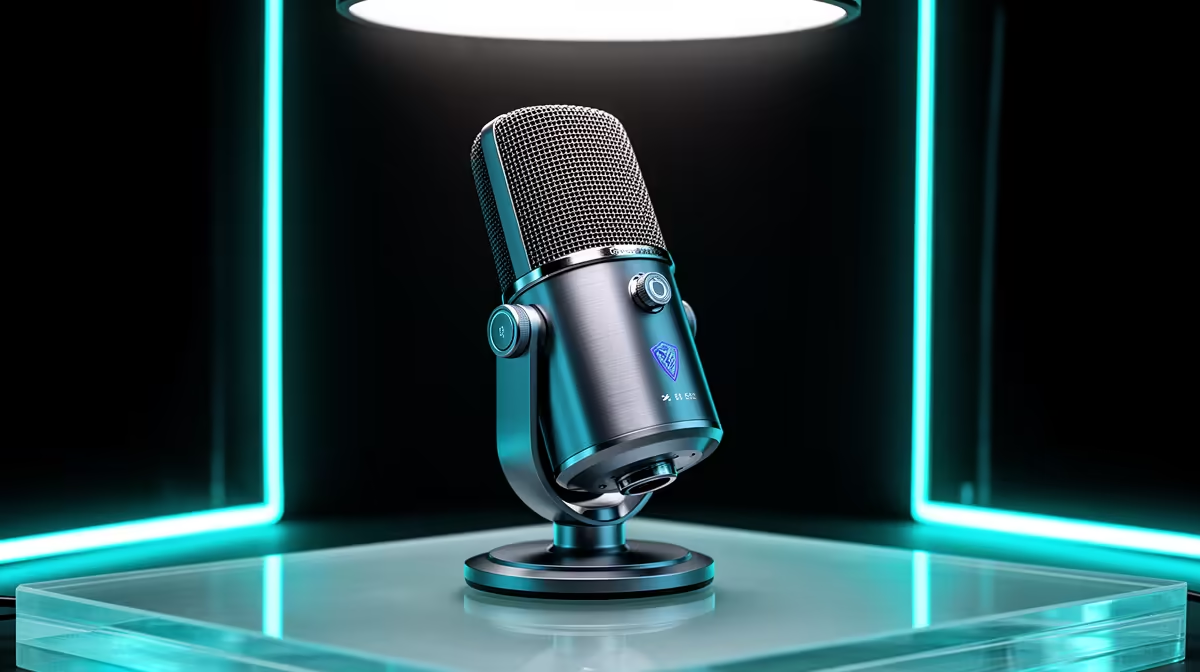
A dual connectivity microphone carries both USB and XLR outputs on a single capsule, which sounds like a convenience feature until you understand what that actually enables. This is not a compromise. It is a design choice that matches the way most content creators and streamers actually grow their setups, starting solo and simple, then adding hardware over time without having to replace the microphone they already know.
Quick Answer
A dual connectivity microphone has both USB and XLR on one capsule. Use USB for plug-and-play streaming and calls today. Switch to XLR when you add an audio interface or need to run a second mic alongside it. You get both upgrade paths without buying a second microphone.
🔌 What a Dual Connectivity Microphone Actually Contains
Most microphones are built around a single output standard. An XLR mic outputs an analogue signal through a three-pin connector that feeds a preamp, a mixer, or an audio interface. A USB mic contains a small analogue-to-digital converter inside its housing that digitises the signal before it leaves the cable. These are different signal paths, not different settings on the same circuit.
A dual connectivity mic includes both. Inside the housing there is a capsule, an analogue signal path leading to the XLR output, and a separate built-in ADC and USB controller leading to the USB output. The two paths are independent. The XLR output carries the raw analogue signal. The USB output carries a digitised version of the same capsule audio.
This matters because it means the microphone is genuinely capable on both connections, not nominally compatible with both. You are not running the XLR through the USB ADC or vice versa. Each output is doing its own signal processing appropriate to its connection type.
On-Mic Controls With Both Connections Active
Most dual mics carry physical gain and mute controls that work regardless of which connection is active. Some models route headphone monitoring through the USB connection specifically, since USB can carry audio back to the mic for zero-latency monitoring. If you switch to XLR, monitoring shifts to the interface headphone out instead. This is worth checking in the specific product you consider, since implementations vary between manufacturers.
🎯 When to Use the USB Connection
USB is the starting configuration for most users and it covers an enormous range of use cases well. Plug the cable into any PC or laptop and the operating system recognises the microphone as a standard audio input device with no driver installation required. The built-in ADC handles the conversion and the signal arrives at your streaming software clean and at the correct digital format.
For a solo South African streamer, a content creator recording commentary, a remote worker on regular video calls, or a podcaster running a one-person show, USB is the complete solution. There is no hardware to configure, no gain staging through a preamp to calibrate, and no additional equipment to power and place on the desk. The mic is the interface.
USB also simplifies mobile or portable setups. If you take a laptop to a friend's place to record a guest episode, the same cable that works on your main rig works on any USB-equipped machine. No interface to pack. For setups in student residences or shared homes, that portability has practical value.
🎙️ When to Switch to the XLR Connection
The XLR output earns its place when the setup around the microphone grows beyond a single capsule and a laptop.
Adding a second host to a podcast is the most common trigger. An audio interface with two XLR inputs accepts both microphones simultaneously, routes each to its own channel, and lets you control them independently in software or on the physical desk. Running two USB mics to a single PC simultaneously is technically possible but introduces sync complexity that an interface handles cleanly at the hardware level.
Better preamp quality is a second reason. The preamp inside a USB microphone is functional and typically adequate. A dedicated audio interface carries a higher-quality preamp circuit, lower noise floor, and more headroom before clipping. The difference is often subtle in voice-only content but becomes relevant if the microphone is doing double duty for music recording or professional broadcast production.
A compact hardware mixing board is a third scenario. Running XLR into a physical mixer gives you fader control, EQ, and compression in hardware during a live stream. For a streamer who wants to manage multiple audio sources, game audio, voice, music, and chat simultaneously, a hardware mixer on XLR removes the need to manage all of that in software. The dual mic's XLR output plugs straight into that chain when you are ready.
Pro Tip ⚡
On models that support simultaneous USB and XLR, connect both at once during a recording session. The USB feed goes to your PC as the primary recording. The XLR feed goes to a hardware recorder as a backup. If the PC session has an issue, you have a clean second copy. This workflow costs nothing extra once the hardware is already in place.
💰 Cost Difference and the Long-Term Maths
A dual USB/XLR mic typically starts around R2,500 in South Africa and runs to R4,000 or more depending on the capsule quality and features. A comparable single-connection USB mic in the same capsule tier costs roughly R1,500 to R2,500. The premium for the dual connectivity is real, between R500 and R1,000 in most cases.
The long-term maths favour the dual mic if you have any intention of expanding your setup. A single-connection USB mic that you replace when you add an interface costs the full price of that first mic as a sunk cost. A dual mic transitions to XLR with the same capsule you already know. The investment carries forward rather than being abandoned.
For someone buying a first microphone with no plans to expand, the single-connection USB option at a lower price point is the practical choice. But for any creator with growth intentions in the next two years, the dual option is the better long-term spend.
Frequently Asked Questions
What is a dual connectivity microphone?
A dual connectivity microphone is a single capsule housing with two independent output connections: one USB and one XLR. The two connections run through independent signal paths inside the mic, so USB delivers a digitised signal straight to a PC while XLR delivers an analogue signal to an interface or mixer. You choose the connection that fits your current setup and switch when your setup changes.
When does the USB connection make sense?
USB works for all single-mic setups without an audio interface: solo streaming, podcast recording, remote work calls, and commentary recording on a laptop. It is plug-and-play, driver-free, and works on any PC or laptop with a USB port. For setups where the microphone is the only audio input device, USB is the complete and simplest solution.
When should you use the XLR connection?
XLR becomes worth using when you add an audio interface for better preamp quality, when you need to run a second mic alongside it through a mixing board, or when you want to feed the signal into a hardware recorder or live mixing chain. The XLR output delivers analogue audio that your interface or mixer then processes on its own terms.
Can both connections be used at the same time?
On many dual mics, yes. The USB and XLR paths are independent circuits, so simultaneously connecting both routes the USB feed to your PC and the XLR feed to a separate device. A common use case is recording a USB primary to the PC while the XLR feeds a hardware backup recorder. Check the specific product spec to confirm whether simultaneous operation is supported.
Does a dual connectivity mic cost much more than a single-connection model?
Typically R500 to R1,000 more than a comparable single-connection USB mic. Dual mics start around R2,500 in South Africa. The premium buys you the XLR upgrade path without replacing the microphone. For a creator planning to add an interface or a second mic within a year or two, the dual option is better long-term value.
Ready to buy a microphone that grows with your setup?
Browse the dual connectivity USB/XLR microphone range at Evetech and pick the capsule you will still be using when the rest of your studio catches up.