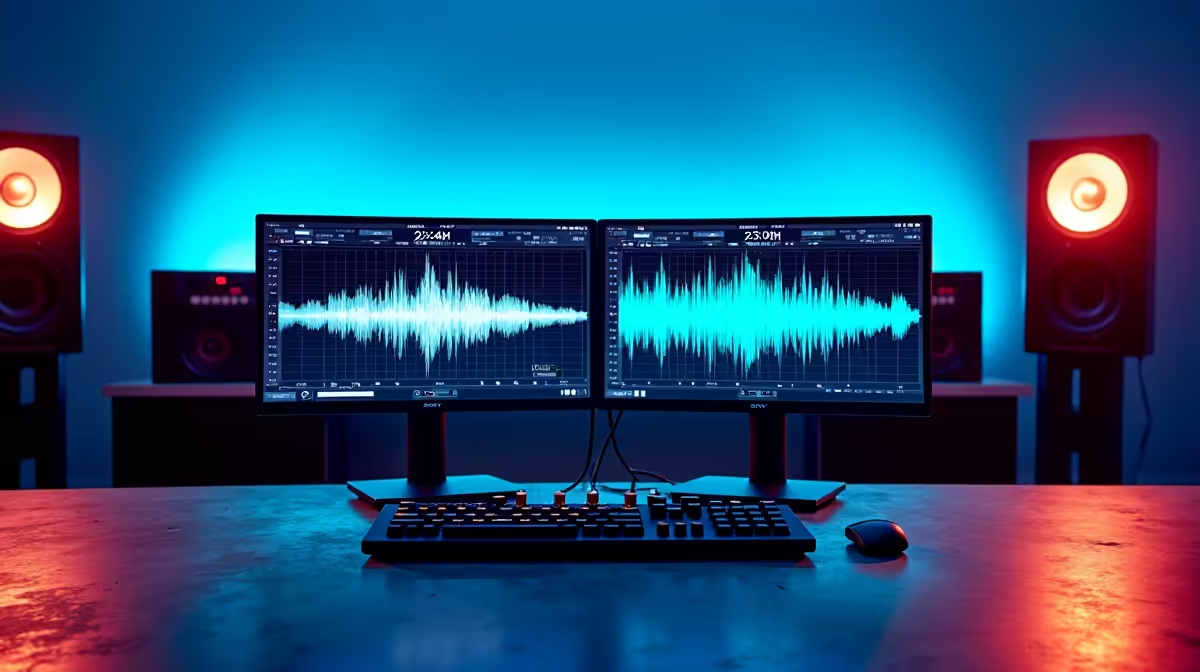
There is no single way to wire up zero-latency monitoring for two hosts. Dual low-latency real-time monitoring configurations range from the simplest possible arrangement, a compact two-output interface on a small desk, to a more elaborate mixer-driven layout with aux sends, headphone amps, and dedicated routing per seat. Each approach keeps both feeds at 0ms but differs in cost, flexibility, and how much desk real estate it occupies.
Quick Answer
The simplest configuration is a USB audio interface with two headphone outputs, each running independent direct monitoring. For more routing control, a small mixer with aux sends feeds two headphone amps. Both approaches reach 0ms; they differ in how much you can customise each host's personal blend.
🔧 The Two-Output Interface Layout
Most home studios and small podcast setups work best with a two-output interface. The unit connects to a computer via USB, presents two headphone sockets on the front panel, and routes each socket to a direct monitoring mix. The whole configuration sits in a chassis roughly 18 to 22cm wide, fits beside a laptop, and needs no external power for basic operation.
Each headphone output draws from the interface's internal headphone amplifier section. Independent level knobs let each host set their preferred listening volume. Routing is typically handled through the manufacturer's mix control software, where you assign microphone inputs and programme return to each of the two feeds.
The limitation of a two-output interface is channel count. If the show grows to three hosts, the configuration needs to expand. Some models add a third headphone output or support daisy-chaining a small headphone distribution amplifier. For the two-host format the interface alone is self-contained.
🎛️ The Mixer-Based Layout
A small analogue mixer adds routing granularity that an interface cannot match in software. The typical configuration here pairs a four-to-six channel mixer with two dedicated headphone amplifiers. The mixer handles microphone gain and channel routing. The aux send busses feed each headphone amplifier with a custom blend.
Aux sends are the key advantage. Each send is an independent post-fader tap from the channel strip, letting you build two completely different mixes from the same source tracks. Host A's feed can carry their microphone louder than the co-host. Host B's feed can reverse that weighting. The master fader still controls the recording output without disturbing either personal blend.
Physical faders also matter for live sessions. A mixer lets you ride a channel in real time if a presenter shifts unexpectedly, without touching a mouse or a software interface. For live-recorded shows and panel formats this speed is genuinely useful.
Pro Tip ⚡
In a mixer-based layout, label both aux send outputs and both headphone amplifier inputs with tape before the session. Routing confusion during recording, particularly when a guest joins or someone swaps headphones, often causes one host to accidentally monitor through the wrong feed. Ten seconds of labelling prevents that entirely.
⚡ Headphone Amplifier Selection for Multi-Host Scaling
A headphone distribution amplifier sits downstream of either the interface or the mixer and splits one or two feeds to multiple outputs. For a two-host show it adds capacity without replacing existing gear. For a three or four-host panel it becomes a necessity.
Impedance matching matters in this part of the chain. An amplifier designed for 32-ohm headphones will underdrive 250-ohm studio cans. Check the rated impedance range on the amplifier and match it to the headphones you run. An amplifier that handles 32 to 250 ohms covers most combinations without a separate unit per headphone type.
Output power per channel determines maximum listening volume. For comfortable monitoring in a moderately noisy room, 80 to 100mW per output is typically enough. High-output amplifiers running 150mW or more cover edge cases like noisy environments or hosts with mild hearing variation who prefer higher levels.
🔌 Compact Versus Expandable Configurations
A compact two-output interface suits the majority of podcast operations. The purchase cost is lower, the desk footprint is smaller, and the signal chain has fewer potential failure points. For a home studio running one or two shows per week, this configuration is the pragmatic choice.
An expandable configuration, built around a mixer and outboard amplifiers, suits producers recording multiple shows, live panels, or broadcast-format content where routing flexibility and live-mix control justify the added complexity. The per-output cost of a mixer plus amplifiers is higher, but the configuration scales to four or more hosts without a hardware replacement cycle.
Neither layout is universally correct. The honest question is what the studio produces now and what it is likely to produce in the next two years. Buying into a mixer layout for a two-host fortnightly show is often over-engineering. Buying a two-output interface for a daily panel show with rotating guests is under-engineering. Match the configuration to the production, not the specification sheet.
Frequently Asked Questions
What is the most compact dual monitoring configuration available?
A two-output USB interface is the smallest practical form. Units in this category measure roughly 18 to 22cm wide and offer two independent headphone outputs with individual level control. They need no external power supply or additional hardware and fit on a small desk without dedicated rack space. For most two-host setups this is the only piece of equipment required.
Does a mixer-based configuration improve audio quality over an interface?
Not inherently. Quality depends on the preamp and converter specs of the device, not the form factor. A mid-range mixer with decent preamps performs similarly to a mid-range interface. The mixer's advantage is routing flexibility and physical control, not a quality ceiling that interfaces cannot reach. At equivalent price points, results are comparable.
How many hosts can a single headphone distribution amplifier serve?
Most distribution amplifiers offer four to eight output channels from one or two inputs. A four-output unit feeds four hosts from a single mix source. An eight-output unit covers most panel formats. Amplifiers with two independent input channels can distribute two different mixes across their outputs, which is necessary for the individual-blend configuration a multi-host show requires.
Can a compact interface be upgraded to a mixer layout later?
Yes. An interface with a line output can feed the line input of a mixer, integrating both into the same chain. The interface handles computer audio routing and digital conversion. The mixer handles analogue routing and headphone distribution. Many studios run this combined layout as a transitional configuration before committing to a full standalone mixer setup.
Why does the configuration matter for hosts who only record occasionally?
Occasional recordings still benefit from a correctly matched configuration because setup errors compound over time. A host who has always used a shared mix does not know what they are missing until they use a properly configured individual feed. After one session with 0ms personal monitoring, most presenters are reluctant to go back, because the performance and pacing improvement is immediately audible in the resulting recording.
Ready to configure a monitoring setup that scales with your show?
Browse the audio interface and headphone amplifier range and find the layout that fits your desk, your host count, and your recording frequency.