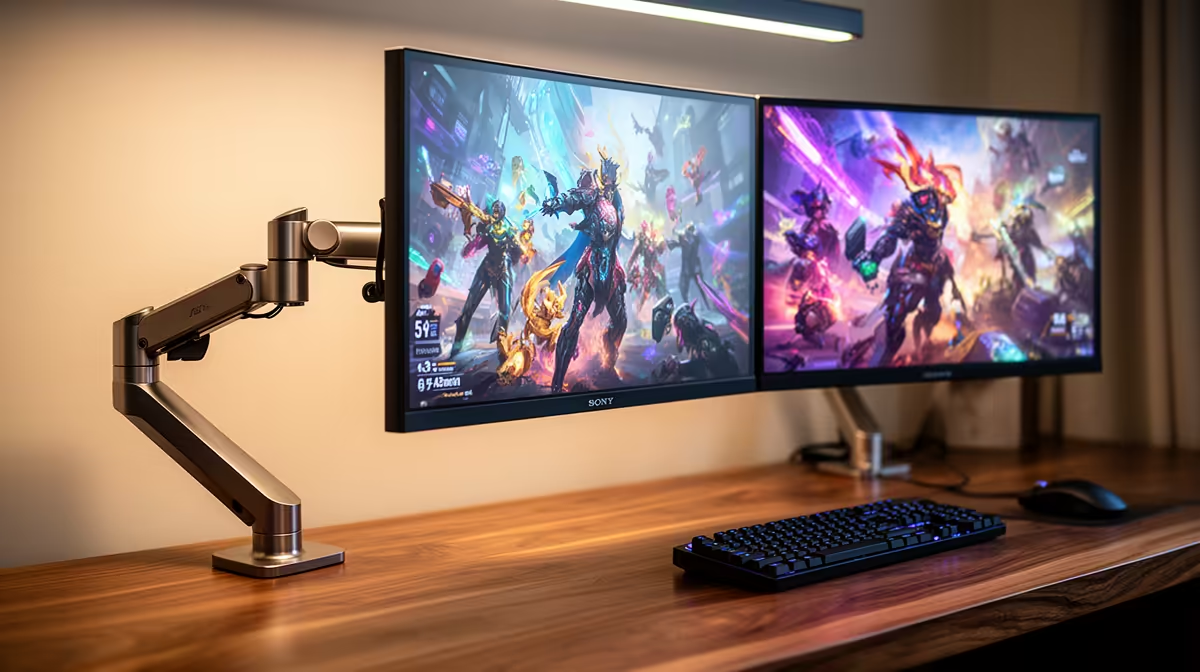
The MSI MAG 274F 200Hz at R3,006 suits a gamer who also needs a smooth second screen for Unreal Engine panels, timelines, previews, and reference windows. A dual-screen gaming monitor setup makes sense when one display carries the full-screen game or viewport while the other keeps controls, notes, Discord, browser tabs, or asset folders visible without constant alt-tabbing.
Best dual-screen monitor approach
The MSI MAG 274F 200Hz at R3,006 is the most balanced pick here because its 200Hz refresh rate is fast enough for competitive play while still being practical for a creator desk. Pairing two of the same screen also keeps colour, size, and refresh behaviour consistent across the workspace.
The ViewSonic VX2779A 240Hz at R2,350 is the stronger value play if high refresh matters more than matching a higher-priced pair. A 240Hz panel is useful when the main screen is for gaming, while the second display can hold documentation, project references, or performance monitoring.
The AOC 27in QHD 200Hz at R3,200 is the better option if you want sharper workspace detail. Its QHD resolution gives more room for editor panels and browser references than a basic full HD layout, while the 200Hz spec still keeps gaming responsive.
SA creator desk setup
For a student, bedroom creator desk, or home office in South Africa, the Dell SE2726H 144Hz at R1,797 can work as the secondary screen beside a faster main panel. Use it for chat, guides, folders, and admin windows, then keep the MSI MAG 274F 200Hz at R3,006 or ViewSonic VX2779A 240Hz at R2,350 as the main play and viewport display.
Ready to choose the right gaming monitor?
For the gaming room decision, Dell SE2726H 144Hz at R1,797 gives you its listed spec to measure against the brief.