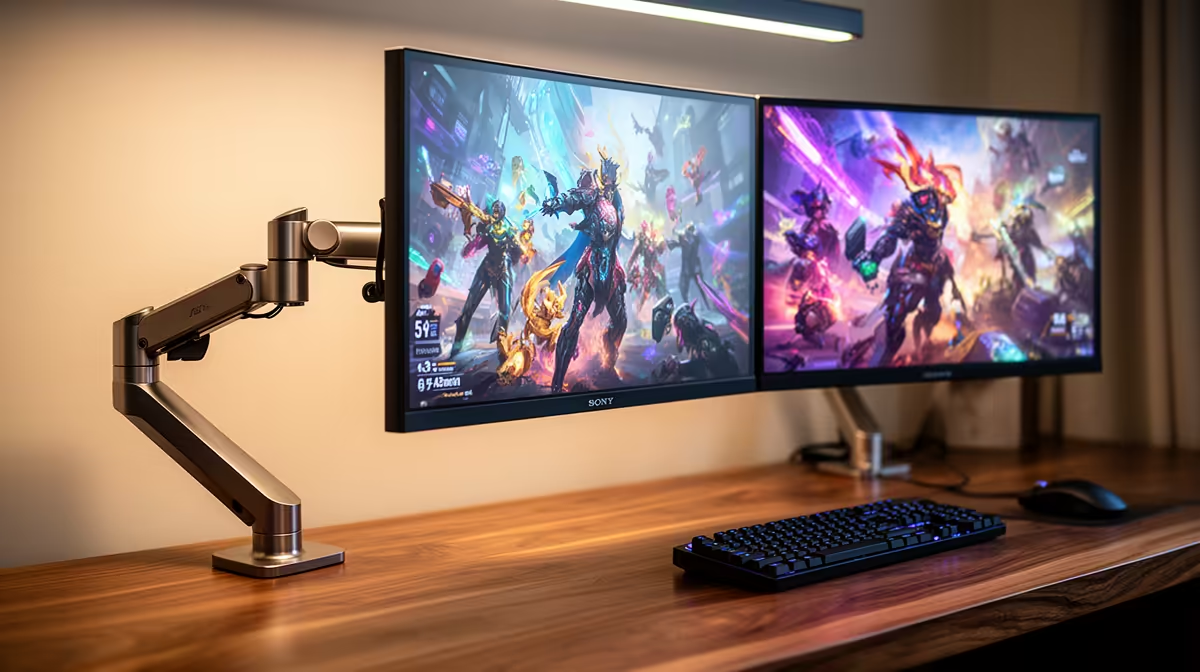
The MSI MAG 274F at R3,006 suits a gamer who also keeps virtual machines visible on a second screen, because its 200Hz refresh rate gives the main gaming monitor enough speed for play while the other display can hold dashboards, terminals, or notes.
Best monitor pairing for mixed play and VM work
A dual-screen layout makes sense when each panel has a clear job. Use the MSI MAG 274F at R3,006 as the primary 200Hz display for smooth input response, then place the Dell SE2726H at R1,797 beside it as a 144Hz support screen for VM consoles, documentation, chat, or a browser-based admin panel. That avoids constant window swapping without forcing every task onto the fastest screen.
The ViewSonic VX2779A at R2,350 is the sharper value pick if refresh rate matters most, since its 240Hz spec gives fast-paced games more headroom. Pairing it with the Dahua LM25 at R1,850 and 200Hz still keeps the second screen quick enough for live system views, monitoring pages, or a lightweight test environment while the main game stays focused.
SA home server shelf and gaming room setup
For a desk that also manages lab machines, the AOC 27in QHD 200Hz at R3,200 is the most useful upgrade when you want extra workspace density. QHD gives more room for VM windows than a basic single-screen layout, while 200Hz keeps the display from feeling like office-only gear when the gaming room shifts back to play.
Ready to choose the right gaming monitor?
Use Dell SE2726H 144Hz at R1,797 as the gaming room benchmark, then check whether its listed spec matches the space, workload, and upgrade path.