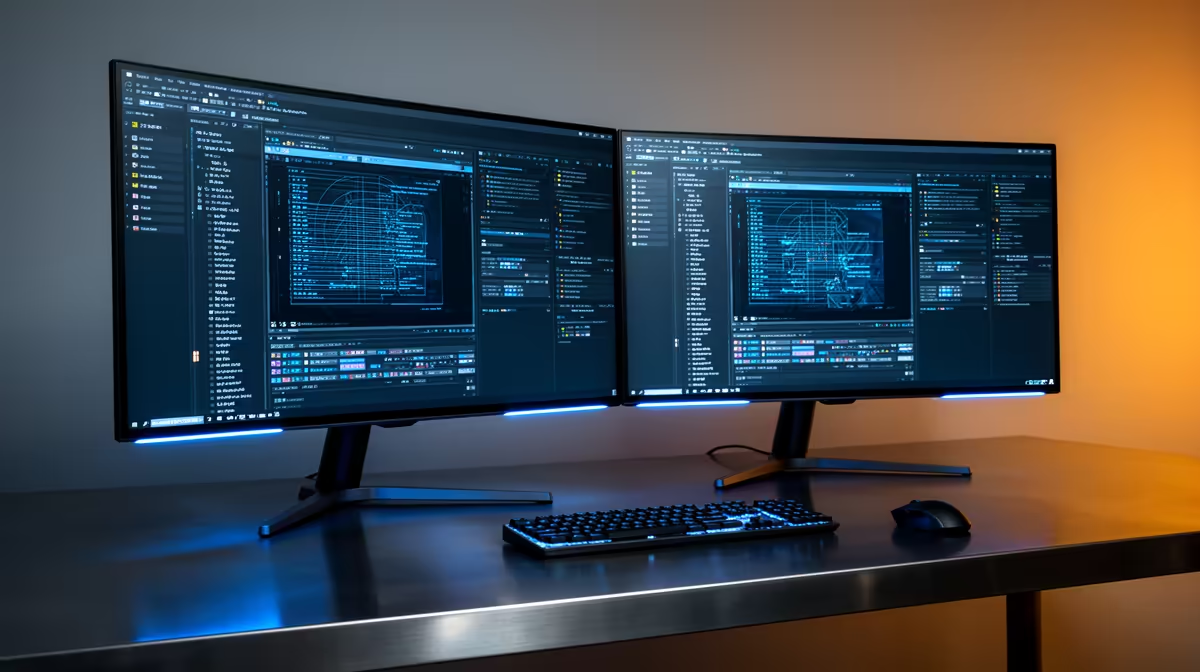
Dell SE2726H 27in FHD 144Hz at R1,797 suits students and engineering users who want a larger main monitor for MATLAB code, plots, documentation, and browser notes without paying workstation-screen money. A dual-screen setup is worth it when the second display helps you keep figures, scripts, and reference material visible at the same time, especially on a cramped study desk.
Best value dual-screen starting point
The Dell SE2726H 27in FHD 144Hz at R1,797 is the easiest first pick if you want one larger display as the main workspace. The 27in size gives plots and editor panes more breathing room, while FHD keeps the price low enough that adding a second screen later still makes sense.
For the second screen, the Dell SE2426H 23.8in FHD at R1,532 is a practical match for a side display. Use the bigger Dell SE2726H for your active script and figures, then keep PDFs, assignment briefs, or browser references on the 23.8in FHD panel.
Student desk setup for SA coursework
If the budget is tight, the Dahua LM27 100Hz at R1,500 is a strong low-cost 27in option for that workload. Its 100Hz spec is more than enough for everyday scrolling, documentation, and graph inspection, while the larger screen size helps when you need two windows side by side.
The MSI PRO MP275W at R1,850 also makes sense for a cleaner study or creator desk because it gives you a 27in-class work surface at a still-accessible price. It is the better choice when the screen will be used for writing, spreadsheet work, and long reading sessions alongside technical work.
Ready to choose the right monitor?
Keep Dell SE2726H 27in FHD 144Hz at R1,797 on the list for dual monitor setup actually running; its listed spec is the detail to test against that brief.