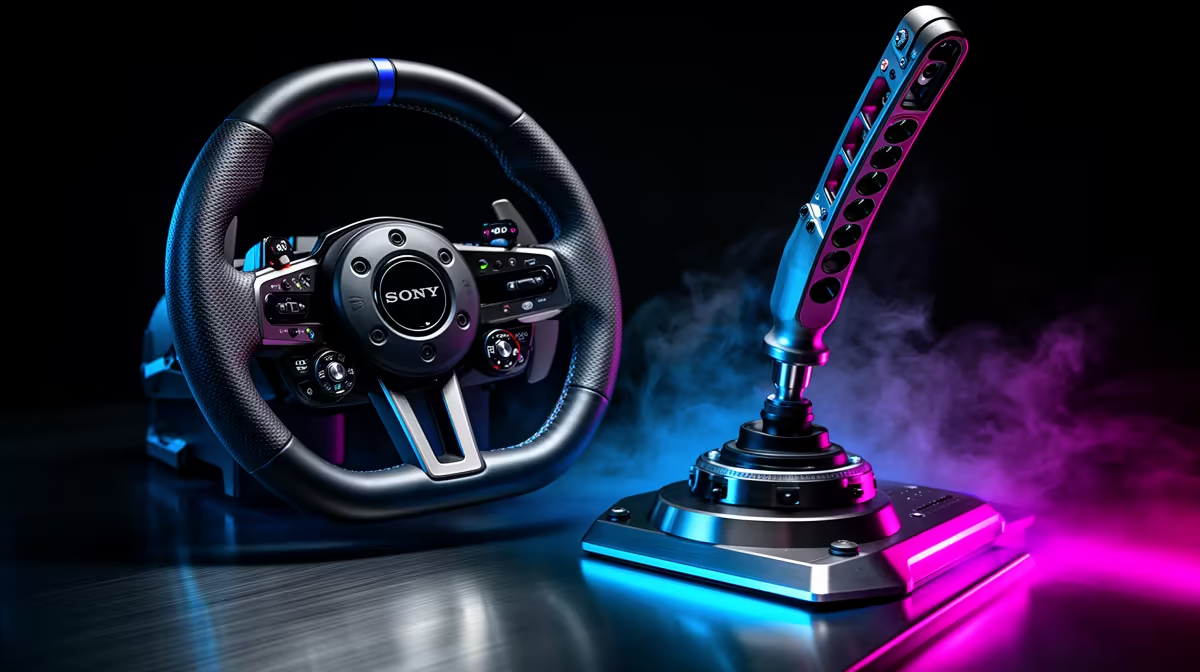
Rally asks you to steer, brake and reach for the handbrake while the car keeps moving. A budget EA WRC setup works when the core wheel and pedals mount firmly, then adds the control your driving style needs most.
Quick Answer
For an EA Sports WRC starter setup, buy the wheel and pedals first, secure them, and add a handbrake when you can place it where your hand finds it without reaching. Rally driving asks for fast corrections and repeated changes between steering, braking, throttle, gears, and the handbrake. Loose mounting turns that work into a wrestling match.
A handbrake is useful for tight hairpins, but it cannot compensate for vague steering or pedals sliding away. Browse the sim racing controls and mounting options to plan the main setup. You can also compare the stands and cockpit hardware around the flight simulator gear range, since a strong mounting frame matters in either type of simulator.
Start with the movements you use every stage
Your wheel needs enough feedback to show when the front tyres begin to wash wide and when the car regains grip. An entry force-feedback unit can teach those cues. Set the overall strength low enough that you can make a quick opposite-lock correction without fighting the motor.
Rally stages produce sharp impacts. Kerbs, ruts, and road edges can create heavy jolts that feel exciting for a few corners and tiring over a full session. Reduce impact and vibration effects if they obscure the steering load. You want to read grip, not endure noise through the rim.
Secure the pedals next. Braking while the car rotates is a core skill, and a pedal base that moves makes every attempt different. Use a stand, a grippy mat, or a physical stop that does not crush cables. Calibrate throttle and brake travel after moving the set. Check that the game reaches zero and one hundred percent without requiring a painful leg angle.
Where the handbrake earns its place
EA Sports WRC includes hairpins and junctions where a short handbrake input helps rotate the car. The useful action is a clean pull and release. Holding it too long scrubs speed and leaves you waiting for grip to return.
Mount the lever close to the wheel and slightly behind its front edge. Your hand should leave the rim, pull the lever, and return without your shoulder twisting. If you use a shifter as well, decide which control gets the easiest reach. Sequential shifting happens throughout a stage, while handbrake use may be limited to a few corners.
A separate lever also frees a wheel button. That helps when the wheel rotates far enough that button positions move away from your thumb. Map a backup handbrake button while testing, though. If the lever disconnects or its calibration changes, you can still finish the stage.
Check how the accessory connects. Some handbrakes work as a separate USB device on PC, while console compatibility can depend on the wheel ecosystem and supported accessories. A USB plug alone does not prove platform support. Confirm the exact wheel base, platform, game, and connection route before buying.
Build a rally-friendly mounting setup
A strong desk can support an entry wheel, but rally inputs put repeated sideways force through the clamp. Inspect the desk edge for a solid core and make sure the clamp pads sit flat. Tighten to the manufacturer's guidance rather than crushing the surface. Recheck the mount after the first few stages.
A freestanding wheel stand is a good middle step. It keeps the wheel, pedals, shifter, and handbrake together and can move away when the room is needed for something else. Look for enough adjustment to align the wheel with your shoulders and the pedals with your hips. Check whether the handbrake plate can swap sides or share space with the shifter.
A full cockpit offers the strongest base, but it also fixes the position in the room. Measure length and width with the seat moved to your driving position. Include space for your elbows, the handbrake pull, and entry from the side. A rig that technically fits may still block a cupboard or walkway.
Tune EA Sports WRC before buying more gear
Run the game's calibration for steering angle, throttle, brake, and handbrake. Match the wheel rotation to the game's automatic or per-car steering support where possible. If the car feels slow to respond, check calibration and rotation before raising sensitivity.
Set a small dead zone only when the control produces unwanted input at rest. Large dead zones make the car feel asleep around centre and make a handbrake harder to feather. Watch the input display while moving each control through its travel. A smooth bar is a better sign than a dramatic force setting.
Use one familiar stage for testing. Pick a route with a fast section, a medium corner, and at least one tight junction. Change one setting, drive the same section, and note the result. Random stages make it hard to tell whether the equipment or the road caused the difference.
Frame consistency matters in rally because a missed visual beat changes when you turn. Set graphics for the worst conditions you play, including rain and dense scenery. A stable target helps your inputs feel connected to the car. Lower reflections, shadows, or crowd detail before sacrificing the clarity needed to read the road.
A sensible upgrade order
First, stop movement in the wheel, chair, and pedals. Second, add the handbrake if tight-corner control is limiting you. After that, consider a shifter, stronger pedals, or a firmer stand according to the car classes you enjoy.
A round wheel rim suits the wide steering angles used in rally. Paddle shifters are enough for many modern cars, while an H-pattern or sequential lever can add involvement for specific classes. Buy around those cars rather than trying to cover every control style on day one.
Gloves are optional at starter torque levels. They can improve grip and protect a rim during long sessions, but clean hands and a comfortable force setting may be enough. Shoes with a thin, consistent sole can make pedal pressure easier to judge. Avoid changing several contact points at once while you are learning.
FAQ
Is a handbrake required for EA Sports WRC?
You can map the handbrake to a wheel button and drive every stage. A separate lever becomes valuable when you use it often, need a reliable pull while the wheel is turned, or want finer control over the input.
Can I connect any USB handbrake to a console?
No. Console support usually depends on the wheel ecosystem, platform licensing, and the game's supported device path. Confirm the exact handbrake and wheel combination with the manufacturers before ordering.
Should I upgrade the wheel or buy a handbrake first?
Keep a working force-feedback wheel and stable pedals, then add the handbrake if hairpins are the clear problem. Upgrade the wheel first when the current unit has unreliable feedback, cannot mount securely, or does not support your platform.
Put together an EA Sports WRC setup with secure controls, then add the handbrake and mounting hardware that match your platform and driving space.