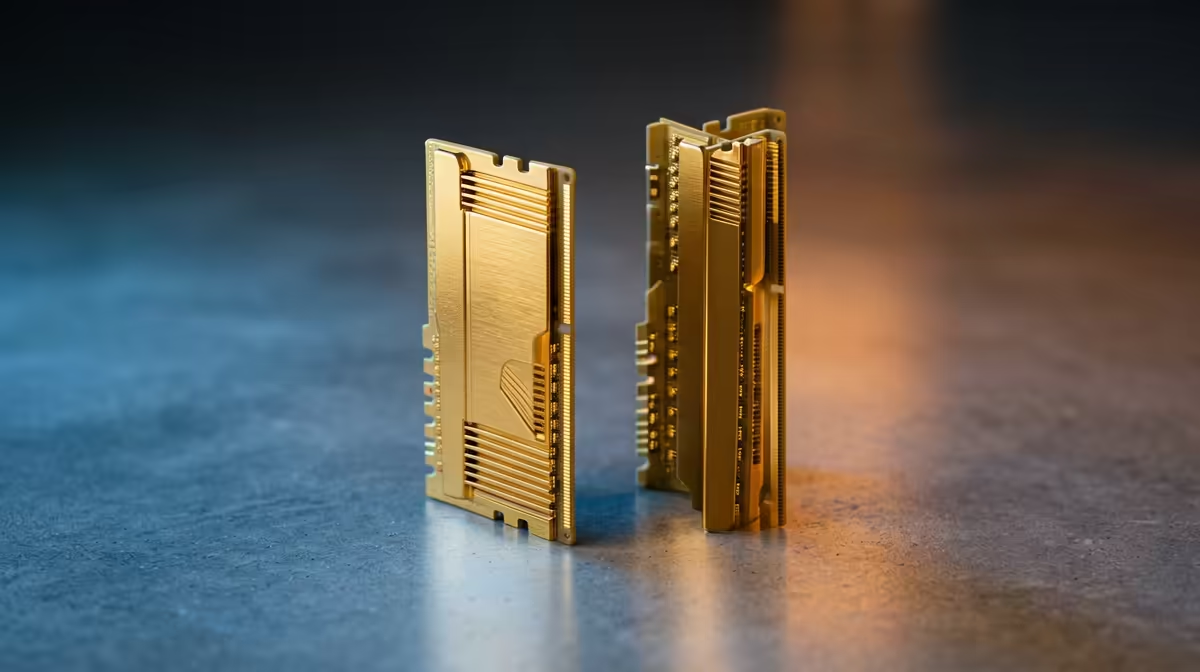
The question of ECC versus non-ECC RAM for a ZFS home server has launched more forum arguments than almost any other home-lab topic. The case for ECC is straightforward: ZFS does its integrity work in RAM, so memory the filesystem cannot trust is a gap in an otherwise carefully checksummed chain. The case against is that the scariest failure story is more myth than menace. Both deserve an honest hearing before you spend.
Quick Answer
ECC RAM is strongly recommended for an always-on ZFS server, not strictly required. ZFS keeps its checksums and working data in memory, so an undetected bit-flip in non-ECC RAM can let corrupted data slip past its protections. ECC detects and corrects single-bit errors for a modest price premium, which is cheap insurance for data you intend to keep for years.
Why RAM matters so much to ZFS
ZFS earns its reputation by checksumming everything on disk and self-healing corruption it finds. The catch is that this verification happens in system RAM. Data is read from disk into memory, checksummed there, and compared there. If the memory itself flips a bit during that process, ZFS can be working from a value that was correct on disk but corrupted in RAM, and it has no way to know.
This is the conceptual gap ECC closes. ECC memory carries extra bits that let it detect and correct single-bit errors on the fly, so a stray flip, from cosmic rays, electrical noise or a marginal module, gets caught before it can poison ZFS's view of your data. For a server that runs around the clock for years, the cumulative odds of at least one such flip are not negligible. If you are building the box, the mini PC range at Evetech includes low-power platforms suited to always-on home servers.
The "scrub of death" story, and the truth about it
You will hear a dramatic warning that non-ECC RAM can destroy an entire ZFS pool during a scrub. The story goes like this: with a stuck memory cell, a scrub reads good data off the disk, the bad RAM corrupts it in memory, ZFS thinks it found a disk error and writes the corrupted version back, repeating across the pool until everything is trashed.
It is a frightening scenario, and it is largely debunked. Matthew Ahrens, one of the original ZFS developers, has stated plainly that there is nothing about ZFS that requires or encourages ECC more than any other filesystem does. The catastrophic chain depends on a very specific, persistent memory fault, and most discussion now treats the full scrub-of-death as overstated. So do not buy ECC out of fear of that particular story.
The real reason to favour ECC
The honest argument for ECC is quieter and more general. Any filesystem suffers when RAM silently corrupts data, and ZFS has a specific wrinkle: it has no fsck-style repair tool, because pools are designed to be consistent at all times. If bad memory does manage to introduce inconsistency, your recovery options are thin. ECC simply removes a whole category of silent failure, which is valuable on a machine holding irreplaceable data, regardless of the mythology around scrubs.
When non-ECC is a reasonable choice
ECC is the best practice, not an absolute mandate, and there are sensible cases for skipping it. A media server holding content you could re-acquire, a test or learning rig, or a budget build where the platform simply does not support ECC, are all reasonable places to run non-ECC and accept the small residual risk. Plenty of home servers run non-ECC for years without incident.
The decision really comes down to what the pool holds. For family photos, business records and anything you cannot replace, the ECC premium is trivial against the value of the data. For replaceable bulk storage, non-ECC is a defensible saving. Be clear-eyed about which category your server falls into before you choose. The platforms and storage to build either are in the best-selling PCs at Evetech range.
Practical notes on actually using ECC
A few real-world points. ECC needs support across the chain, the memory, the motherboard and the CPU all have to handle it, so plan the platform around ECC from the start rather than bolting it on. Server and workstation platforms support it readily, while many consumer desktop boards do not, which is part of why ECC builds cost a little more overall.
On newer memory, be careful with marketing. Some DDR5 includes on-die ECC, which protects the chip internally but is not the same as full system ECC that protects data travelling across the memory bus. If true end-to-end ECC is your goal, confirm the platform supports it properly rather than assuming the on-die feature covers you.
How much RAM matters more than ECC for ZFS
There is a related point worth raising, because it is where home-lab budgets are often spent backwards. ZFS benefits enormously from having plenty of RAM for its read cache, which is what makes a pool feel fast in everyday use. For many home servers, the practical performance lever is the amount of memory, not whether it carries ECC, since the cache is what serves frequently-read data without hitting the disks.
That does not make ECC pointless, but it does reframe the priority. If a budget forces a choice between a generous amount of non-ECC memory and a smaller amount of ECC, the answer depends on the workload: a performance-sensitive server with replaceable data may be better served by more RAM, while an archive of irreplaceable data leans toward ECC even at a smaller capacity. The ideal, where the platform and budget allow, is ample ECC memory, which gives you both the cache and the protection.
The realistic risk for a typical home server
It helps to size the actual danger honestly rather than reacting to forum drama. A bad RAM module is rare, and modern memory is generally reliable, so most home servers run for years without a memory-induced corruption event whether or not they use ECC. The point of ECC is not that failure is likely on any given day, but that it quietly removes a category of silent, hard-to-diagnose corruption over the long life of an always-on machine.
Where ECC truly earns its keep is detection. Without it, a marginal memory module can introduce subtle errors you never notice until something important is already corrupted, with no warning and no easy way to trace the cause. ECC systems log corrected errors, so a module starting to fail announces itself before it does damage. For a server you intend to leave running and largely forget about, that early warning is arguably as valuable as the correction itself.
Frequently Asked Questions
Does ZFS actually require ECC RAM?
No. ECC is strongly recommended but not required. ZFS does its checksumming in RAM, so ECC closes a gap by catching memory bit-flips, but a ZFS developer has confirmed ZFS does not need ECC any more than other filesystems do.
Is the ZFS "scrub of death" real?
It is largely debunked. The scenario needs a very specific persistent memory fault, and the original ZFS developers have downplayed it. Do not buy ECC out of fear of that story, but ECC is still worthwhile for general protection against silent corruption.
What does ECC actually protect against?
ECC detects and corrects single-bit memory errors from cosmic rays, electrical noise or marginal modules. On a ZFS server that prevents a flipped bit in RAM from corrupting data before it is written back to disk.
When is non-ECC RAM acceptable for a home server?
For replaceable data like a media library, for test or learning rigs, or where the platform does not support ECC. The decision hinges on whether the pool holds irreplaceable data, in which case ECC is well worth the small premium.
Is DDR5 on-die ECC the same as system ECC?
No. On-die ECC protects the memory chip internally but does not protect data crossing the memory bus. For full end-to-end protection, confirm the platform supports true system ECC rather than relying on the on-die feature alone.
Building a server to hold data you cannot replace? Spec a platform that supports proper ECC from the mini PC range at Evetech and give ZFS the memory it deserves.